Model Categories & Fair Use
How models are categorized and how premium fair-use caps work
Plan changes from October 15, 2026
DevPass subscription prices stay the same, but included usage decreases. Daily and premium weekly caps and Reset Pass benefits change on October 15; existing monthly allowances change at the first renewal on or after that date. New subscriptions from that date start with the new allowance. Review the dated plan-change notice before subscribing.
Every model in the gateway is sorted into a category. Categories power dashboard filtering, analytics, and — for DevPass coding plans — the fair-use limits that keep flagship models available to everyone.
Categories
| Category | Description |
|---|---|
| Premium | High-cost frontier / flagship models — priced at $15+ per million output tokens or $5+ per million input tokens |
| Standard | Every other model — the broad catalog of fast, cost-effective everyday models |
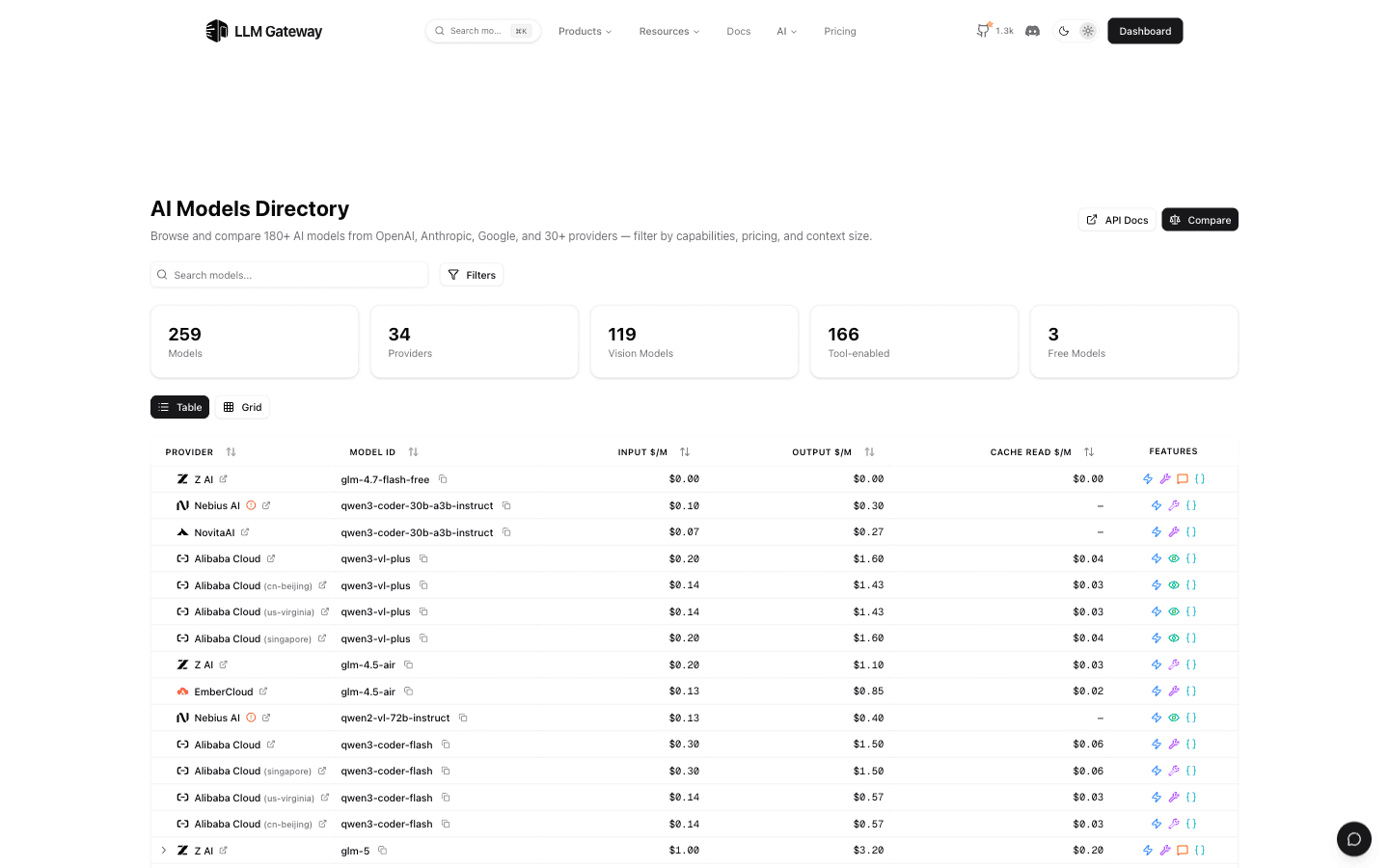
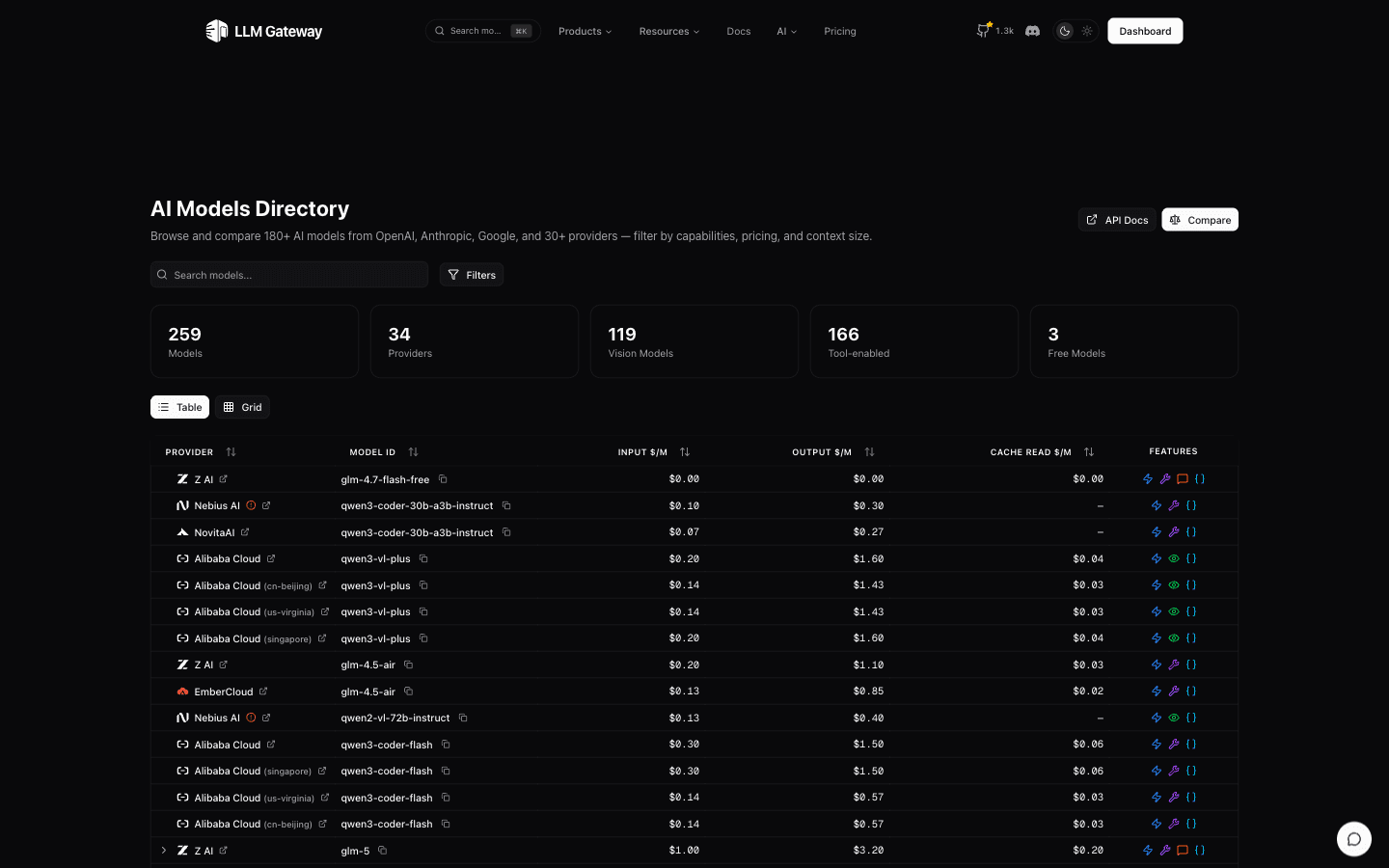
The classification is computed automatically from catalogue prices — there is no hand-picked list. To see exactly which models are premium right now, check the live Premium Models page, or browse the full catalog on the Supported Models page and filter by use case, capabilities, provider, price, and context size. On the DevPass models directory, you can additionally filter by pricing tier, since the premium/standard distinction only affects DevPass fair-use limits.
Fair-use caps on premium models (DevPass only)
Fair-use caps apply only to DevPass — the fixed-price monthly plans for coding tools (Lite, Pro, Max). They do not apply to the LLM Gateway API or pay-as-you-go credits: when you call the API directly, premium models are limited only by your credit balance, with no weekly cap.
Premium models are the most expensive to run, so DevPass plans apply a weekly fair-use cap on premium usage. The cap works on a fixed 7-day window: the window opens with your first premium-model request, all premium usage during those 7 days counts against the cap, and the full allowance resets at once when the window ends. It sits on top of the plan's normal monthly credit allowance. The cap scales with each plan: it's a share of your current cycle's credit allowance (including any credits rolled over from an upgrade), so higher tiers get a larger weekly premium allowance.
| DevPass plan | Premium fair-use cap (per week) |
|---|---|
| Lite | 10% of monthly credits |
| Pro | 12% of monthly credits |
| Max | 15% of monthly credits |
Within DevPass, the weekly cap applies only to premium models. Standard models are limited only by the plan's credit balance, not by the fair-use window.
Once a DevPass plan reaches its weekly premium cap, premium requests are paused until the current 7-day window ends — usage does not gradually free up over time. The reset countdown runs from when the window opened, not from when you hit the cap, so the full allowance can return anywhere from moments to 7 days after you reach the limit. Standard models keep working normally the whole time. Upgrading the DevPass plan raises the weekly cap.
The fair-use window is a limiter on the plan allowance, not on your own money: with pay-as-you-go overflow enabled and a positive credits balance, premium requests past the weekly cap keep flowing and bill that balance at provider rates — mid-cycle with monthly allowance remaining, or after the monthly pool is fully used alike. Standard models keep drawing from the plan allowance as usual.
Daily pacing allowance (DevPass only)
Separately from the premium cap, every DevPass plan paces its monthly allowance with a daily pacing allowance that applies to all models, standard and premium alike. Each rolling 24-hour window can use a published share of the monthly credits — the window opens with the first request, everything spent from the plan allowance during those 24 hours counts against it, and the full share is available again once the window ends. The share is taken from your current cycle's credit allowance, including any credits rolled over from an upgrade.
| DevPass plan | Daily pacing allowance (per rolling 24h) |
|---|---|
| Lite | 8% of monthly credits |
| Pro | 9% of monthly credits |
| Max | 10% of monthly credits |
When a window fills, requests are paused until it rolls over; the gateway's 402 response says how long that is. Like the premium cap, pacing limits only the plan allowance: with pay-as-you-go overflow enabled and a positive credits balance, requests past the daily share keep flowing and bill that balance at provider rates. Upgrading the plan raises the share, and the current dollar figures for each tier are on the DevPass pricing page.
Reset Passes
You don't have to wait out the window: redeeming a Reset Pass instantly restores the full weekly premium allowance and starts a fresh 7-day window. A pass removes the weekly limit only — it grants no extra credits and does not affect daily pacing, so premium usage after a reset still draws from the plan's monthly allowance. Max includes 2 passes per billing cycle; on every tier, extra passes are a one-time purchase from the DevPass dashboard. See the Reset Passes page for how redemption, included passes, and billing work.
Provider routing on DevPass
DevPass plans always use the gateway's smart routing: request a model by its plain id (e.g. claude-sonnet-5) and the gateway picks the best provider in real time based on uptime, throughput, price, and prompt-cache support. Sticky session routing still keeps each coding session on one provider automatically, so upstream prompt caches stay warm across a conversation.
Both auto and price routing account for cached input costs using your project's recent model usage once enough history exists, and assume 90% cached input and a 2% output:input ratio before then, including when choosing a provider for a short opening session prompt. This helps sessions that repeatedly reuse context choose providers with lower expected token costs. See how routing learns your token mix for the sample requirements, defaults, and override behavior.
Provider pinning is not available on DevPass. Provider-prefixed model ids
such as openai/gpt-4o — which pin a request to one specific provider on
pay-as-you-go — are rejected with a 403 on DevPass coding plans, as is
custom provider routing. If you need to target an exact provider or region,
use pay-as-you-go credits with the LLM Gateway API,
where provider-specific routing
is fully supported.
How is this guide?
Last updated on