Dynamic Routes
Build named, versioned routing flows visually and invoke them via dynamic/<name> in the model field
The Dynamic Routes page in your project settings lets you define named routing flows — conditions on the request, percentage-based A/B splits, and model targets with provider fallback — and invoke them by putting dynamic/<name> in the model field instead of a concrete model. Routing logic moves out of your application code: change the flow in the dashboard and every client picks it up on the next request, no deploy needed.
Dynamic routes are available on the Enterprise plan and can be managed by organization owners and admins.
Creating a Route
Enter a name under New route and click Create. Route names are lowercase slugs (letters, digits, and single hyphens) and become part of the model string — a route named support is invoked as dynamic/support. New routes start with a starter graph you can edit right away.
The route list shows each route's state at a glance: the published version badge (for example v2), unpublished when no version has been published yet, and off when the route is disabled.
The Visual Editor
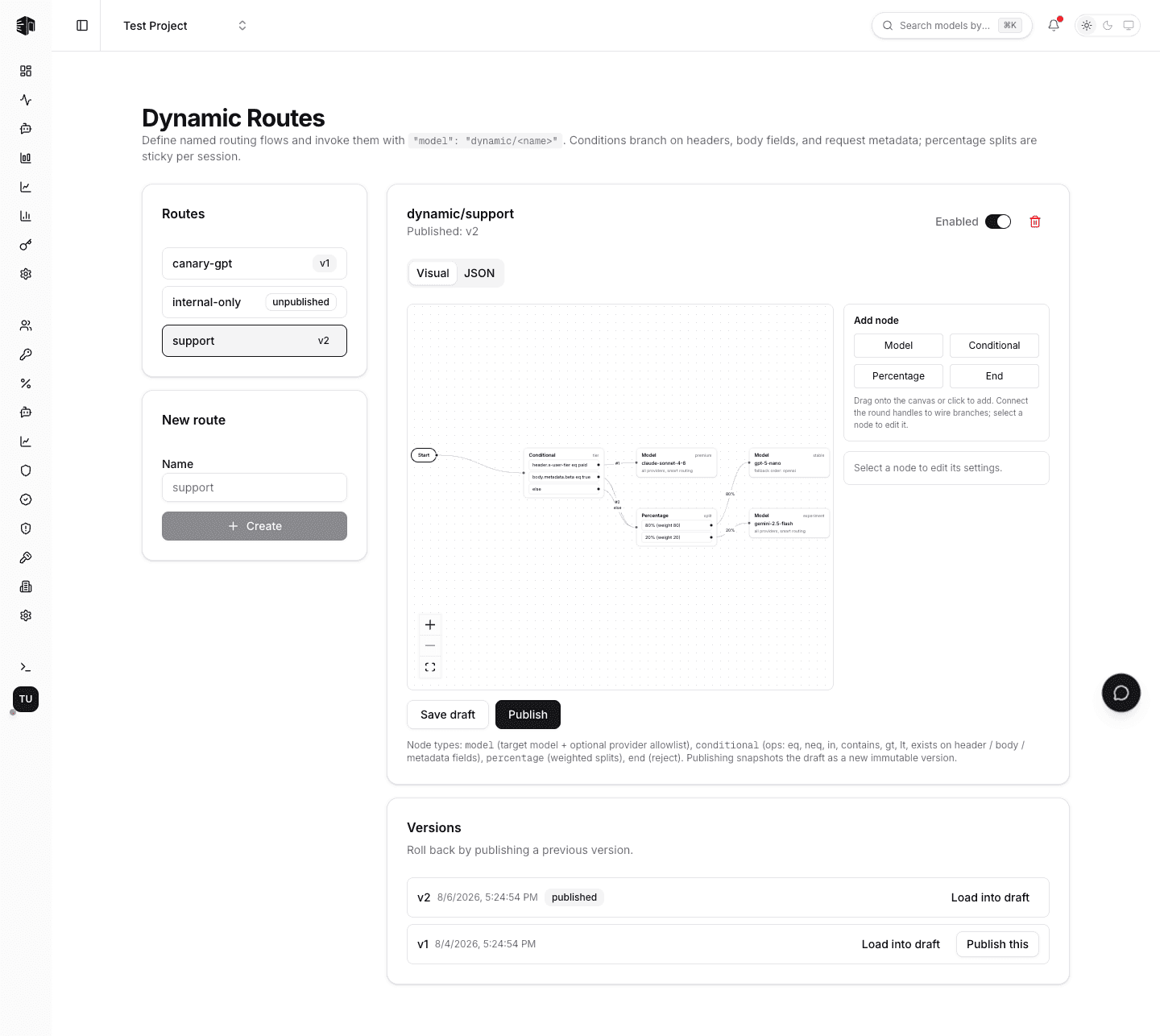
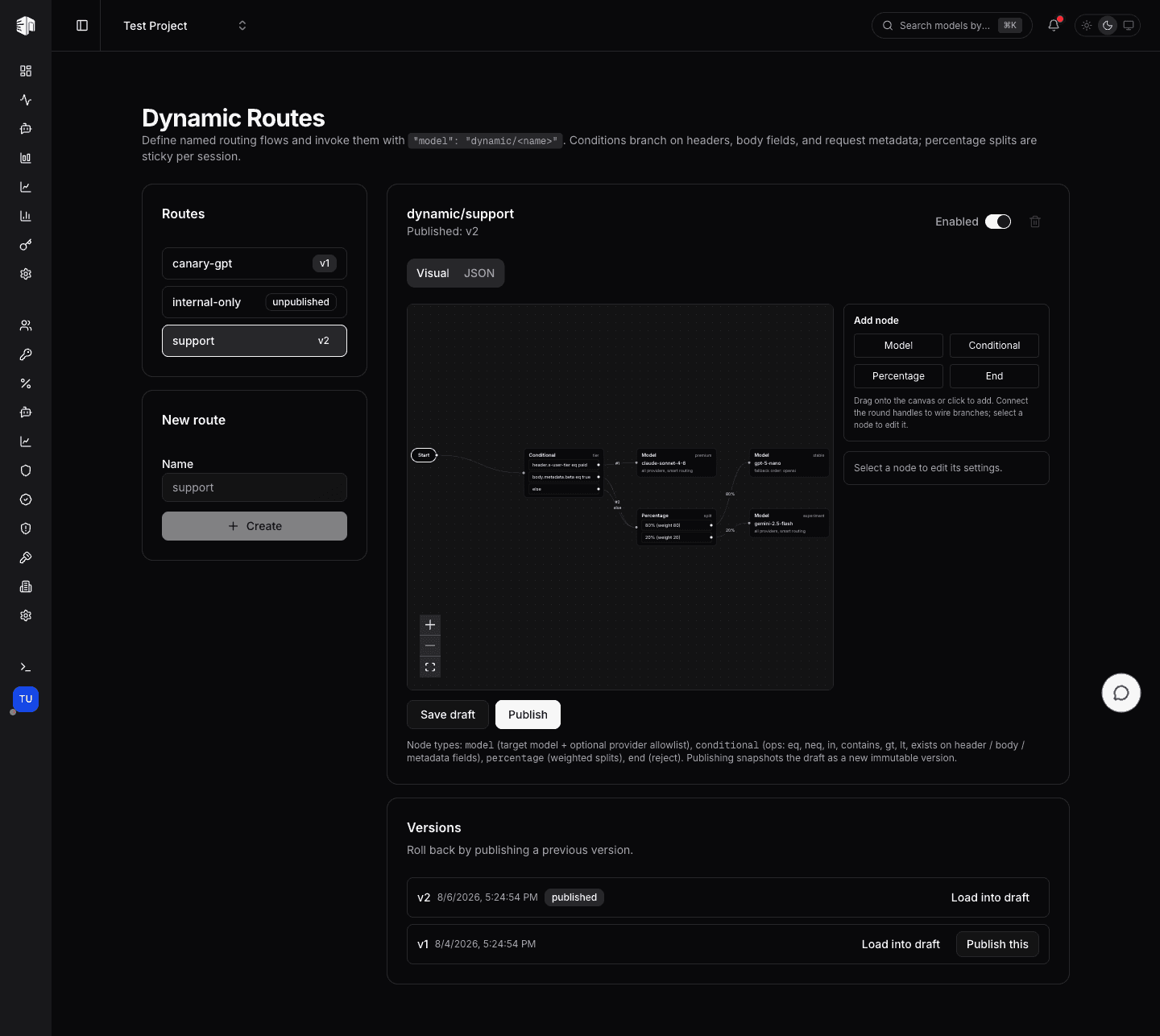
The Visual tab is a drag-and-drop canvas. Add nodes from the palette (drag onto the canvas or click), wire branches by connecting the round handles, and select any node to edit its settings in the inspector — conditions, split weights, the target model (with a searchable catalog picker), and an ordered provider fallback list.
Every flow starts at the Start node and ends at either a Model node (route the request) or an End node (reject the request with a 400):
| Node type | What it does |
|---|---|
| Model | Routes to a catalog model; an optional provider list restricts routing and sets the fallback order |
| Conditional | If/else branching on request headers, body fields, or request metadata — first matching condition wins |
| Percentage | Weighted traffic splits, deterministic per session so a conversation keeps its A/B assignment |
| End | Explicitly rejects the request with a 400 |
See the dynamic routes feature docs for the full condition operator and field reference.
The JSON Editor
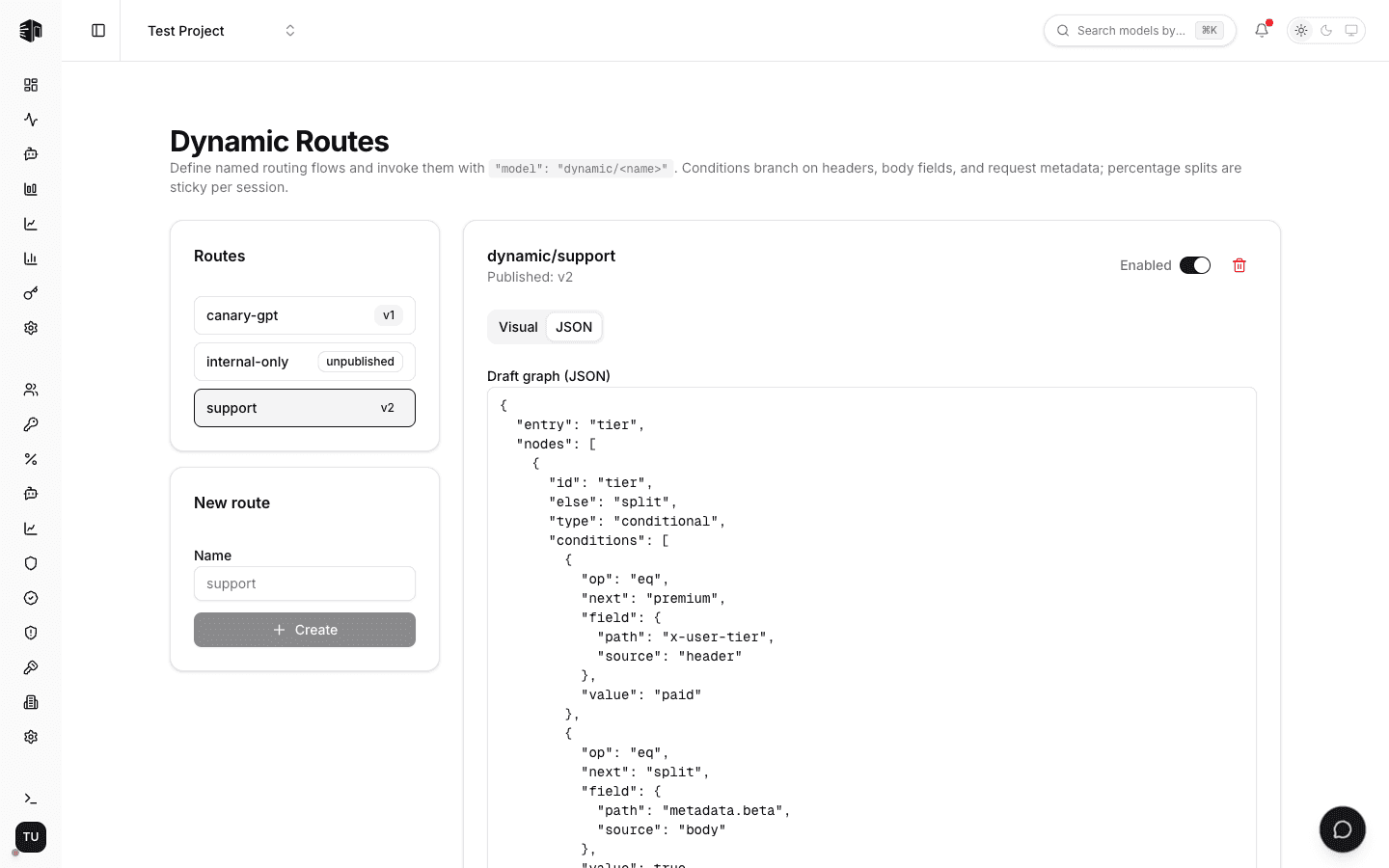
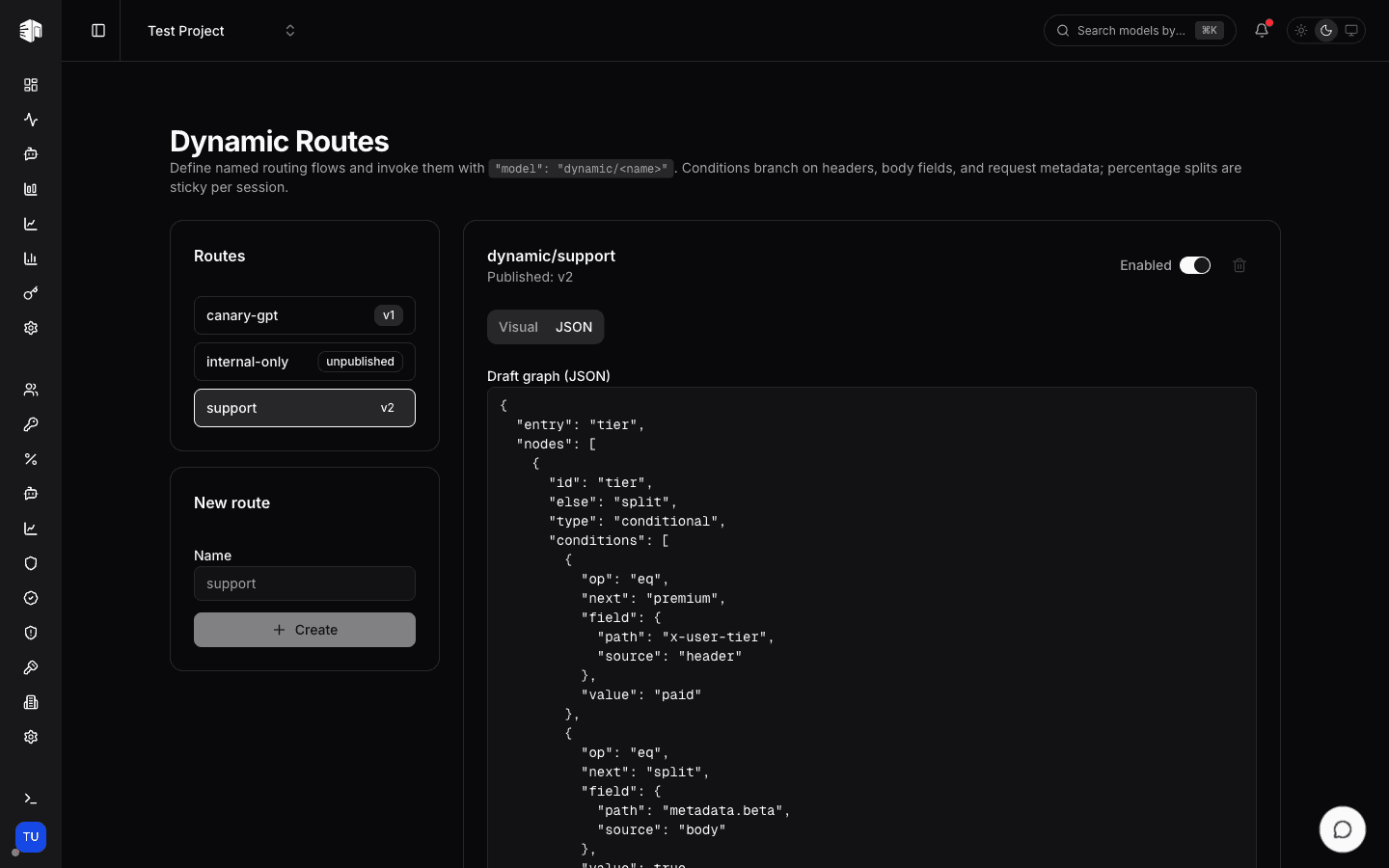
The JSON tab edits the same graph as raw JSON — useful for copy-pasting flows between projects or generating them programmatically. Both tabs stay in sync, and both validate against the full schema before saving: unknown models, unwired branches, cycles, and invalid conditions are listed under Fix before saving and block the save until resolved, so an invalid graph can never serve traffic.
Publishing and Rolling Back
Edits go to the route's draft; live traffic is never affected until you click Publish, which snapshots the draft as an immutable, numbered version and re-validates it against the current model catalog. The Versions card lists the full history — Load into draft copies an old version into the editor, and Publish this rolls back to it instantly.
A route serves requests only while it is Enabled and has a published version; otherwise requests using dynamic/<name> are rejected with a 404.
Invoking a Route
Use the route name in place of a model on any OpenAI-compatible endpoint:
curl https://api.llmgateway.io/v1/chat/completions \
  -H "Authorization: Bearer $LLM_GATEWAY_API_KEY" \
  -H "x-user-tier: paid" \
  -d '{
    "model": "dynamic/support",
    "messages": [{"role": "user", "content": "Hello!"}]
  }'
Once the flow resolves to a model, the request goes through the same weighted smart routing as any other — provider scoring, sticky sessions, and automatic cross-provider fallback included. Each request's activity log records the route name, version, and the node path the evaluation took.
How is this guide?
Last updated on