Analytics
Break down cost, requests, and tokens by model for any project
The Analytics page shows where a project's spend actually goes. It leads with the project's totals for the range, then breaks usage down — as a ranking and over time — so you can see what drives cost, requests, and tokens across any date range.
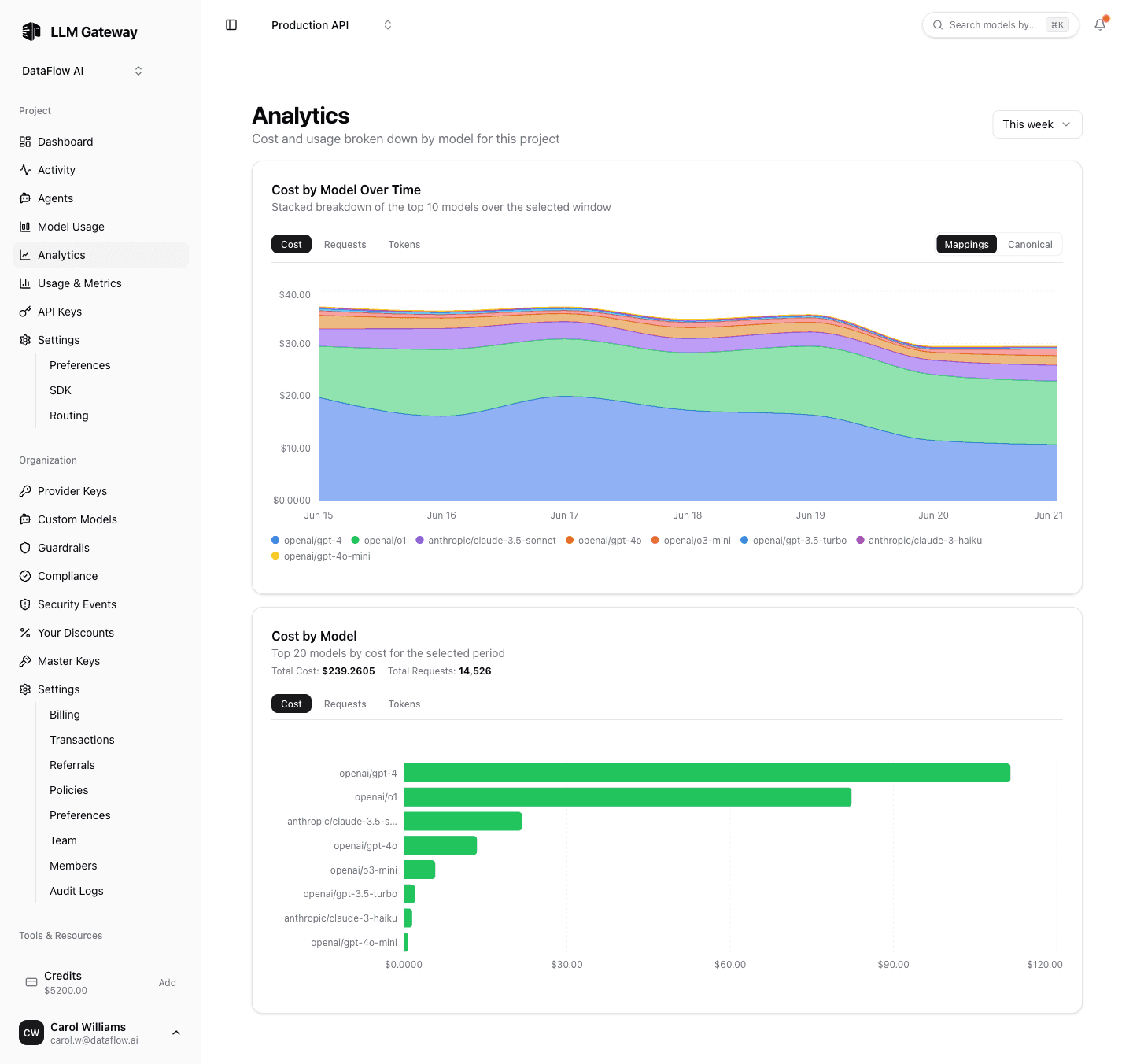
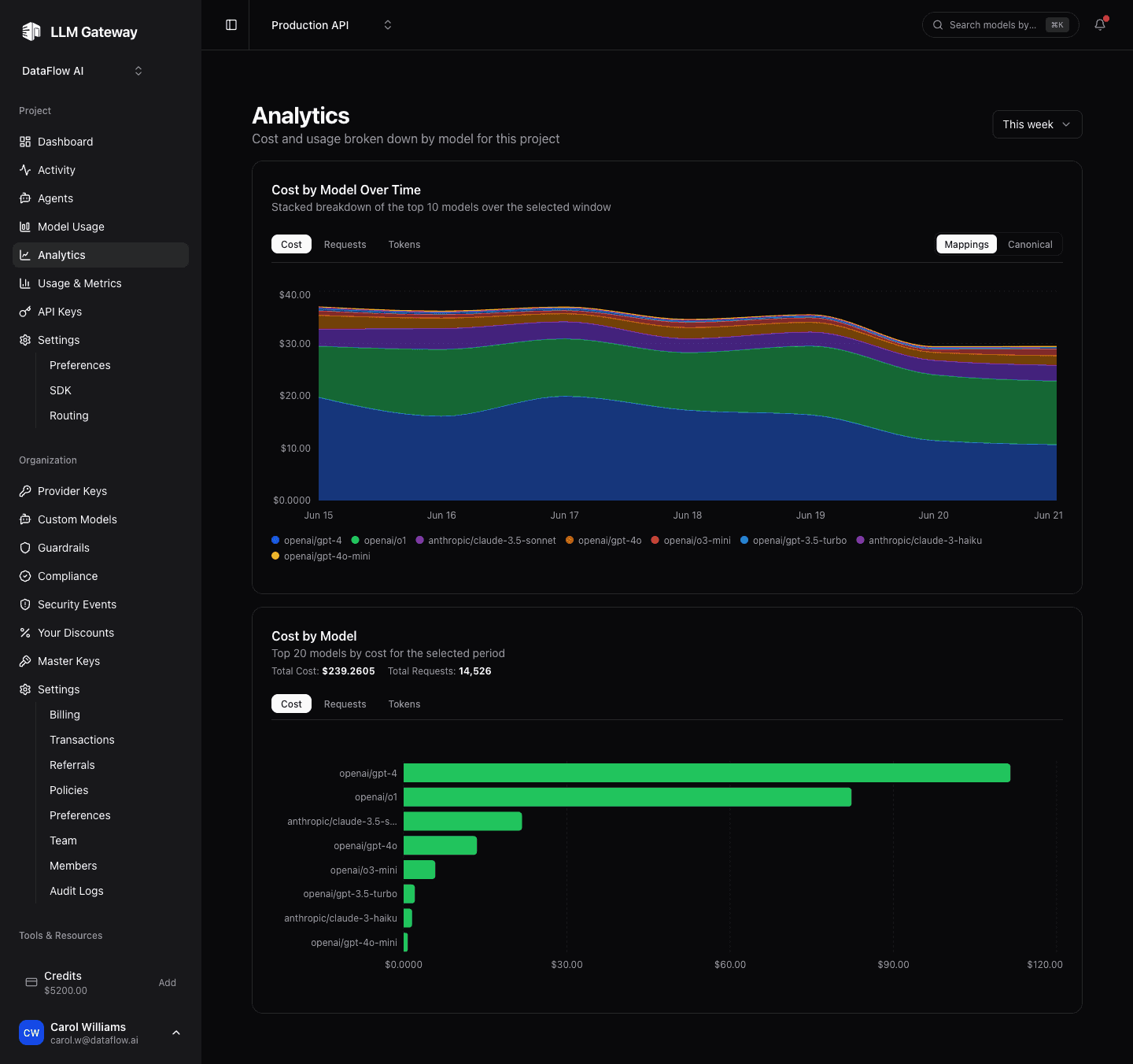
Open it from the Analytics item in the project sidebar. Like the rest of the dashboard, the page respects the shared date-range picker at the top, so every chart reflects the same window.
Totals
Three cards at the top show the project's total cost, requests, and tokens for the selected range, each with a sparkline of its daily values. They are computed from the same data as the charts below, so the total and the breakdown always agree.
Request and token counts use commas every three digits, regardless of browser locale. Chart axes and compact summaries use k, M, B, or T for thousands through trillions; hover chart points to inspect full counts.
Choosing a breakdown
The Group by selector switches which dimension the two charts break the project down by:
| Breakdown | What it shows |
|---|---|
| Model | Spend per model (the default) |
| API key | Spend per API key in the project |
| User | Spend per team member — Enterprise, owners and admins only |
Breakdown by user answers "what is each person on this team costing us?" in the same view as the project total. It is available to organization owners and admins on the Enterprise plan — see Member Analytics.
Spend is attributed to whoever created the API key that made each request. Traffic from platform keys has no member behind it, so it is shown as Unattributed rather than dropped, keeping the per-member rows summing to the project total.
Cost by Model
A horizontal bar chart that ranks the models used in the selected range. Switch the metric with the tabs above the chart:
| Tab | What it ranks |
|---|---|
| Cost | Total spend per model, in USD |
| Requests | Number of requests routed to the model |
| Tokens | Total tokens (input + output) |
Use it to spot the one or two models responsible for most of your bill, or to confirm that traffic is spread the way you expect.
Cost by Model Over Time
Choose Line to compare individual series or Bar to stack their values across the date range. Your chart-style choice is remembered across visits and also applies to the API key, user, and token charts. It has the same Cost / Requests / Tokens tabs, plus a Mappings / Canonical toggle:
- Mappings — each model variant is shown separately, exactly as it was requested (for example a custom provider mapping is kept distinct from the built-in model).
- Canonical — variants of the same underlying model are collapsed into one canonical model (the provider prefix and tag are dropped), so
openai/gpt-5.5and a custom mapping of it count as a single line.
Switch to Canonical when you care about the underlying model's total footprint; stay on Mappings when you need to compare specific routes.
The Mappings / Canonical toggle is specific to models — the API key and user breakdowns rank named entities, so there is nothing to collapse.
Token breakdown
Tokens over time separates uncached input, cache reads, and output. Input includes cache-write tokens; the note below the chart shows how many were written to cache. Cache reads appear only in the cache series, so the three categories do not double-count input tokens.
The model selector above the chart narrows all three series to a single model, so you can see where one model's cache reads or output actually land. It lists the models used in the selected range and is available on the model breakdown.
Token counts always include credits and BYOK traffic. The billing-mode selector filters spend and requests, but the historical token counters are combined.
For budget warnings, upcoming model retirements, and provider issues, enable notifications from the bell in the dashboard header.
How the data is computed
These charts derive from the same activity data the rest of the dashboard already reads — there is no separate analytics pipeline to wait on. Aggregation happens per time bucket and is timezone-correct, so totals line up with the Activity and Usage pages for the same range.
For a per-key view of the same breakdowns, see API Keys. For an org-wide, per-person view on the Enterprise plan, see Member Analytics.
How is this guide?
Last updated on