Image Studio
Generate and edit images using AI models
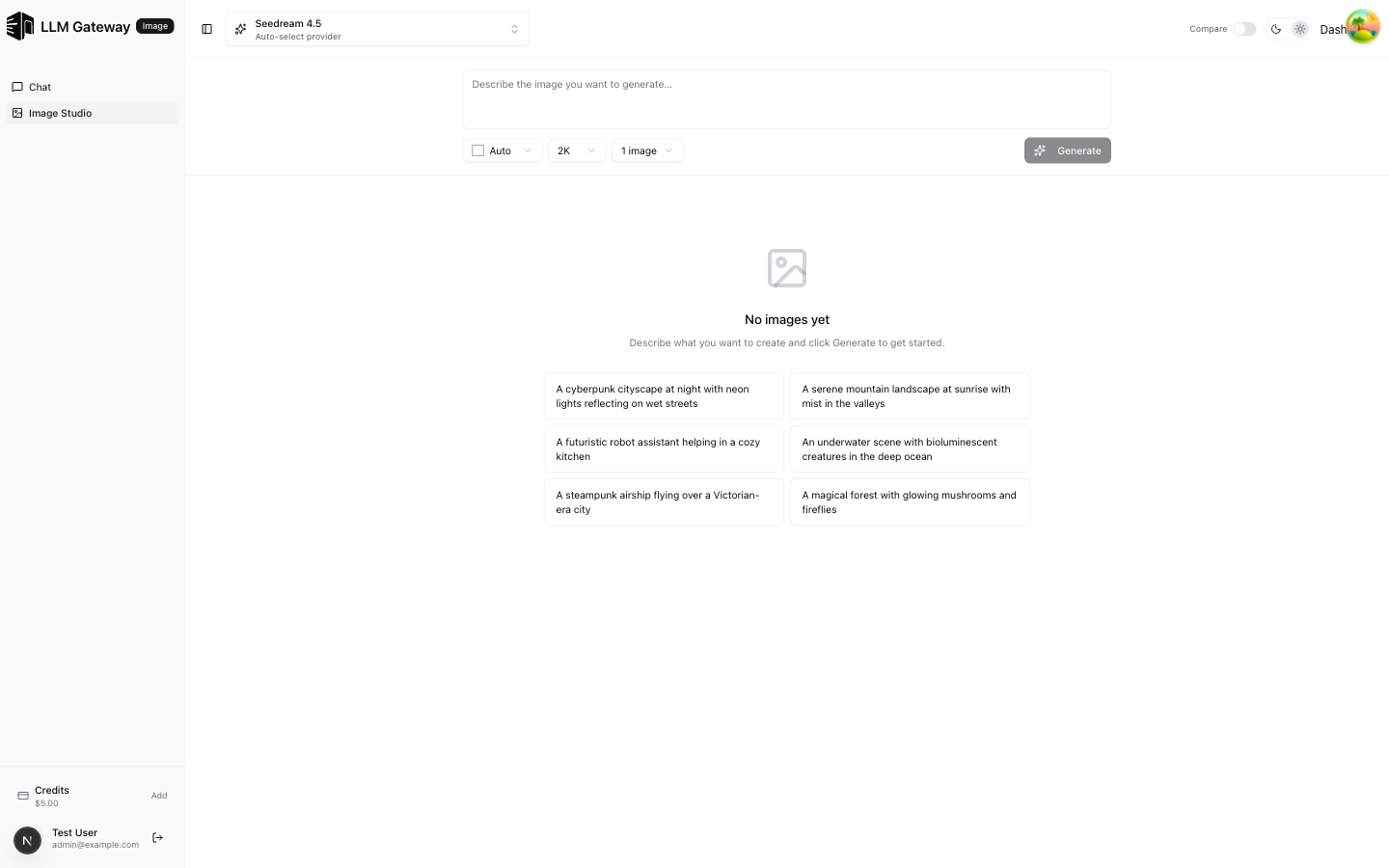
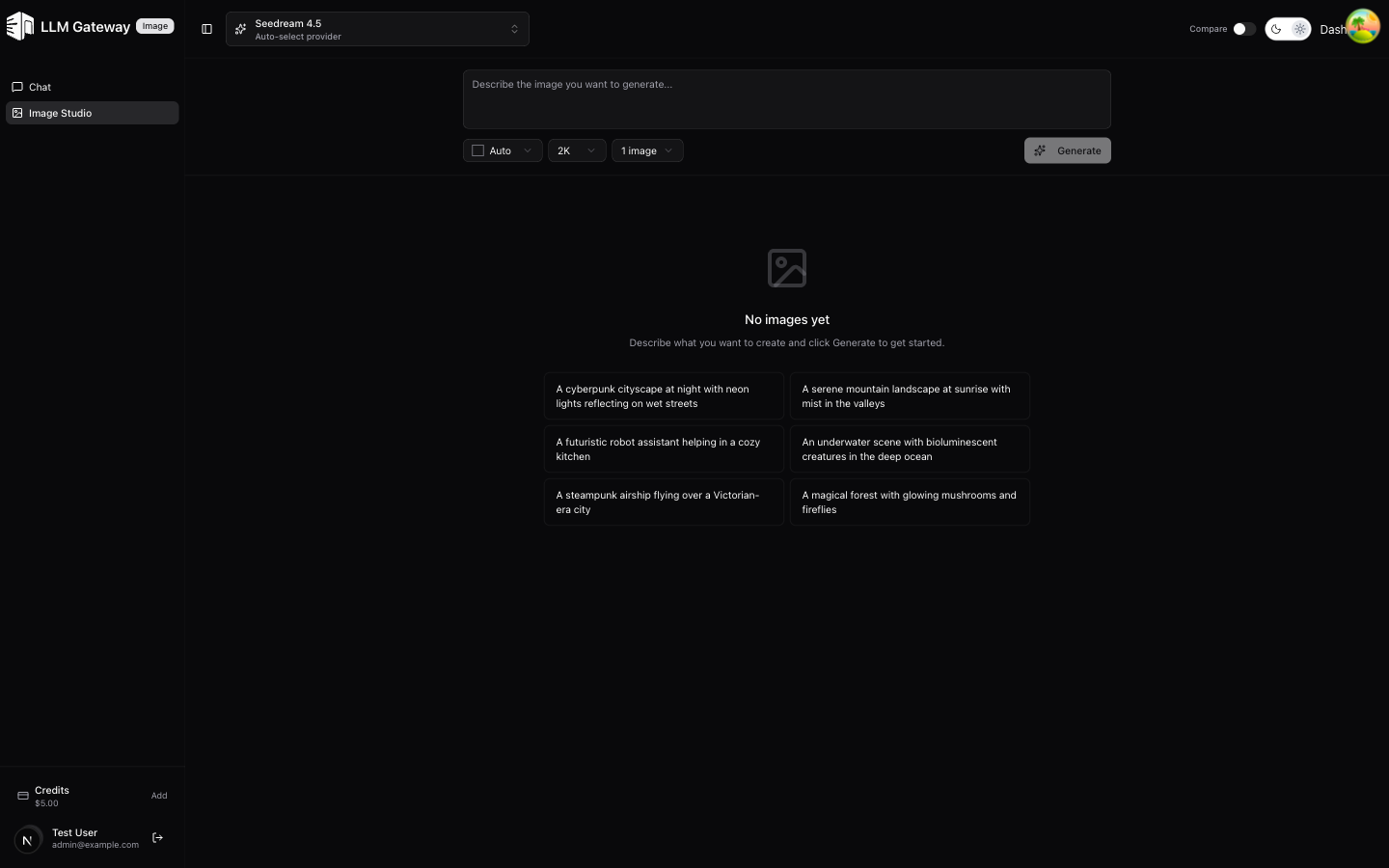
The Image Studio lets you generate images using AI models through an intuitive interface. Select a model, describe what you want, and get results instantly.
Model Selection
Choose from supported image generation models in the dropdown. Each model has different capabilities, resolutions, and pricing.
Generating Images
- Select an image generation model
- Type a description of the image you want
- Click send to generate
- Generated images appear in the conversation
Image Count
You can generate 1, 2, or 4 images at once. Multiple images are displayed in a grid layout.
Resolution Options
Available resolutions depend on the selected model. Common options include 1K, 2K, and 4K.
The gallery shows downscaled previews so a batch of high-resolution images stays responsive; hover a tile to see its dimensions and file size. Click an image to zoom into the full-resolution original.
Downloading Images
Hover an image and click the download icon to save that image. Below a result with several images, the Download all action bundles every image of that generation into a single zip file.
Flex Processing
Models that offer the Flex tier show a Flex toggle next to the image count. Flex requests cost about half as much but run slower and are best-effort under load. In comparison mode the tier applies only to the selected models that support it. See Service Tiers.
Moderation
Models that expose a content-filtering control (GPT Image) show a Moderation
selector next to the quality control. auto applies the provider's standard
filtering; low is less restrictive. See
Image Generation.
How is this guide?
Last updated on