Knowledge base
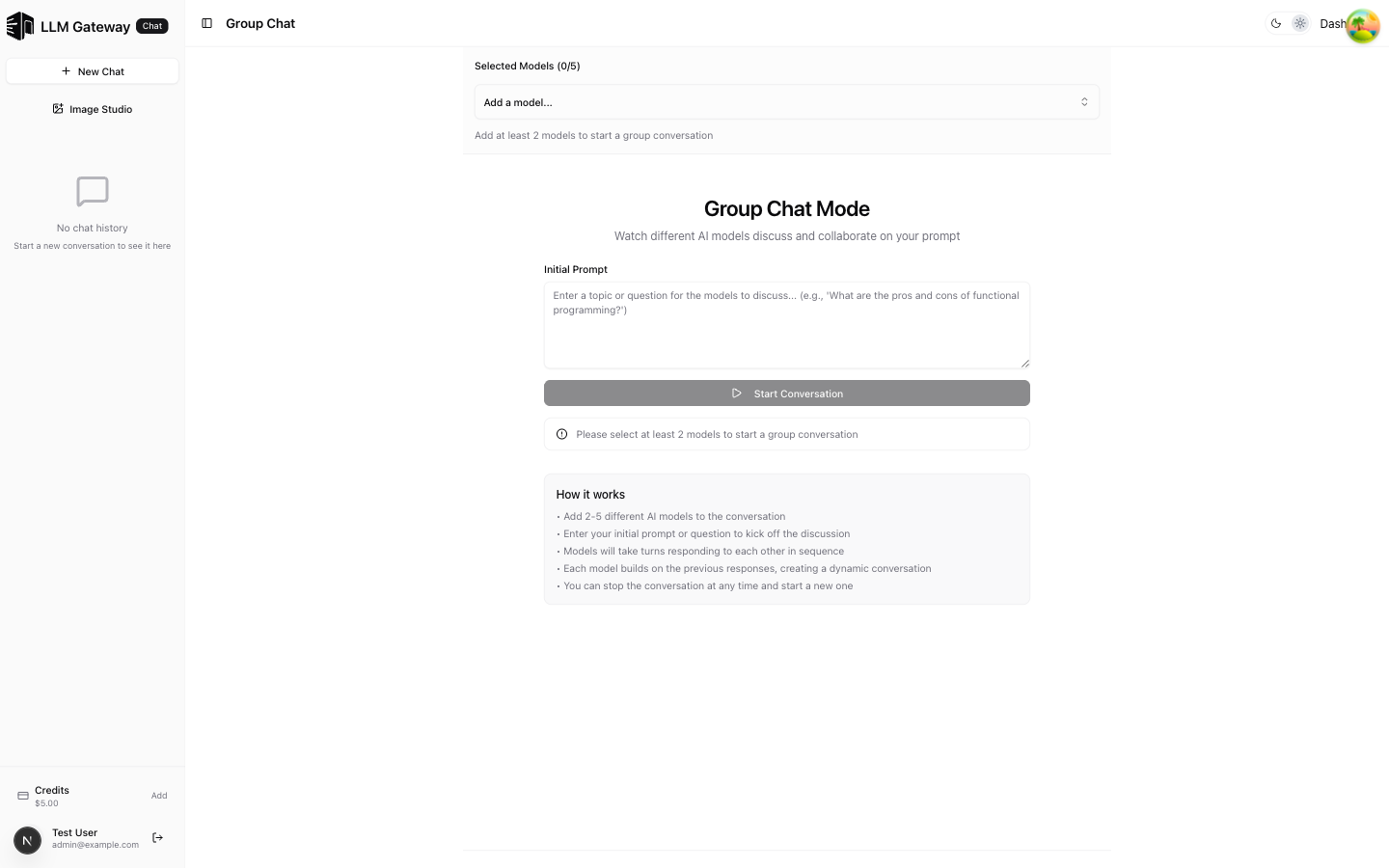
Group Chat
Watch multiple AI models discuss and collaborate on your prompt
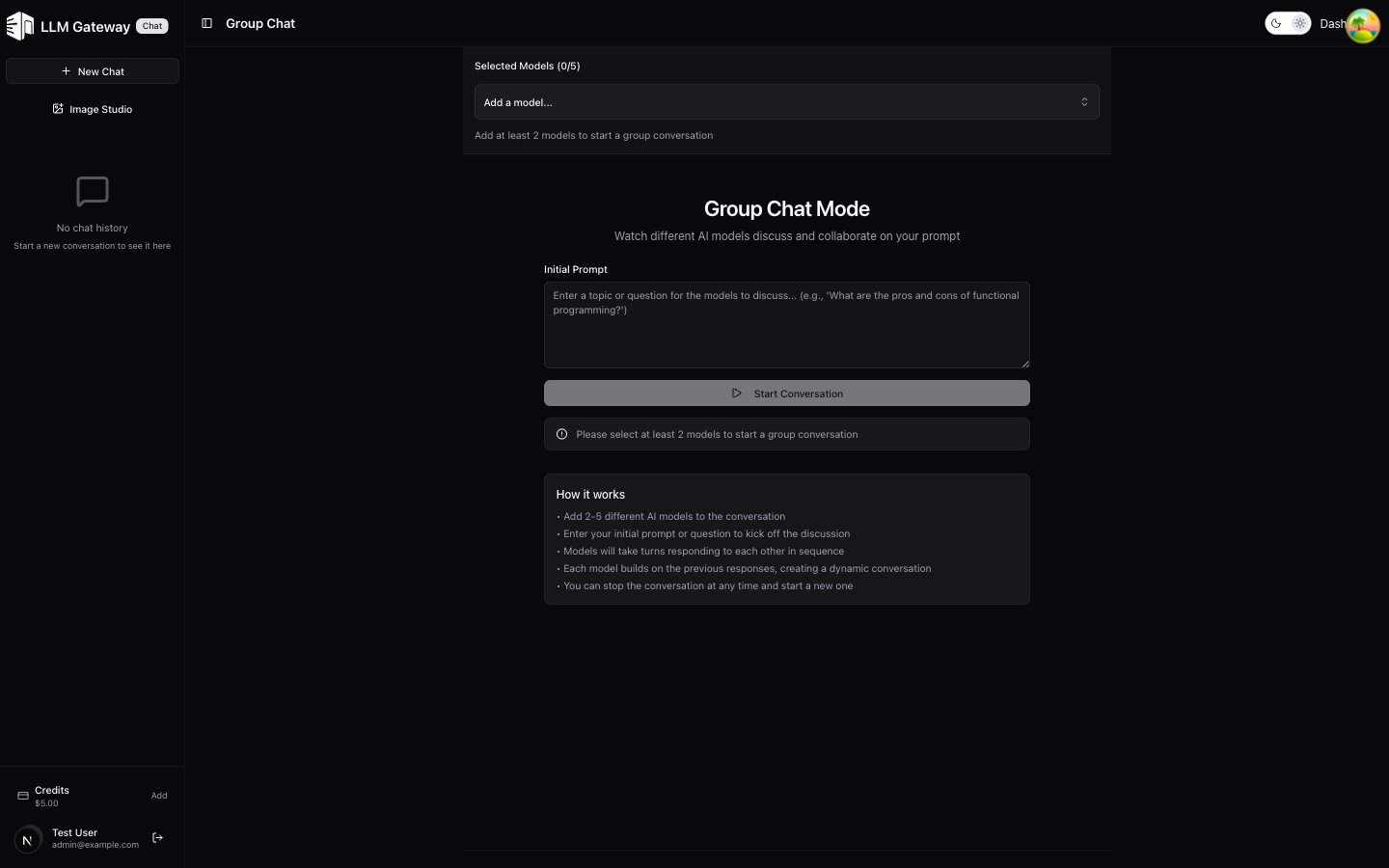
The Group Chat page lets you add multiple AI models to a conversation where they discuss and build on each other's responses, creating a dynamic multi-model dialogue.
How It Works
- Add 2–5 different AI models to the conversation
- Enter an initial prompt or question to kick off the discussion
- Click Start Conversation to begin
- Models take turns responding to each other in sequence
- Each model builds on the previous responses, creating a dynamic conversation
- You can stop the conversation at any time and start a new one
Use Cases
- Model evaluation — Compare how different models approach the same topic
- Brainstorming — Get diverse perspectives from multiple AI models
- Debate — Watch models discuss pros and cons of a topic
- Research — Gather multi-model analysis of complex questions
How is this guide?
Last updated on