Billing
Manage your credits, subscription plan, and payment methods
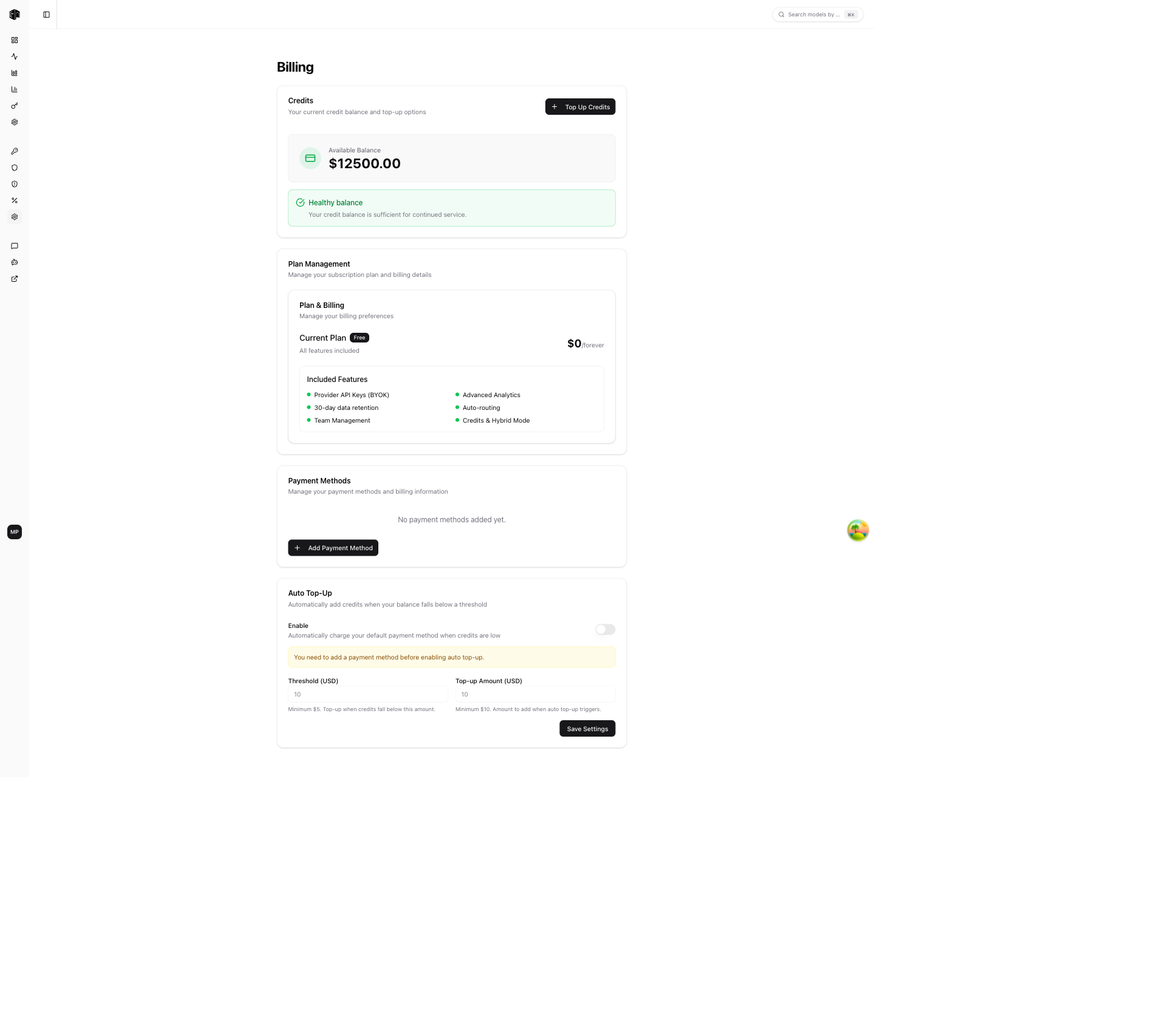
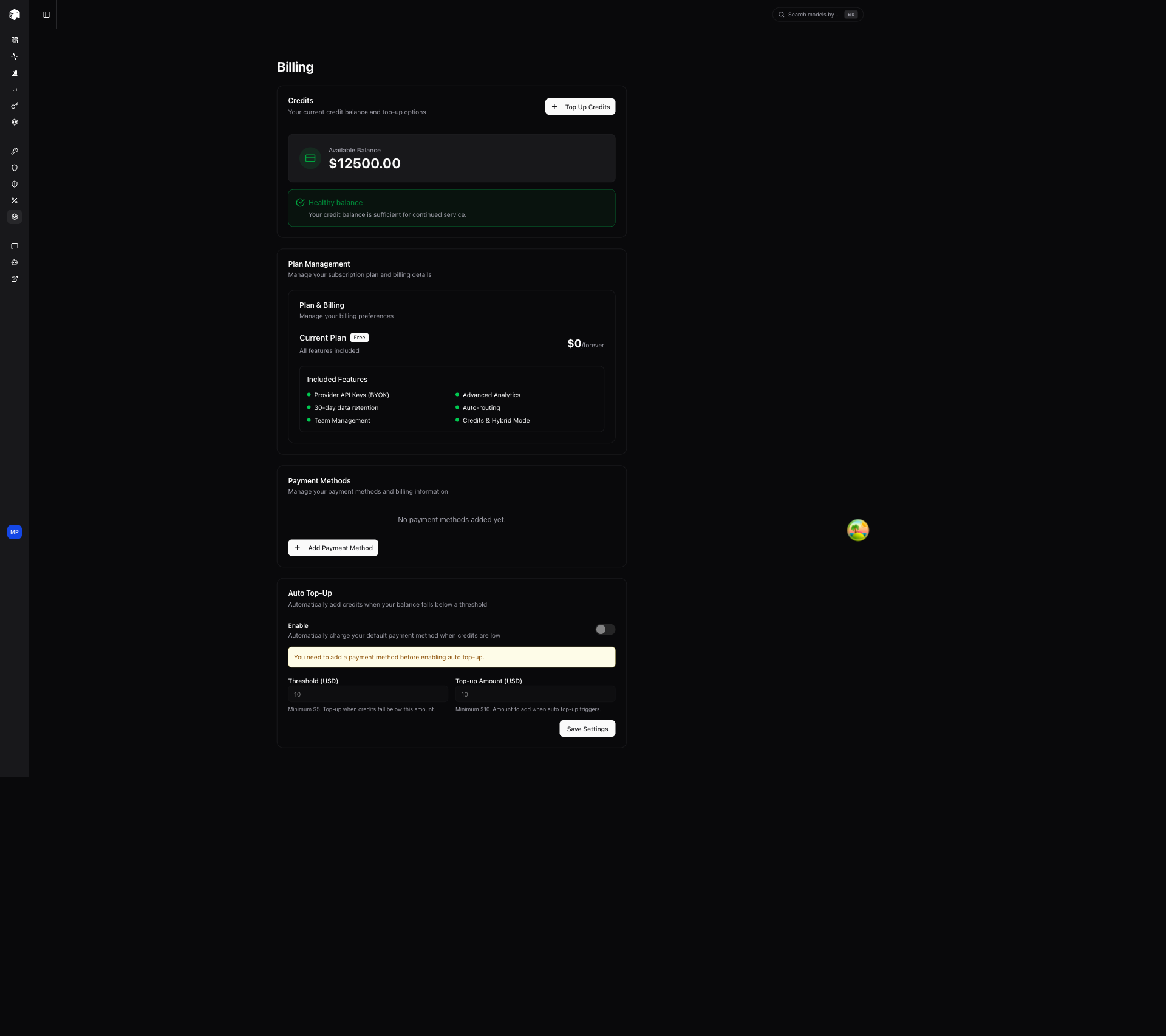
The Billing page is your central hub for managing credits, plans, and payment methods.
Credits
Displays your current credit balance. Credits are consumed as you make API requests through the gateway. Click Top Up Credits to add more credits to your account.
Fees
Top-ups are charged the credit amount plus the following fees:
- Platform fee — A flat 5% fee applied to every credit purchase.
- International card fee — An additional 1.5% fee applied when paying with a non-US issued card. This covers the higher processing cost charged by the card network for international transactions. Cards issued in the United States are not subject to this fee.
The full breakdown (credits, platform fee, and — when applicable — the international card fee) is shown in the top-up dialog before you confirm payment, so the total charge is always transparent.
Plan Management
View and manage your subscription:
- See your current plan (Free or Enterprise)
- Billing cycle information
- Click Manage Subscription to upgrade, downgrade, or cancel
Payment Methods
Manage your saved payment methods:
- Add a new credit card or payment method
- View existing payment methods
- Update billing information
Auto Top-up Settings
Configure automatic credit top-ups so you never run out:
- Enable/disable auto top-up
- Threshold — The credit balance that triggers a top-up
- Amount — How many credits to add when the threshold is reached
This ensures uninterrupted service by automatically replenishing your credits when they run low.
How is this guide?
Last updated on