Knowledge base
Activity
View and inspect every API request made through LLM Gateway
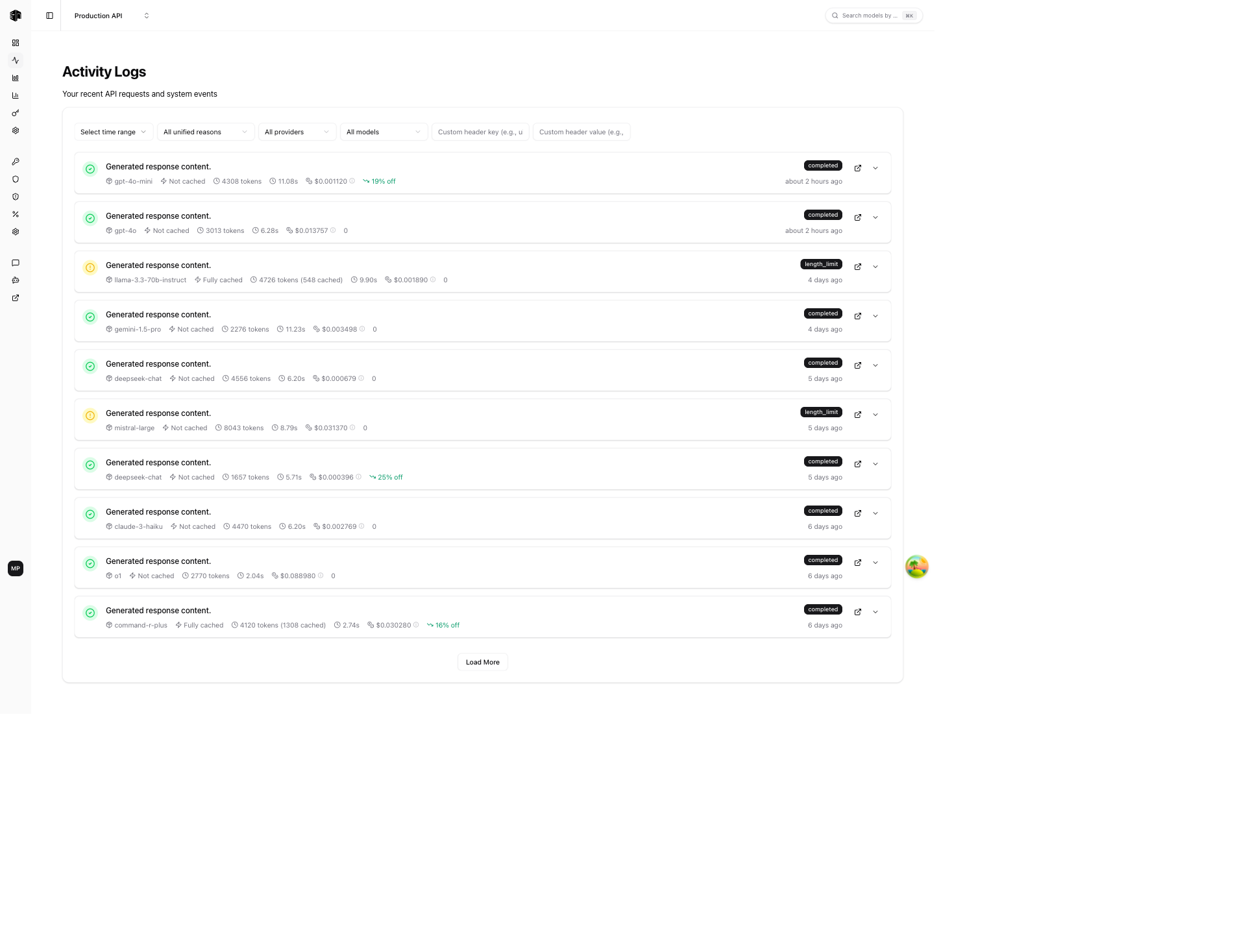
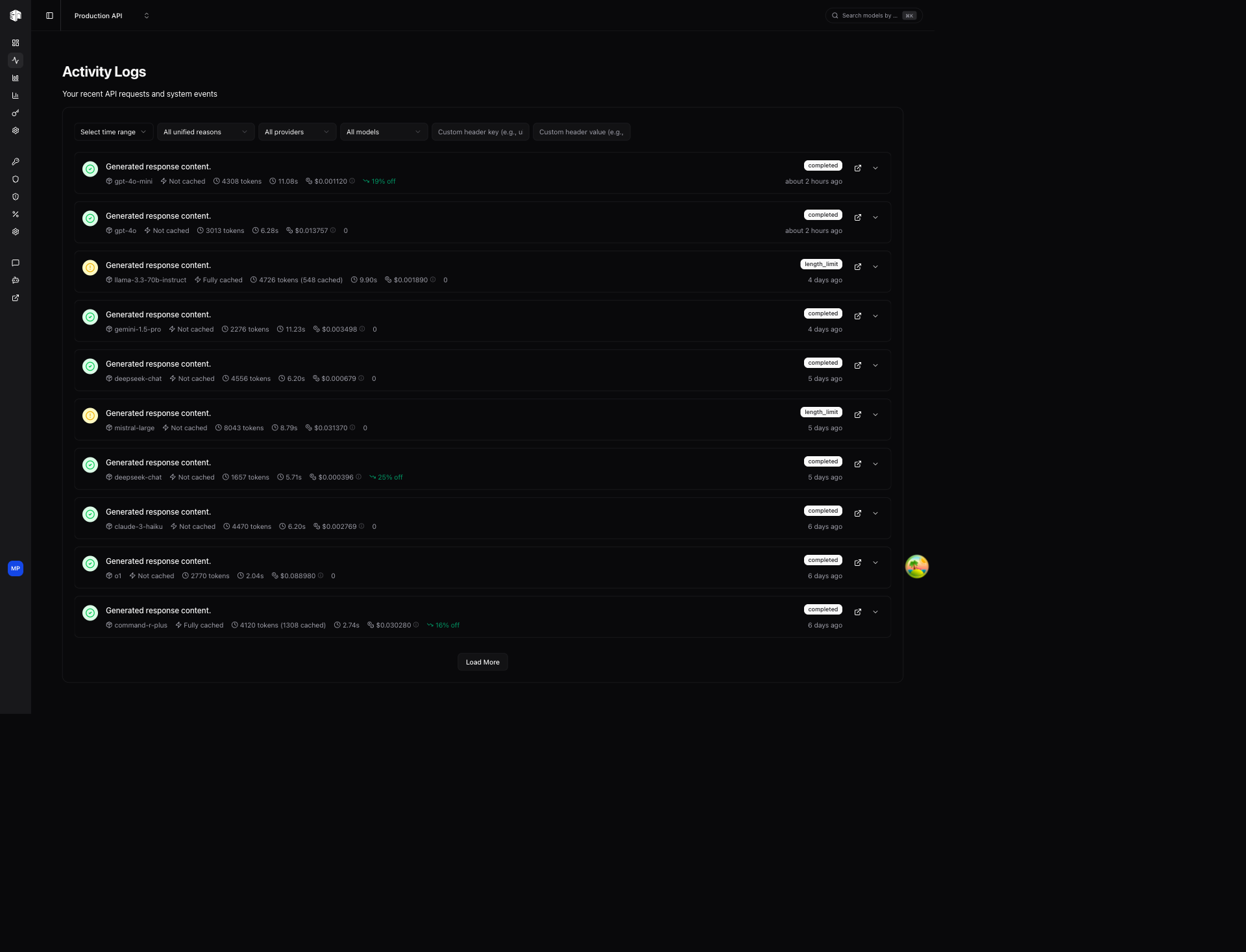
The Activity page shows a real-time log of every API request routed through LLM Gateway. Use it to debug requests, monitor performance, and track costs per call.
Filters
Filter the activity log using the controls at the top:
| Filter | Description |
|---|---|
| Time range | Filter by a specific time period |
| Unified reasons | Filter by completion reason (e.g., stop, length, error) |
| Providers | Show requests for specific providers only |
| Models | Show requests for specific models only |
| Custom header key/value | Filter by custom metadata headers attached to requests |
Activity List
Each activity entry shows:
- Status icon — Green checkmark for completed, red circle for errors
- Response preview — First line of the model's response (when available)
- Model — The provider and model used (e.g.,
google-vertex/gemini-3-pro-image) - Cache status — Whether the response was served from cache
- Tokens — Total tokens consumed (input + output)
- Duration — How long the request took
- Cost — Inference cost for the request
- Source — Where the request originated from
- Discount — Any discount applied (e.g., "20% off")
- Status badge —
completed,upstream_error,gateway_error, etc. - Timestamp — Relative time (e.g., "about 4 hours ago")
Actions per Entry
- Open in new tab — View the full request detail in a new browser tab
- Expand — Expand inline to see more details
Activity Detail
Click on any activity entry to view its full detail page.
Summary Cards
Five cards at the top provide a quick overview:
| Card | Description |
|---|---|
| Duration | Total request time in seconds |
| Tokens | Total tokens consumed |
| Throughput | Tokens per second |
| Inference Cost | Cost charged for this request |
| Cache | Whether the response was cached |
Request Section
Details about the original request:
- Requested Model — The model ID sent in the API call
- Used Model — The actual model that served the request
- Model Mapping — The underlying model identifier
- Provider — The provider that handled the request
- Requested Provider — The provider specified in the request
- Streamed — Whether the response was streamed
- Canceled — Whether the request was canceled
- Source — The application or service that made the request
Tokens Section
A detailed token breakdown:
- Prompt Tokens, Completion Tokens, Total Tokens
- Reasoning Tokens (for reasoning models)
- Image Input/Output Tokens (for vision/image models)
- Response Size
Routing Section
How LLM Gateway routed the request:
- Selection — The routing strategy used (e.g.,
direct-provider-specified) - Available — Providers that were available for this model
- Provider Scores — Scoring breakdown showing availability, uptime, and latency for each provider
Parameters Section
The model parameters sent with the request:
- Temperature, Max Tokens, Top P
- Frequency Penalty, Reasoning Effort
- Response Format
How is this guide?
Last updated on