API Keys
Create, limit, and control API keys for authenticating with LLM Gateway
The API Keys page is the main place to create, secure, and operate the keys your apps use to authenticate with LLM Gateway.
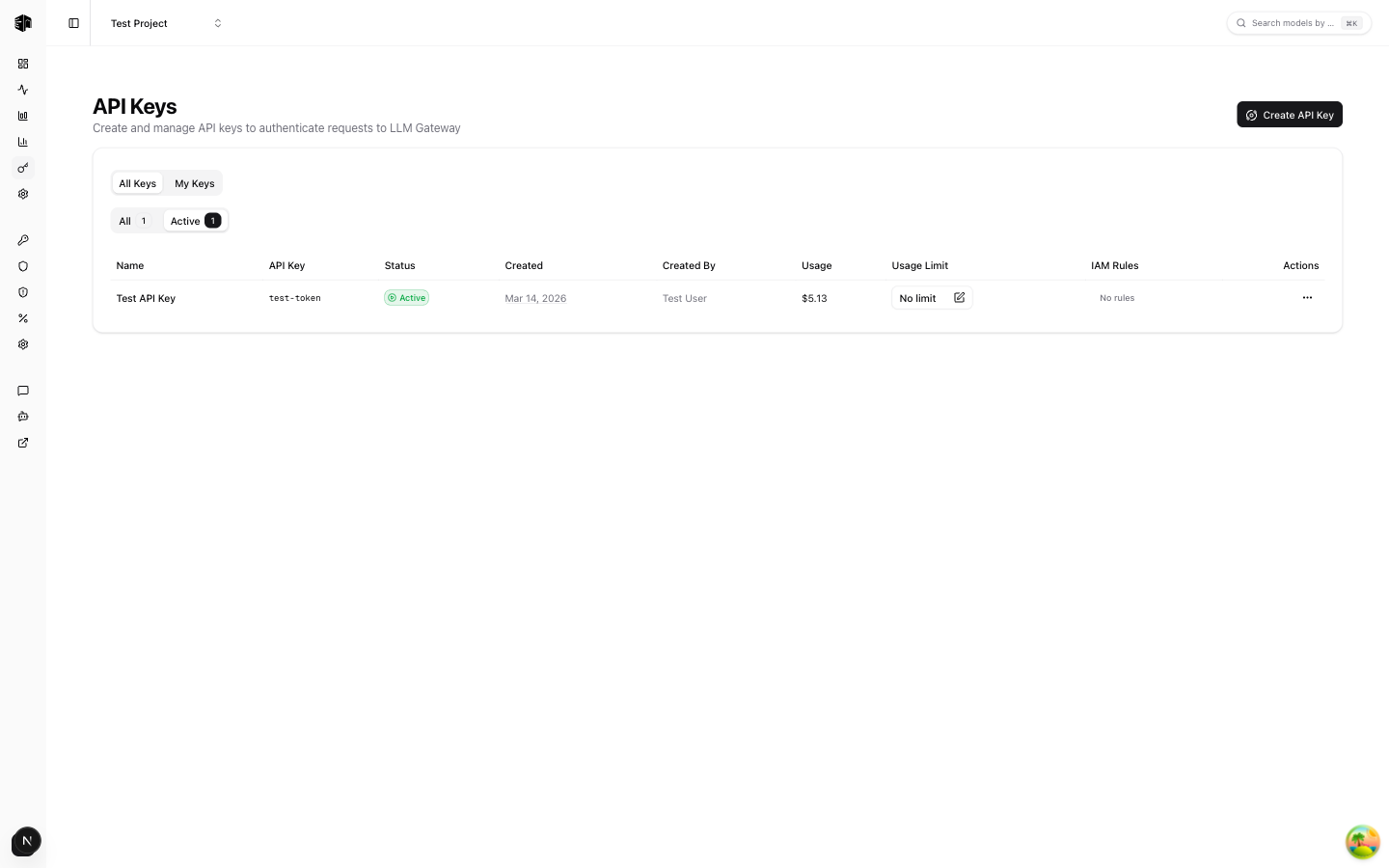
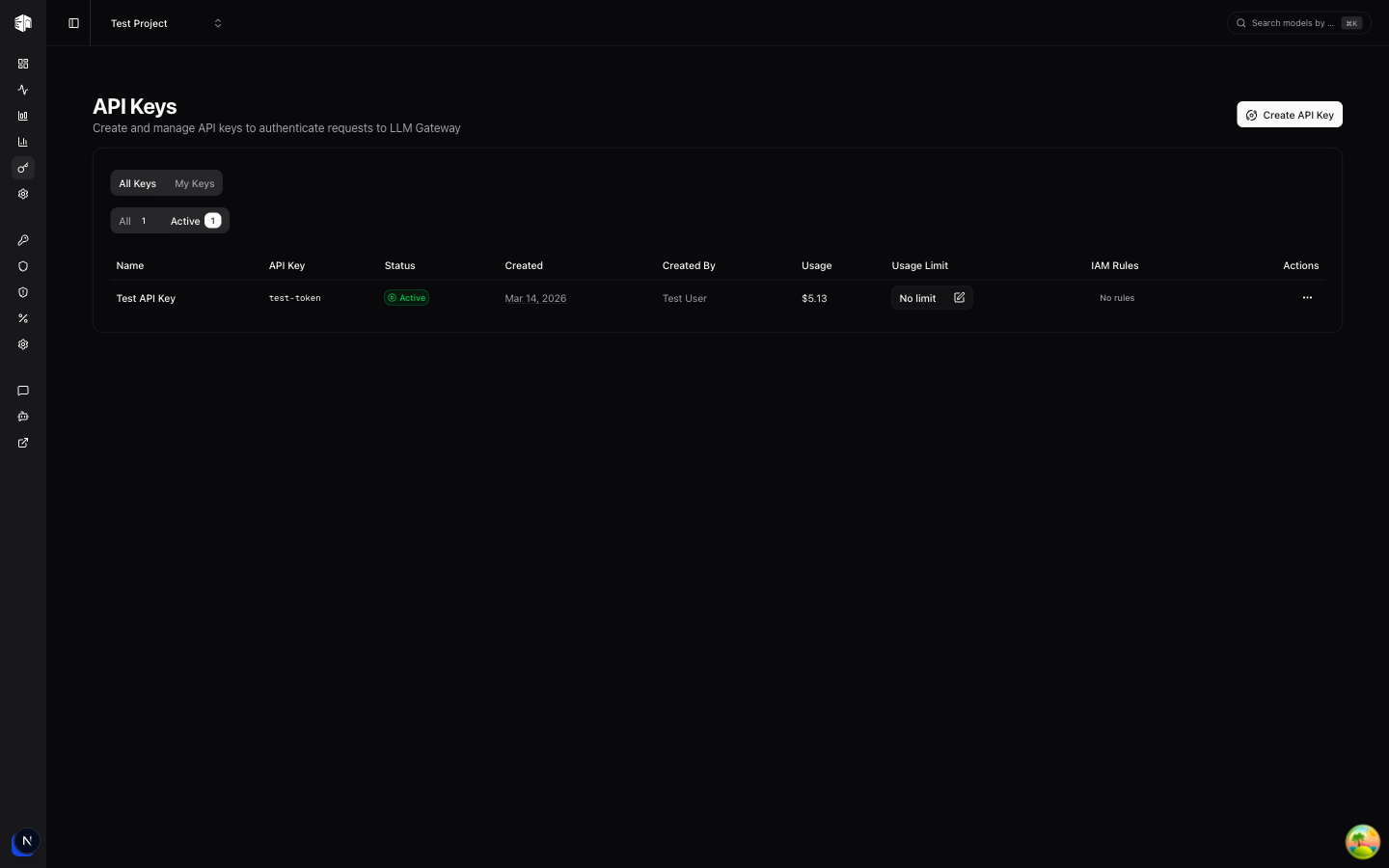
Use this page to:
- Create project-specific API keys
- Set all-time and recurring spend limits per key
- Set an expiration (TTL) so a key disables itself automatically
- Track usage for each key, including the active recurring window
- Rename keys and enable or disable them without deleting them
- Roll a key's secret in place if it may have leaked
- Configure IAM rules for model, provider, and pricing access
API keys are shown in full only once, immediately after creation. Copy and store them securely before closing the dialog. New and rolled secrets are stored only as keyed HMAC-SHA-256 fingerprints; authentication fingerprints the presented secret and compares the result.
Creating an API Key
Click Create API Key and configure:
- Name: A label such as
production,staging, orci - Expiration (TTL): An optional time-to-live after which the key disables itself
- All-time usage limit: An optional lifetime spend cap for the key
- Recurring usage limit: An optional spend cap that resets on a schedule
Recurring limits support:
- Minimum window: 1 hour
- Maximum window: 12 months
- Units: hour, day, week, or month
This is useful when you want a key to stay below a fixed budget per hour, day, week, or month, while still keeping a separate lifetime cap if needed.
Expiration (TTL)
Turn on Set expiration (TTL) when creating a key to give it a limited lifetime. Choose a value and a unit — minutes, hours, or days — and the key is disabled automatically once that time passes. Leave it off for a key that never expires.
Expired keys show an Expired indicator in the list and move to the Inactive tab. To use one again, reactivate it and pick a new future expiration:
- Activate an expired key and you'll be prompted to set a fresh TTL before it comes back online
- Keys with no TTL, or whose TTL is still in the future, can be enabled and disabled without setting a new expiration
This makes TTL keys ideal for temporary access — short-lived demos, CI runs, or contractor keys that should not linger.
Usage Limits
Each API key can enforce two independent limit types:
| Limit Type | What it does |
|---|---|
| All-time usage limit | Stops the key after it reaches a lifetime spend threshold |
| Recurring usage limit | Stops the key after it reaches the budget for the active window |
Examples:
$50all-time for a temporary integration key$10 / 1 dayfor a development key$500 / 1 monthfor a production service key
If a key hits either limit, requests using that key are rejected until the key is updated or, for recurring limits, the next window begins.
How recurring windows work
Recurring usage is tracked separately from total lifetime usage.
- The dashboard shows the key's Current Period usage
- The active window also shows when it resets
- When the configured window expires, usage for that window resets automatically
- Updating the recurring limit configuration resets the current window and starts a new one
Usage includes both LLM Gateway credits and requests routed through your own provider keys when applicable.
API Keys List
Each key in the list shows:
| Field | Description |
|---|---|
| Name | The label you assigned to the key |
| API Key | A masked preview of the key |
| Status | Whether the key is active or inactive, plus its expiry if set |
| Created | When the key was created |
| Usage | Total tracked usage for the key |
| Current Period | Spend in the active recurring window, if configured |
| Limits | All-time and recurring limit summary |
| IAM Rules | Whether model/provider/pricing access controls are configured |
Every configured limit renders as a gauge, so a key's headroom is visible without opening it. A key is flagged approaching once usage reaches 80% of a limit and reached once usage meets it — the all-time limit stays blocked until it is raised or removed, while a recurring limit clears itself on its reset date.
Three filters sit above the list:
- Status — active (default), inactive, or all
- Creator — keys you created, or everyone's (hidden for developers, who only ever see their own)
- Limits — narrow to just the keys approaching or at a limit
A filter that would leave the list empty resets itself, so you never land on a blank table.
Actions
The actions menu on each key offers:
- View Statistics: Open a dedicated analytics page for that key (see below)
- Manage IAM Rules: Restrict which models, providers, or pricing tiers the key can use
- Rename Key: Change the key's label without touching its secret or history
- Activate / Deactivate Key: Pause usage without deleting the key (reactivating an expired key prompts for a new expiration)
- Roll Key: Generate a new secret for the key and invalidate the old one (see below)
- Update limits: Change all-time or recurring limits
- Delete: Permanently remove the key
The Playground key appears with a Managed badge and only exposes its statistics. It cannot be renamed, rolled, deactivated, limited, assigned IAM rules, or deleted. Members with the developer role can only modify keys they created themselves.
Rolling a Key
Roll Key replaces a key's secret while keeping the key itself. The name, usage history and statistics, all-time and recurring limits (including the current period window), IAM rules, and expiration all stay exactly as they were — only the secret changes.
This is the fastest fix when a secret leaks into a commit, a log, or a shared environment: you cut off the exposed value without recreating the key or losing its spend tracking.
- Open the key's actions menu and choose Roll Key
- Confirm in the dialog
- Copy the new secret and update every client using the old one
The previous secret stops working immediately, and the new one is shown only
once. Requests still using the old secret fail with 401 Unauthorized.
Per-Key Statistics
The View Statistics action opens a dedicated page scoped to a single API key, so you can see exactly what that key is doing without filtering the whole project.
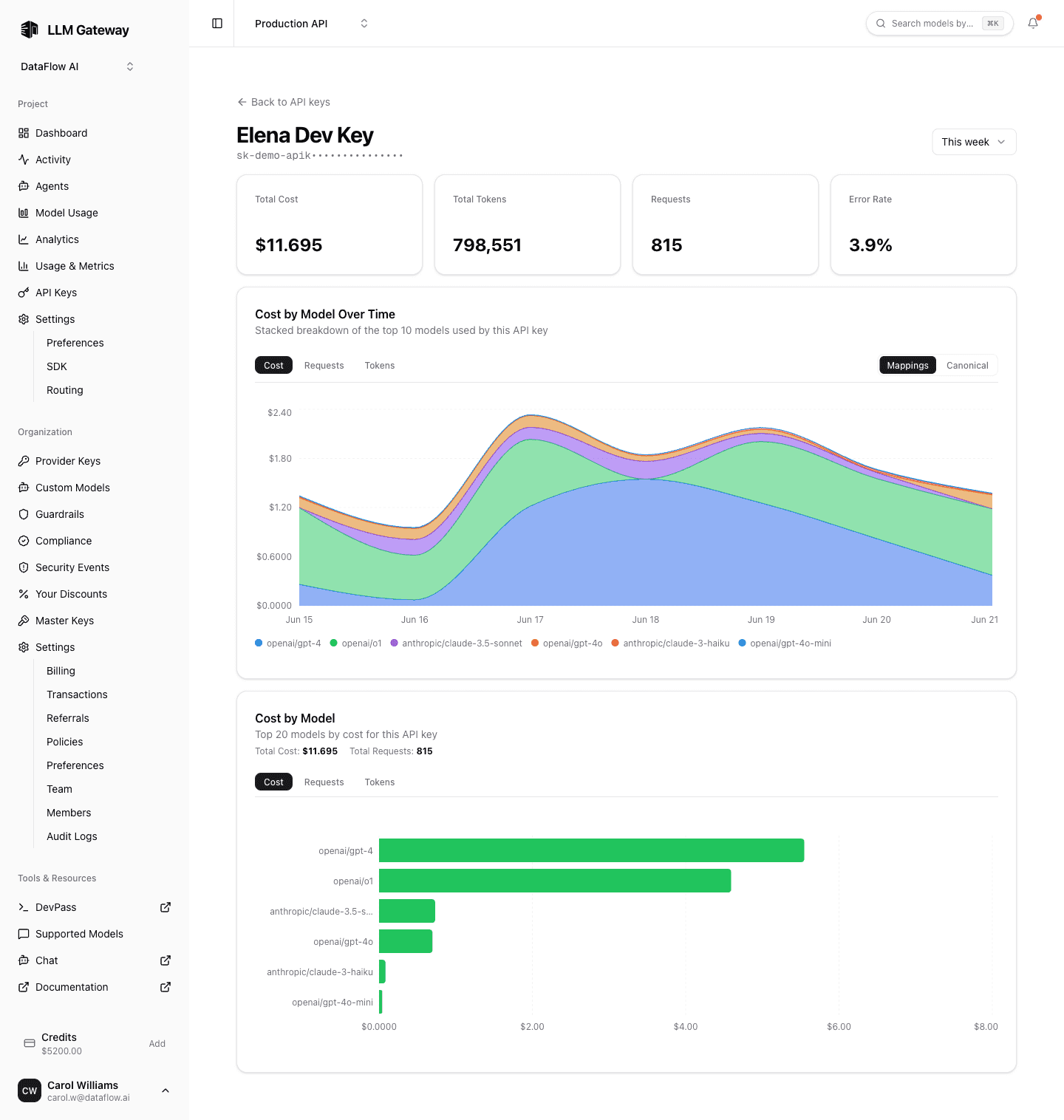
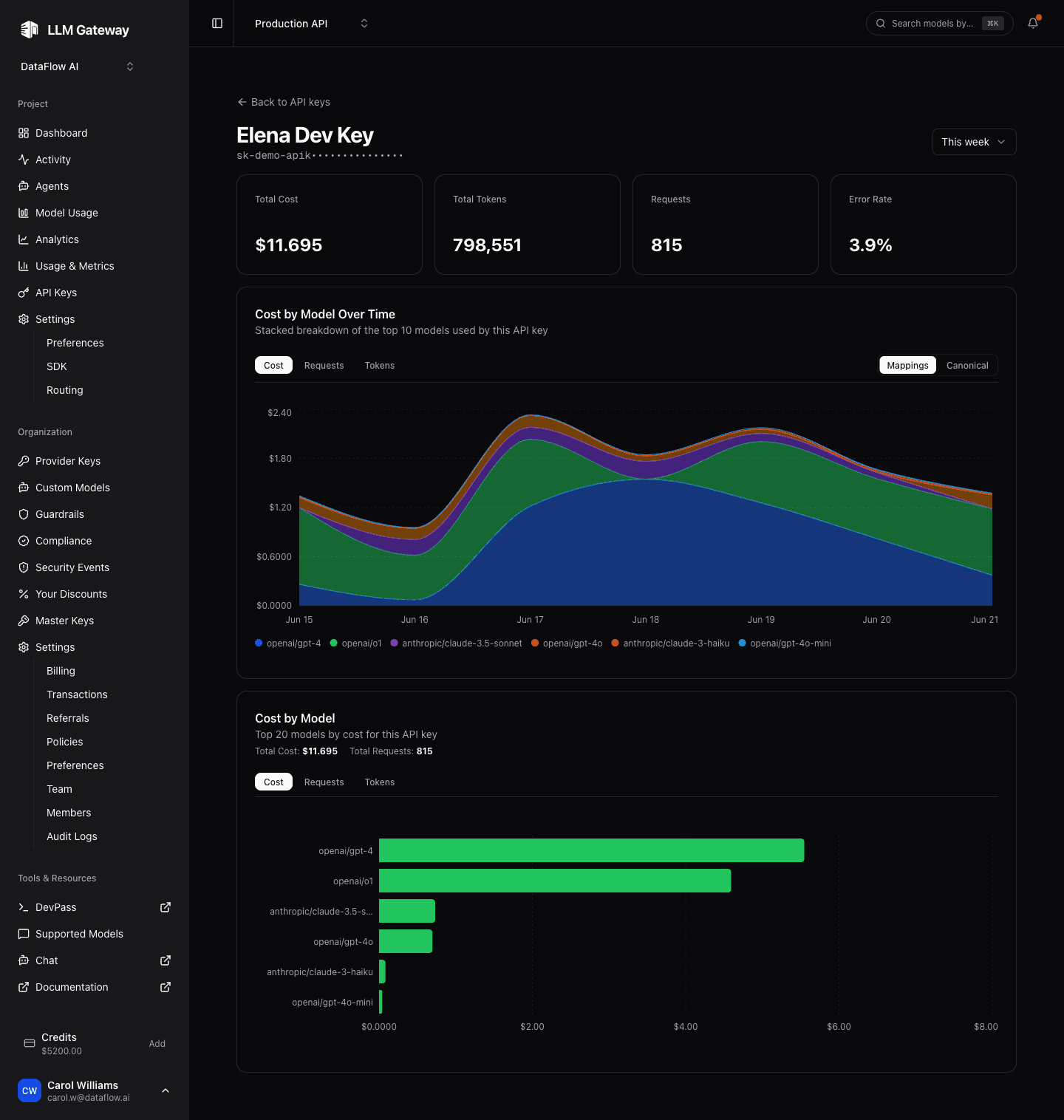
The page respects the shared date-range picker and shows:
- Summary cards — the key's cost, tokens, requests, and error rate for the selected range.
- Cost by Model — a horizontal bar chart ranking the key's models by cost, requests, or tokens.
- Cost by Model Over Time — a stacked area chart of the same metrics, with a Mappings / Canonical toggle.
These are the same breakdowns as the project Analytics page, narrowed to the one key — useful for confirming a key is healthy and spending on the models you expect.
IAM Rules
IAM rules let you narrow what an API key is allowed to access.
Supported rule types include:
- Allow/Deny models
- Allow/Deny providers
- Allow/Deny pricing
- Allow/Deny IP ranges (CIDR) — Enterprise plan only
Use IAM rules when you want a key to be valid, but only for a specific subset of models or providers. For a deeper explanation, see the API Keys & IAM Rules feature page.
Org admins can additionally set member-level IAM rules on the Team page. Those act as a ceiling for every key the member creates: key rules can only narrow access within them, never expand it. The IAM page shows a notice when organization-level restrictions apply to your keys.
Plan Limits
The page also shows how many API keys you are using relative to your plan allowance. The cap counts active keys across every project in the organization, so deactivated and deleted keys do not count against it.
- Free: Standard API key count limit
- Pro: A larger allowance
- Enterprise: Custom limits
Owners and admins can also set a per-member key cap on the Team page, which applies on top of the organization-wide allowance.
If you reach the limit, the Create API Key button is disabled until you delete or deactivate unused keys, or upgrade.
How is this guide?
Last updated on