Payments SDK
Configure end-user sessions and platform secret keys for the Payments SDK (Embeddable Payments)
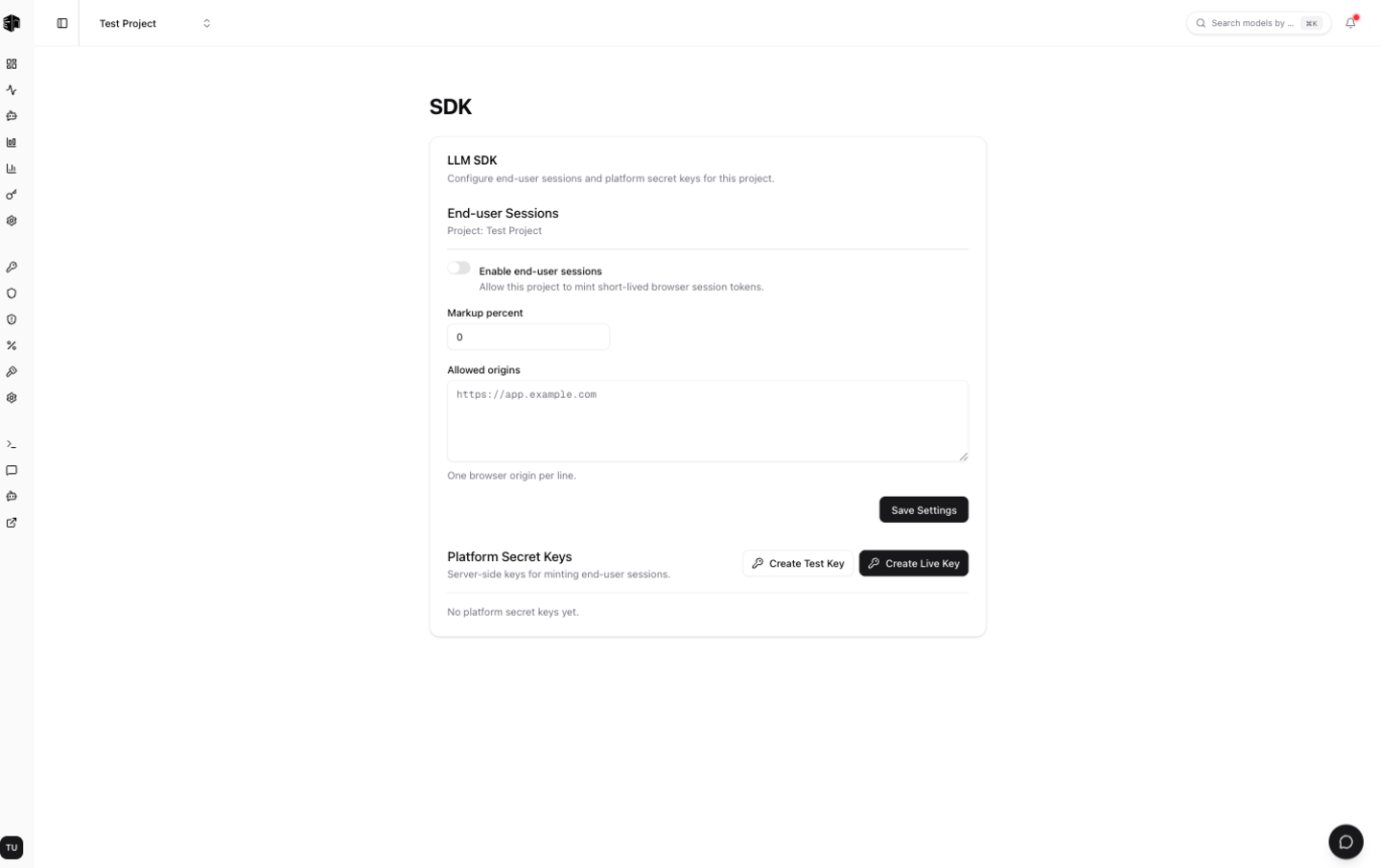
The Payments SDK settings page lets you embed end-user payments and sessions into your own application — your end users get their own wallets, and you control markup and access. It is a payments feature, not a normal AI client SDK like the OpenAI SDK. You'll find it under Settings → Payments SDK for a project.
Preview — opt-in only. Embeddable Payments is in preview and enabled on an opt-in basis per project. Until it is turned on for your project, this page is read-only and shows a preview of the settings. Contact us to request access.
End-user sessions
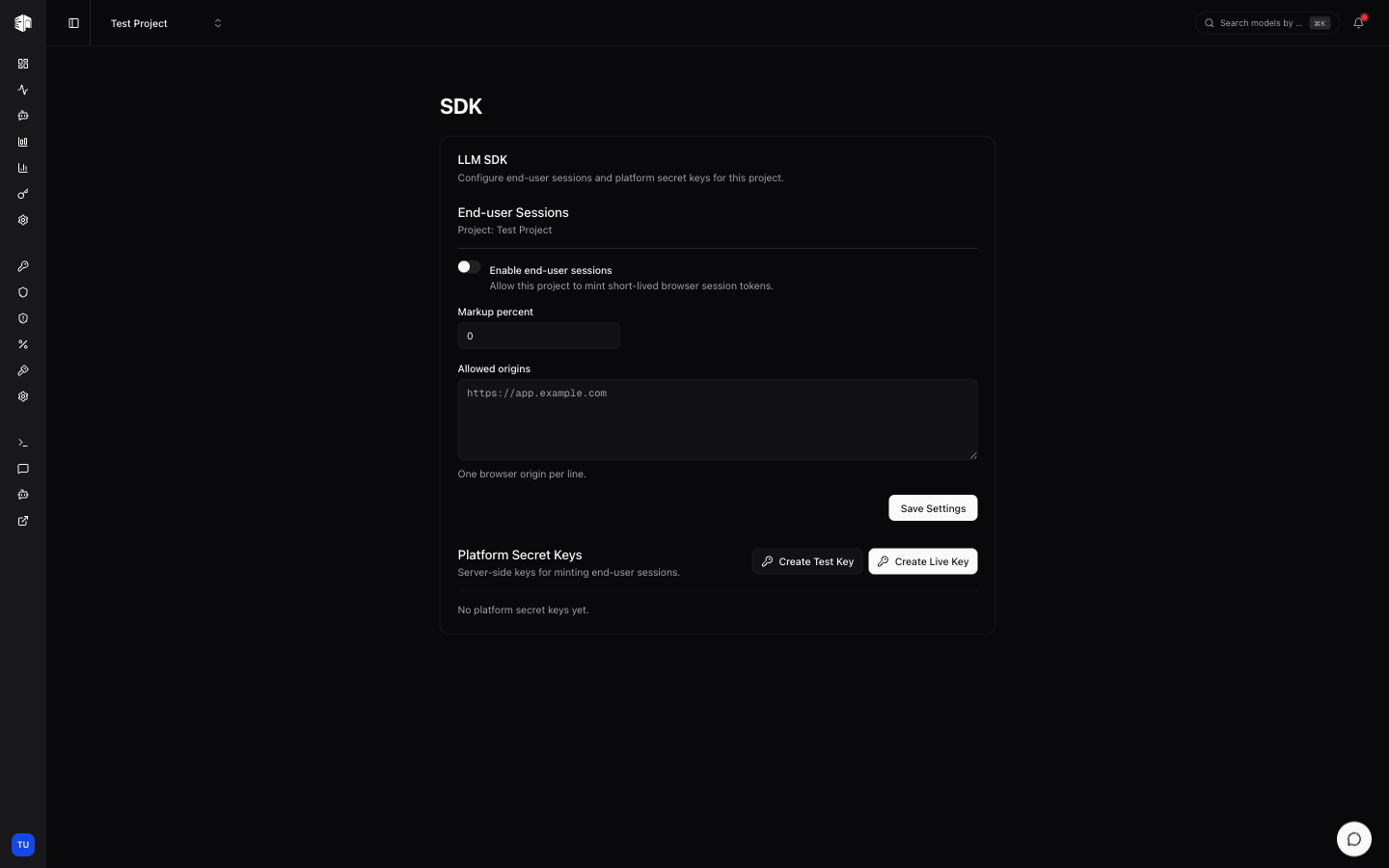
Turn on Enable end-user sessions to allow this project to mint short-lived browser session tokens for your users.
| Field | Description |
|---|---|
| Markup percent | The percentage you add on top of provider cost for each end-user request (0–100%) |
| Top-up bonus percent | Extra credit granted on every top-up, funded from your organization's credit balance (0 to disable) |
| Allowed origins | The browser origins permitted to use session tokens, one per line (e.g. https://app.example.com) |
Click Save Settings to apply changes.
Receipts & branding
LLM Gateway is the merchant of record for every end-user top-up and stays on the receipt. These fields tell your end-users which product the charge came from, so a payment from your app is not mistaken for one they never made.
| Field | Description |
|---|---|
| Brand name | Leads the receipt email and its PDF. Defaults to the project name |
| Support email | Where end-users should write about a purchase. Ours is always shown as well |
| Statement descriptor | Appended to our prefix on the card statement, e.g. LLMGTWY* ACME AI |
The statement descriptor is capped at 13 characters — the 22 characters card
networks allow, minus our LLMGTWY* prefix. It is normalized when you save
(uppercased, with unsupported characters removed), so what you see after saving
is exactly what cardholders will see.
Receipts are sent to the email address you attach to the end customer when
minting a session. If you pass a bare customer: "user_123" string, we have no
address to send to and no receipt goes out — pass customer: { externalId, email } instead. Supplying it on a later session updates the stored address.
Platform secret keys
Platform secret keys are server-side keys used to mint end-user sessions. Keep them on your backend — never expose them in the browser.
- Create Live Key — A production key. Top-ups made with it use live billing.
- Create Test Key — A sandbox key. Top-ups use the Stripe sandbox, so you can build and test without real charges.
A secret key is shown only once at creation time. Copy it immediately — it won't be displayed again. Platform secrets and ephemeral session tokens are stored only as keyed fingerprints. If you lose a key, revoke it and create a new one.
Each key in the list shows its description, a test badge when applicable, its status, and a masked token. Use Revoke to permanently disable a key.
For the full SDK integration guide — server, client, and React components — see the Embeddable Payments feature docs.
How is this guide?
Last updated on