Master Keys
Provision projects and API keys programmatically with org-scoped master keys
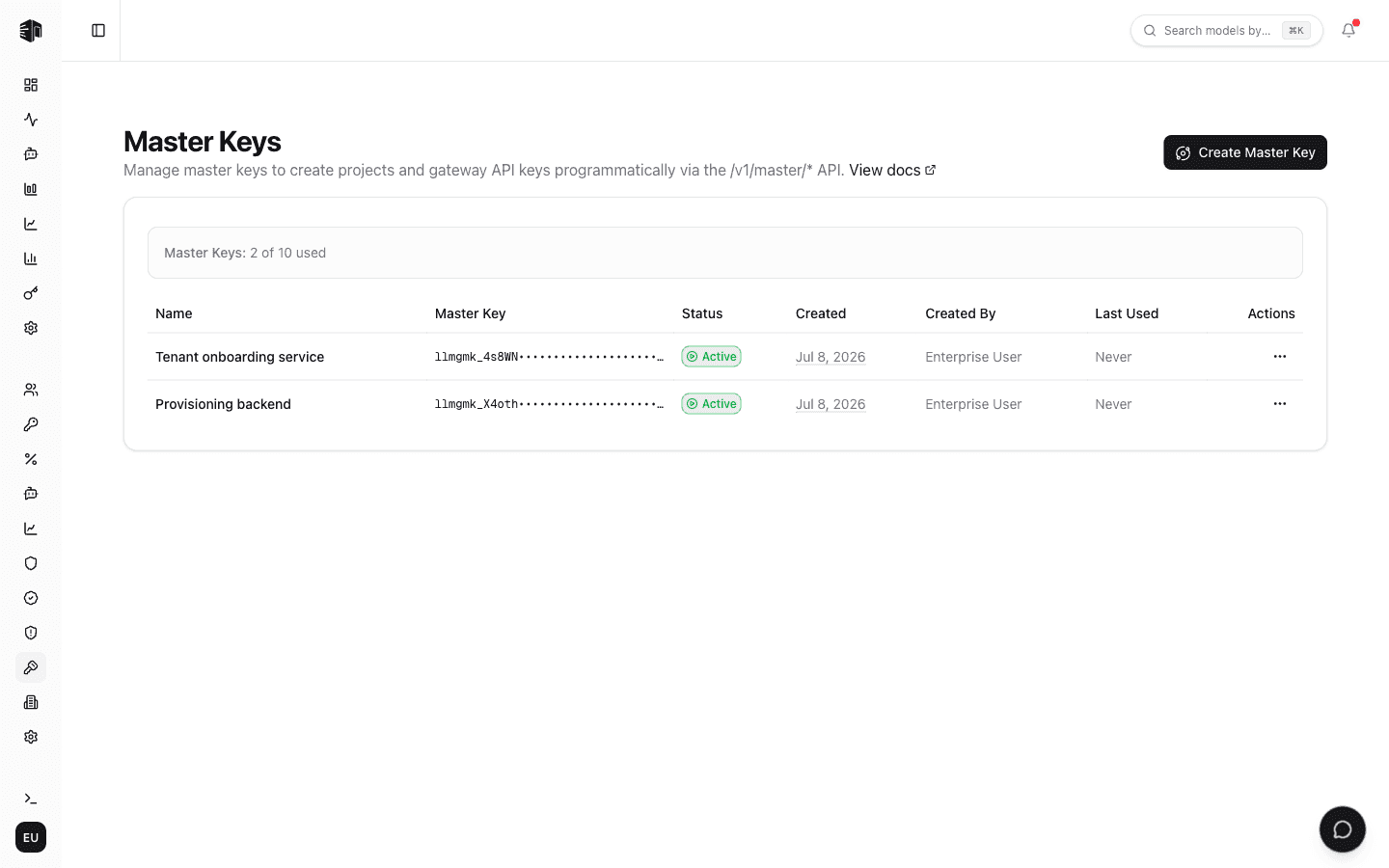
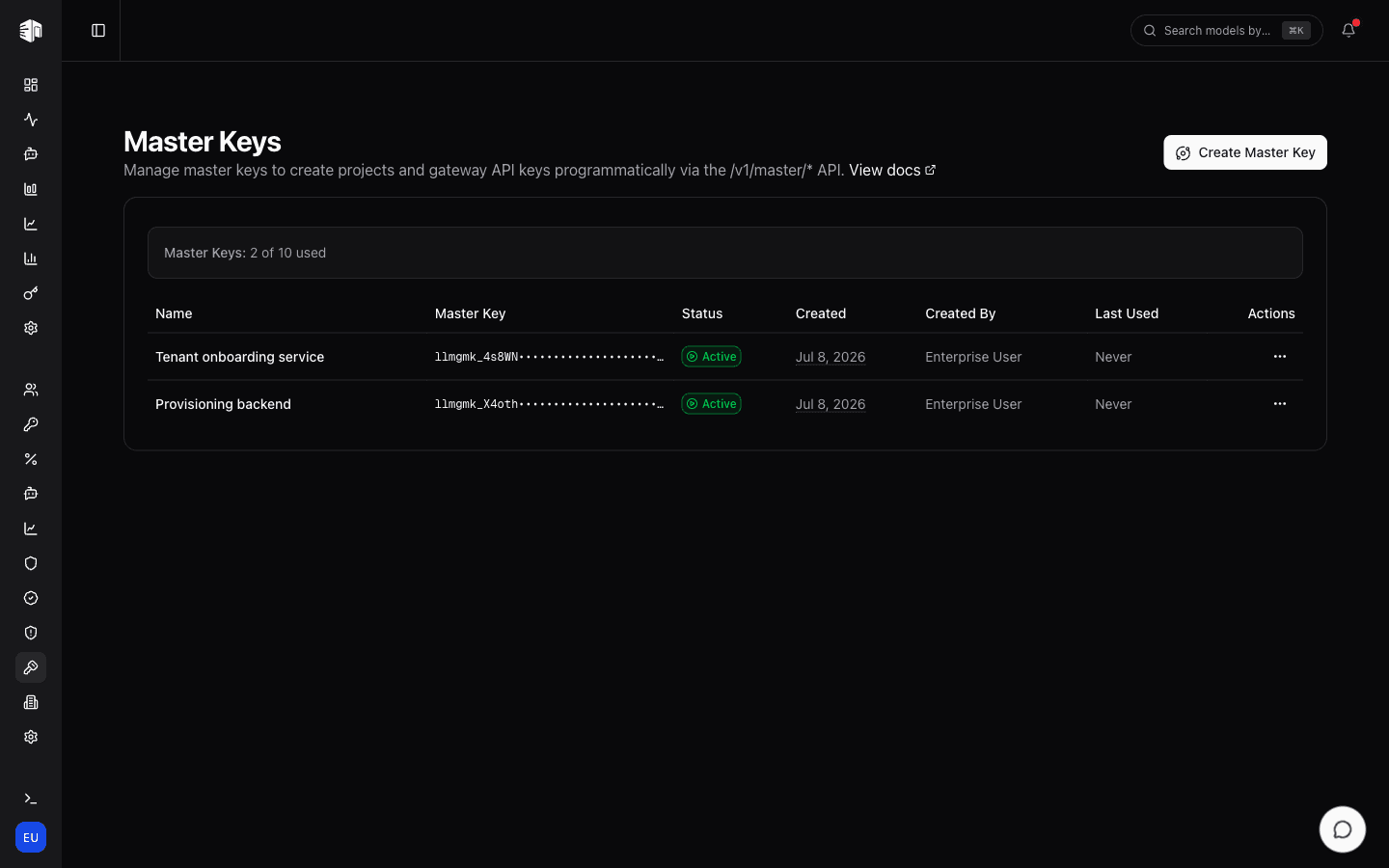
The Master Keys page lets you create and manage org-scoped bearer tokens for the /v1/master/* API — so your own backend can provision projects, gateway API keys, and IAM rules programmatically, without going through the dashboard.
Master Keys are available on the Enterprise plan. Contact us at contact@llmgateway.io to enable them for your organization.
Creating a Master Key
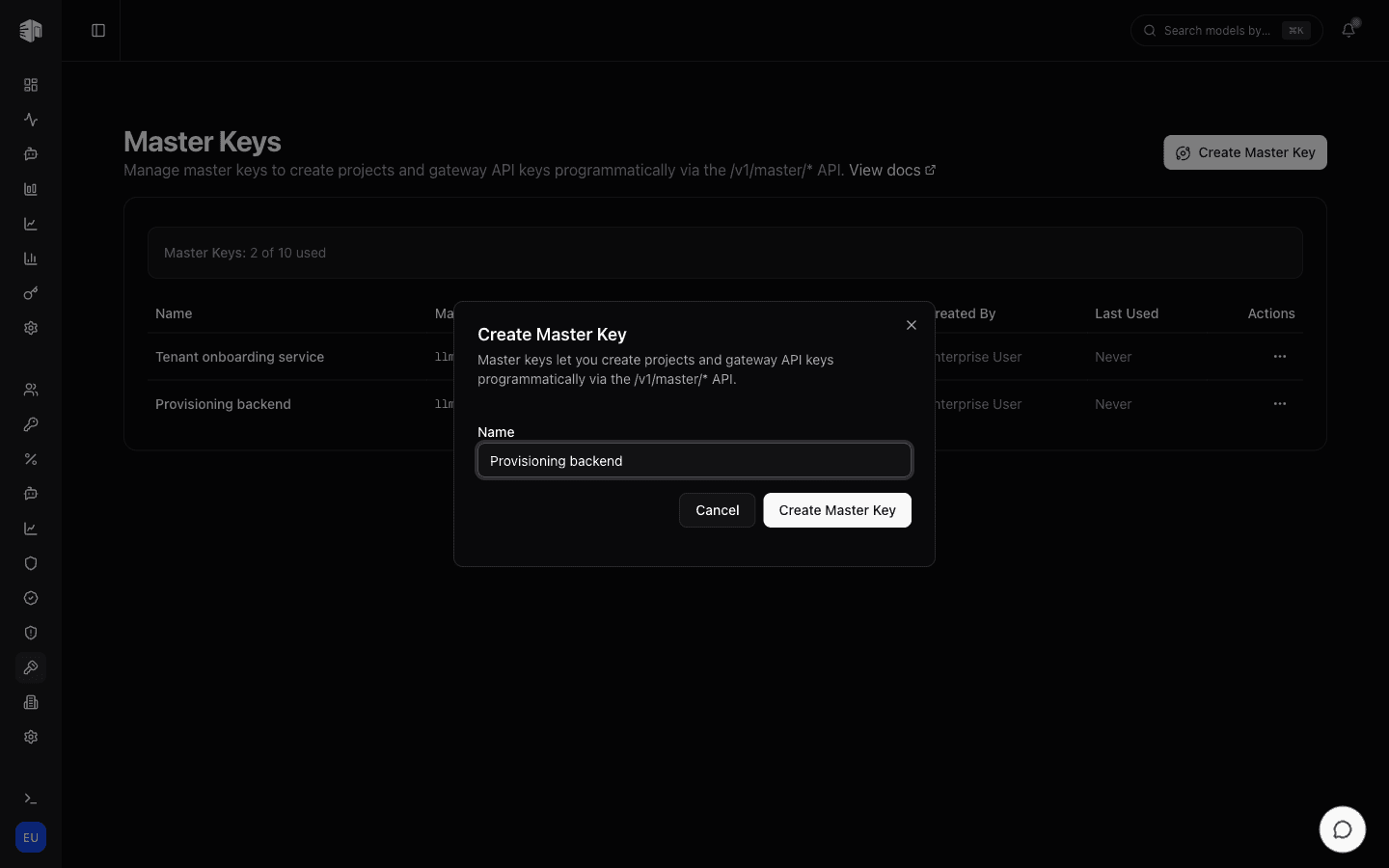
Click Create Master Key, give the key a descriptive name (for example, "Provisioning backend"), and click create.
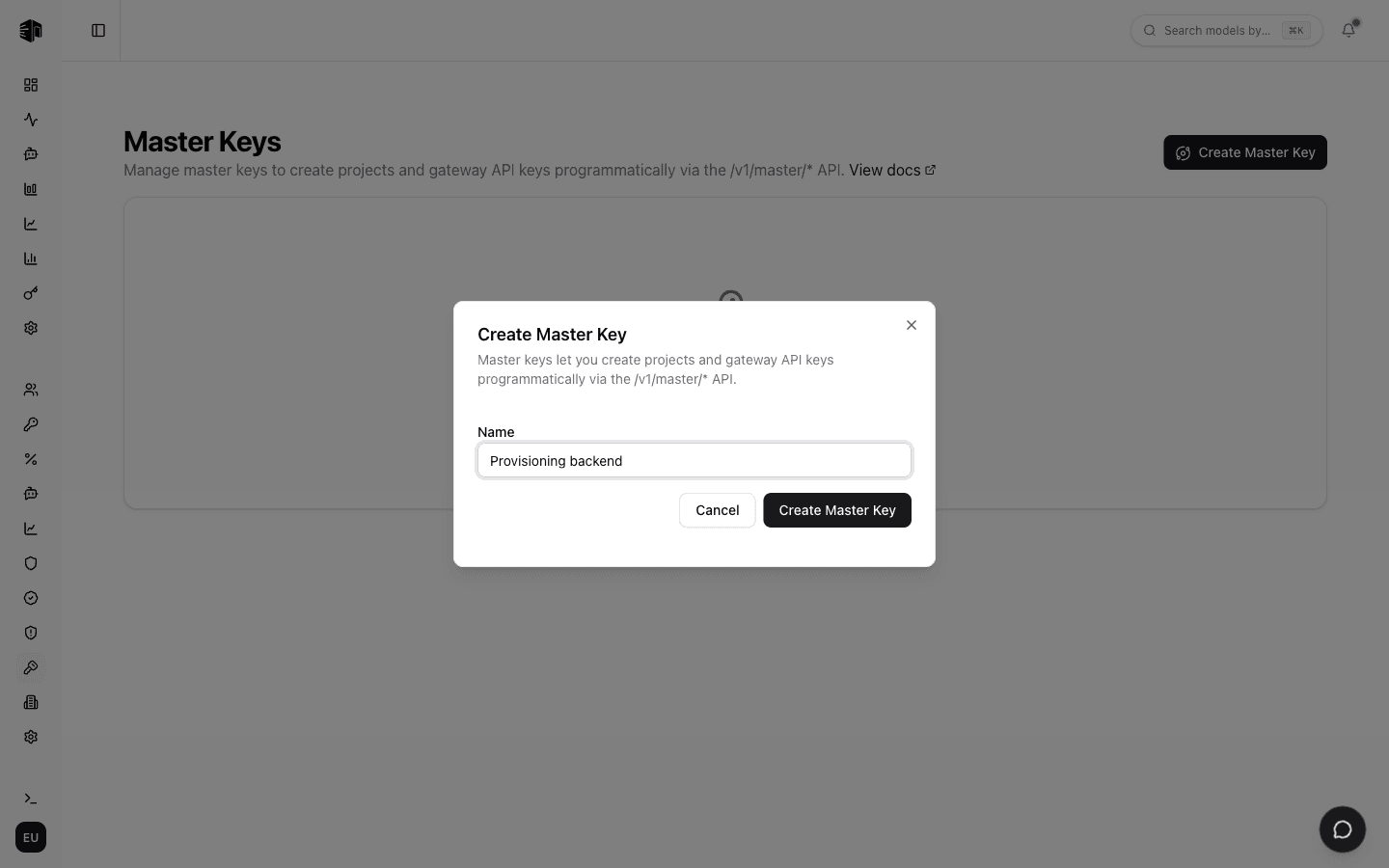
The plain token (prefixed llmgmk_) is shown only once at creation time.
Copy it immediately and store it securely — only an HMAC-SHA256 hash is kept
in the database.
Key List
Each master key in the list shows:
| Field | Description |
|---|---|
| Name | The description you gave the key |
| Master Key | Masked form of the token, for identification |
| Status | Active or inactive |
| Created | When the key was created |
| Created By | The team member who created it |
| Last Used | Timestamp of the key's most recent /v1/master/* call |
Managing Keys
Use the actions menu on each row to:
- Activate / Deactivate — Temporarily suspend a key without deleting it. Inactive keys receive a 401 on every request.
- Delete — Permanently revoke the key. Any system using it immediately loses access to the
/v1/master/*API.
Every create, delete, and status change is recorded in your organization's audit log.
Limits
Each organization can have up to 10 active master keys. A usage bar above the list shows how many you've used; contact us if you need more.
Using a Master Key
Master keys authenticate against the programmatic provisioning API:
curl https://internal.llmgateway.io/v1/master/projects \
  -H "Authorization: Bearer llmgmk_..."
See the Master Keys feature documentation for the full endpoint reference, including project management, gateway API key provisioning, per-key IAM rules, and member-level IAM rules (addressable by membership id or email).
How is this guide?
Last updated on