Preferences
Configure project-level settings including caching and project mode
The Preferences page contains project-level settings that control how your project behaves.
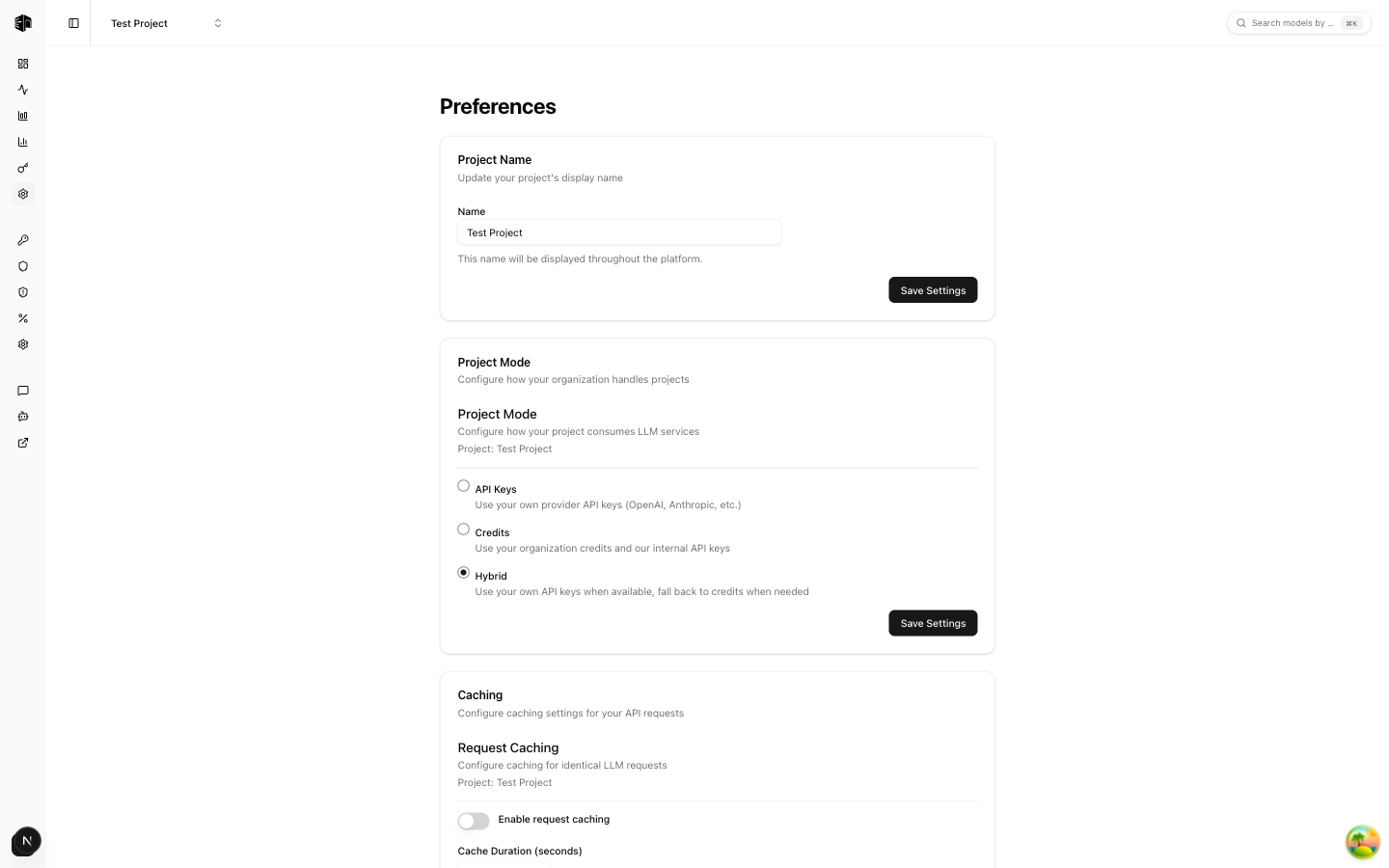
Project Name
Update the display name for your project. This name appears in the sidebar and throughout the dashboard.
Project Mode
Configure how your organization handles projects. This setting determines the routing and isolation behavior for API requests within the project.
Caching
Enable or configure response caching for API requests. When enabled, identical requests will return cached responses instead of making new calls to the provider, saving both time and cost.
Response caching must be disabled for every project before the organization can enable zero data retention. While ZDR is active, response caching cannot be enabled and provider prompt-cache markers are stripped.
Learn more about caching in the Caching feature docs.
Danger Zone
The Danger Zone section contains irreversible actions:
- Archive Project — Permanently archive the project. This action cannot be undone. Archived projects stop processing requests and their API keys become inactive.
How is this guide?
Last updated on