Data Streams
Forward audit logs to your SIEM and export request log metadata to your own HTTPS endpoint
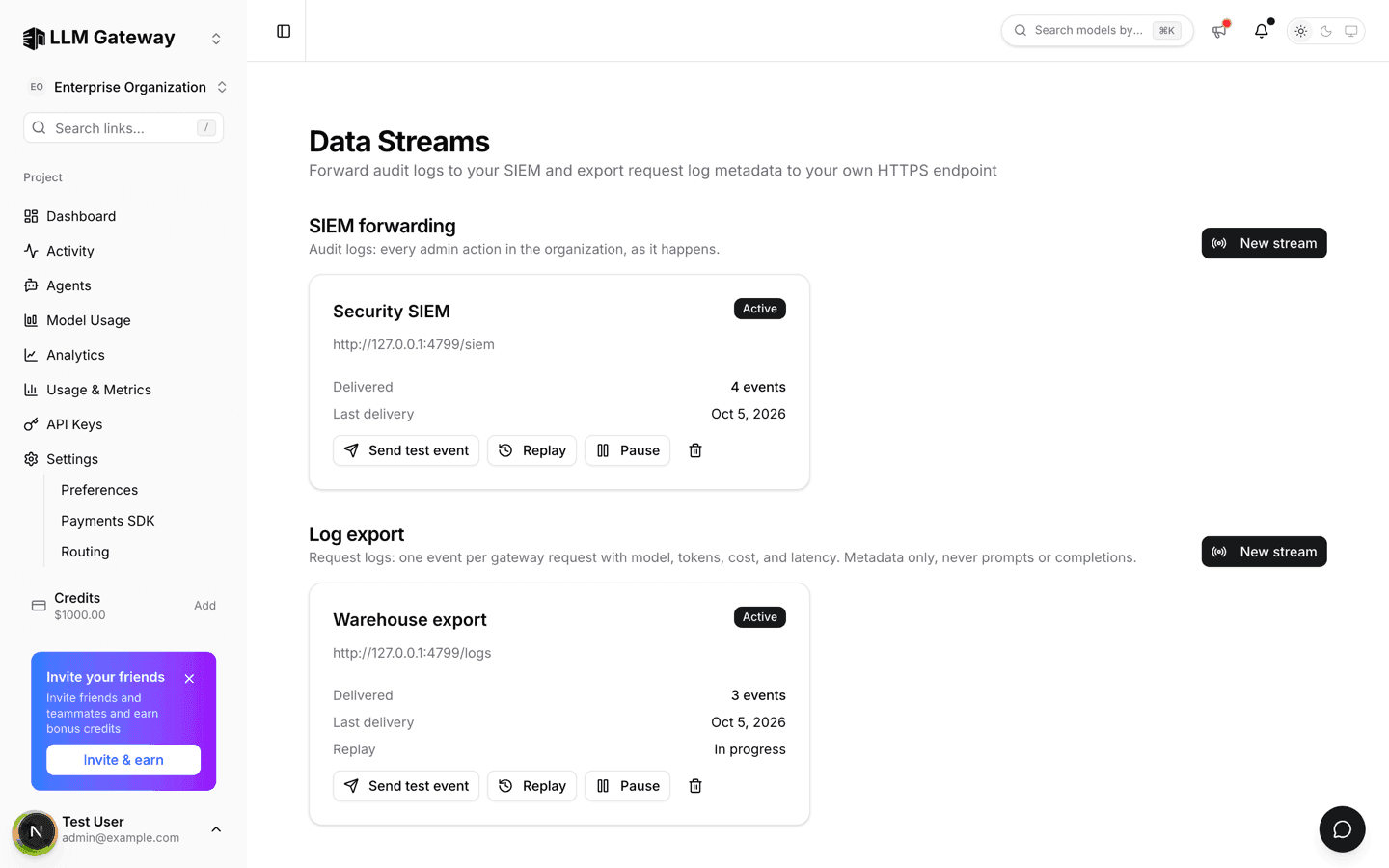
The Data Streams page sends your organization's audit logs and request log metadata to an HTTPS endpoint you run, such as a SIEM collector or a data pipeline.
Data Streams are an Enterprise feature enabled per organization for owners and admins. Contact us to turn them on.
Sections
- SIEM forwarding streams audit logs: every admin action in the organization.
- Log export streams request log metadata: one event per gateway request. It is switched on separately, because each pass reads your request logs; the section explains how to request it until then.
Events never include prompts or completions.
Creating a stream
Click New stream in a section and fill in:
| Field | Description |
|---|---|
| Name | Label shown on the stream card |
| Projects | Log export only: all projects or one |
| HTTPS endpoint | Where batches are posted |
| Signing secret | At least 16 characters; signs every request so you can verify it came from us |
| Bearer token | Optional, sent in the Authorization header |
Secrets are encrypted and never shown again.
Stream cards
Each card shows the status (Active, Retrying, or Paused), the number of delivered events, the last delivery, and the last error if one occurred.
- Send test event delivers one synthetic event and shows whether the endpoint accepted it.
- Replay re-sends every event in a window of up to 30 days.
- Pause / Resume stops and restarts delivery without losing your place.
- The trash icon deletes the stream.
A stream that keeps failing pauses itself and notifies owners and admins. Fix the endpoint, then Resume: delivery continues from where it stopped.
New streams send events created after they were added. Delivery details, event fields, and signatures are in Data streams.
How is this guide?
Last updated on