Knowledge base
Audit Logs
Track every action taken within your organization
The Audit Logs page provides a complete history of all actions performed within your organization, essential for compliance and security monitoring.
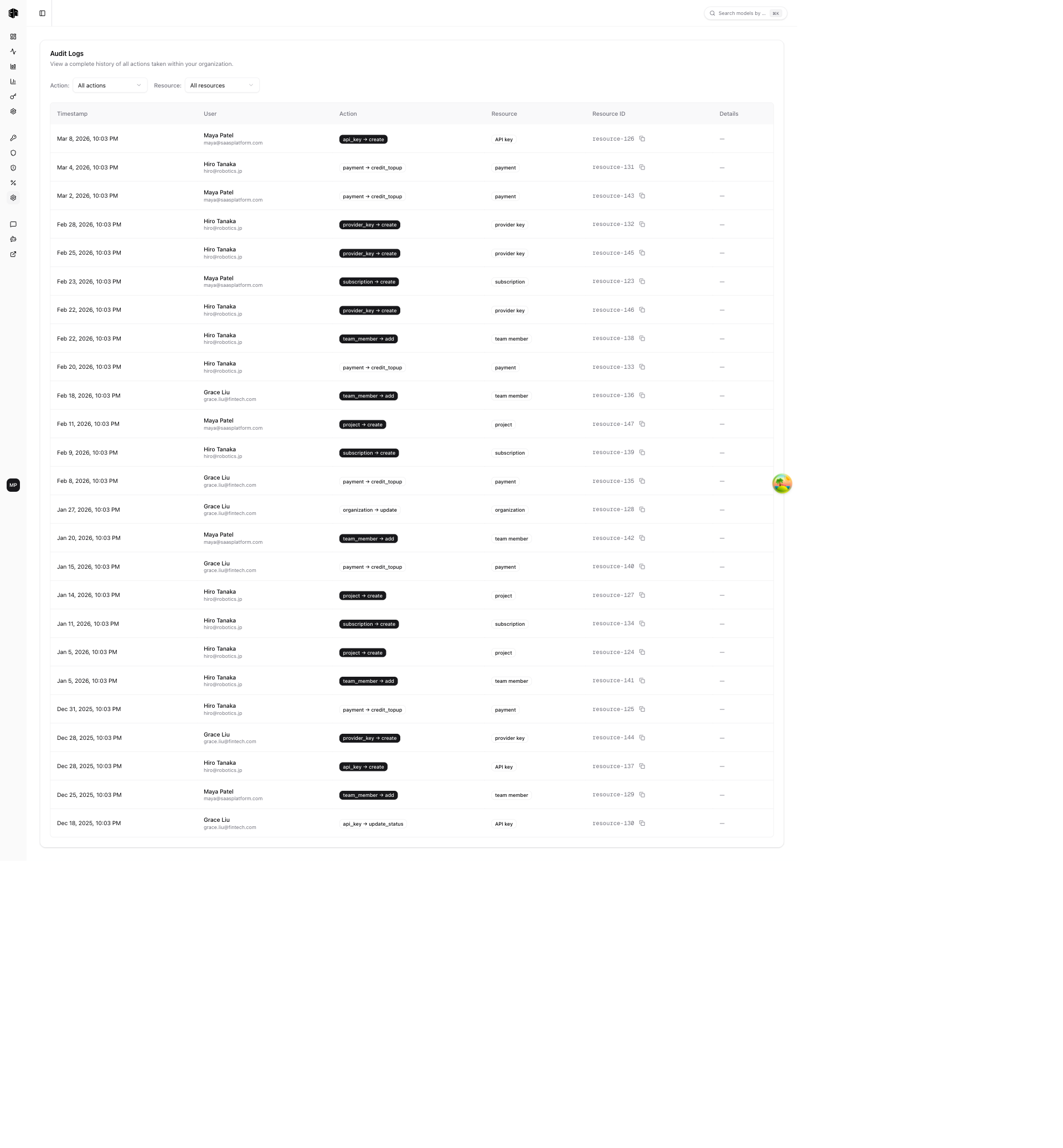
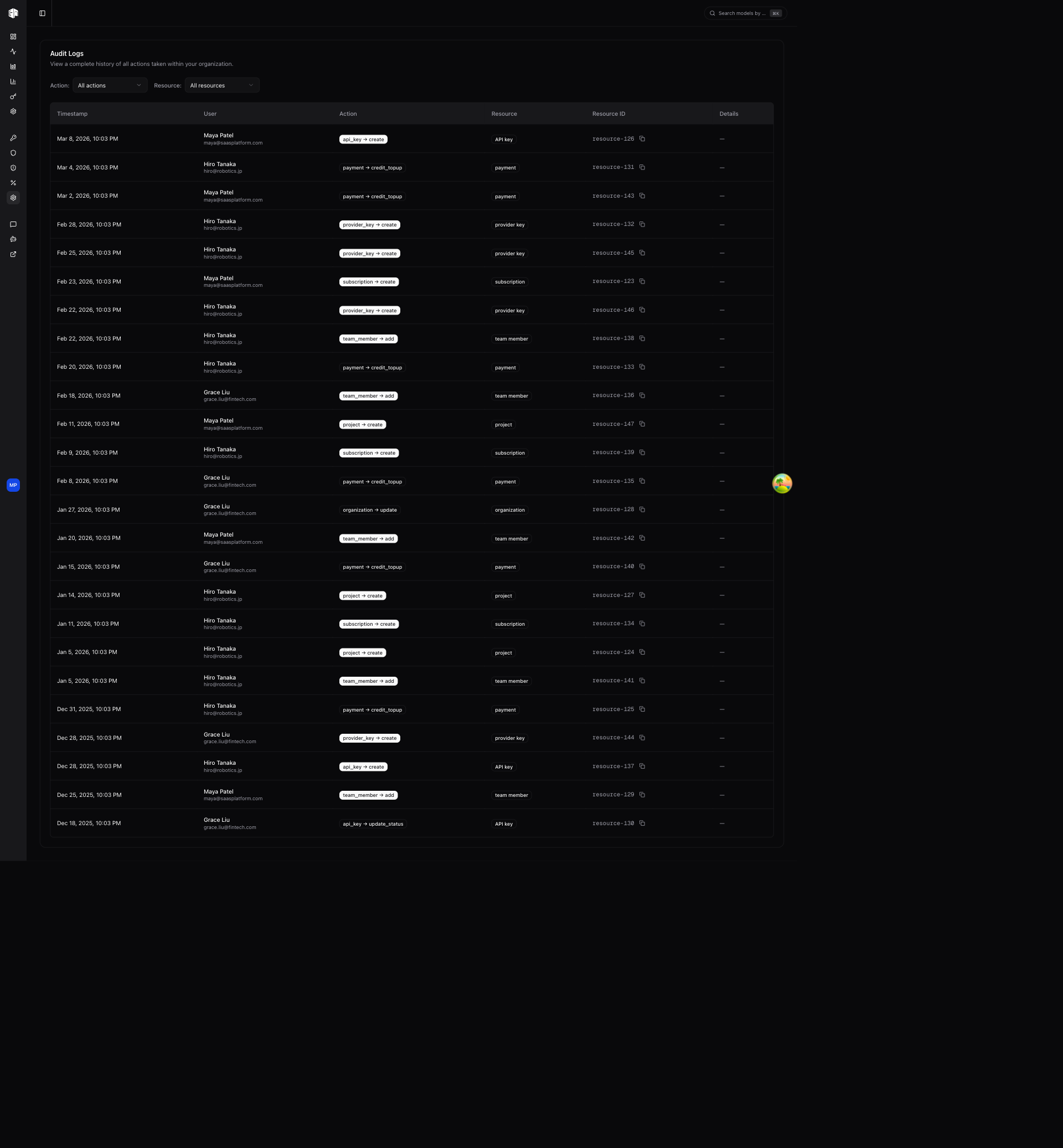
Audit Logs are available on the Enterprise plan. Owner or Admin role is required.
Filters
Narrow down the log entries:
- Action — Filter by action type (create, delete, update, etc.)
- Resource type — Filter by resource (API, IAM, API Keys, etc.)
Both filters are populated dynamically based on the actions recorded in your organization.
Audit Log Entries
Each log entry shows:
| Field | Description |
|---|---|
| Timestamp | Exact time of the action (formatted as MMM d, yyyy HH:mm:ss) |
| User | Name and email of the person who performed the action |
| Action | What was done (e.g., "API Keys → create") |
| Resource type | The type of resource affected (shown as a badge) |
| Resource ID | Identifier of the affected resource (with copy button) |
| Details | Additional metadata about the action |
Pagination
The log supports infinite scrolling with a Load More button to view older entries. Entries are sorted newest first.
How is this guide?
Last updated on