Knowledge base
Security Events
Monitor guardrail violations and content policy events
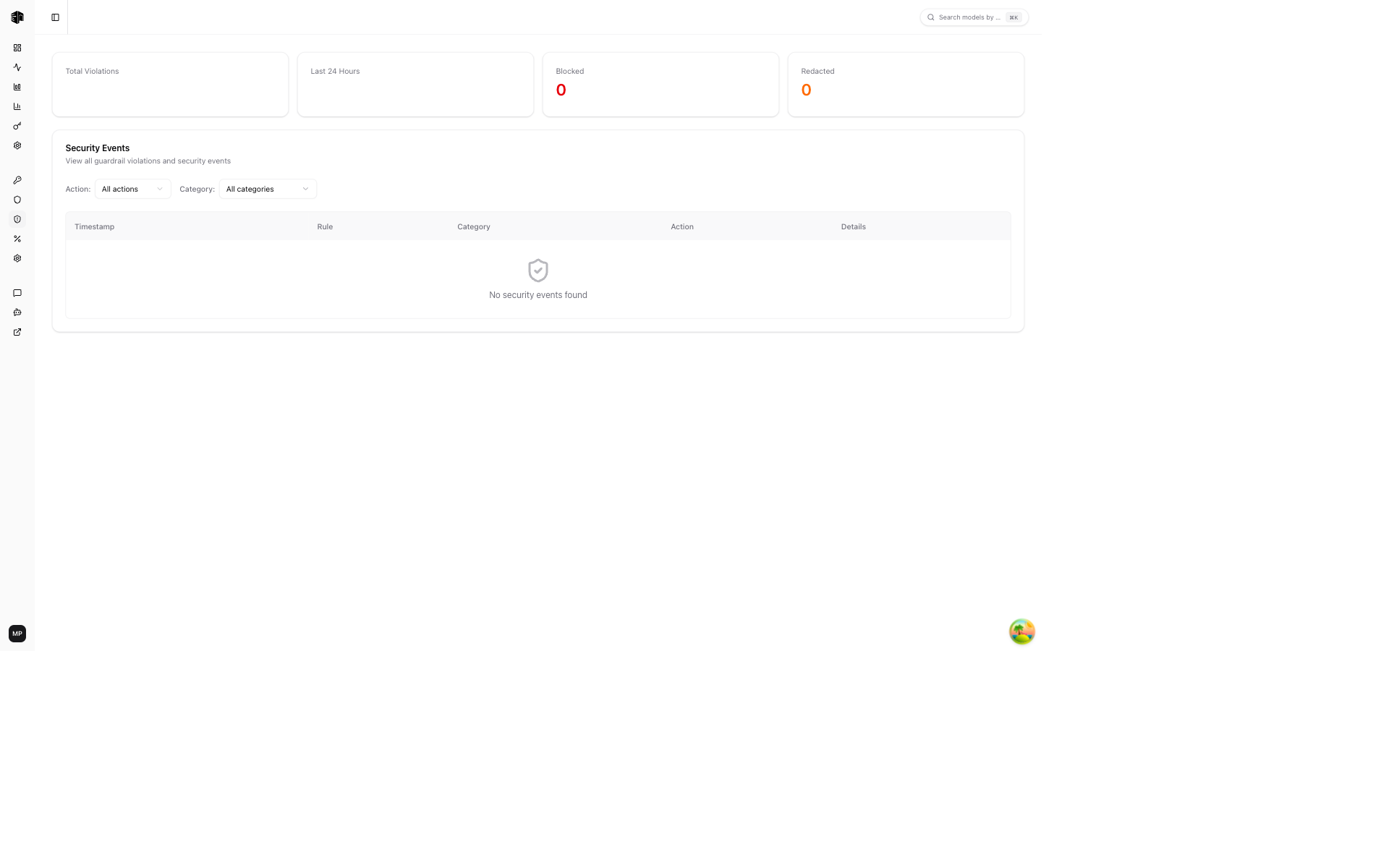
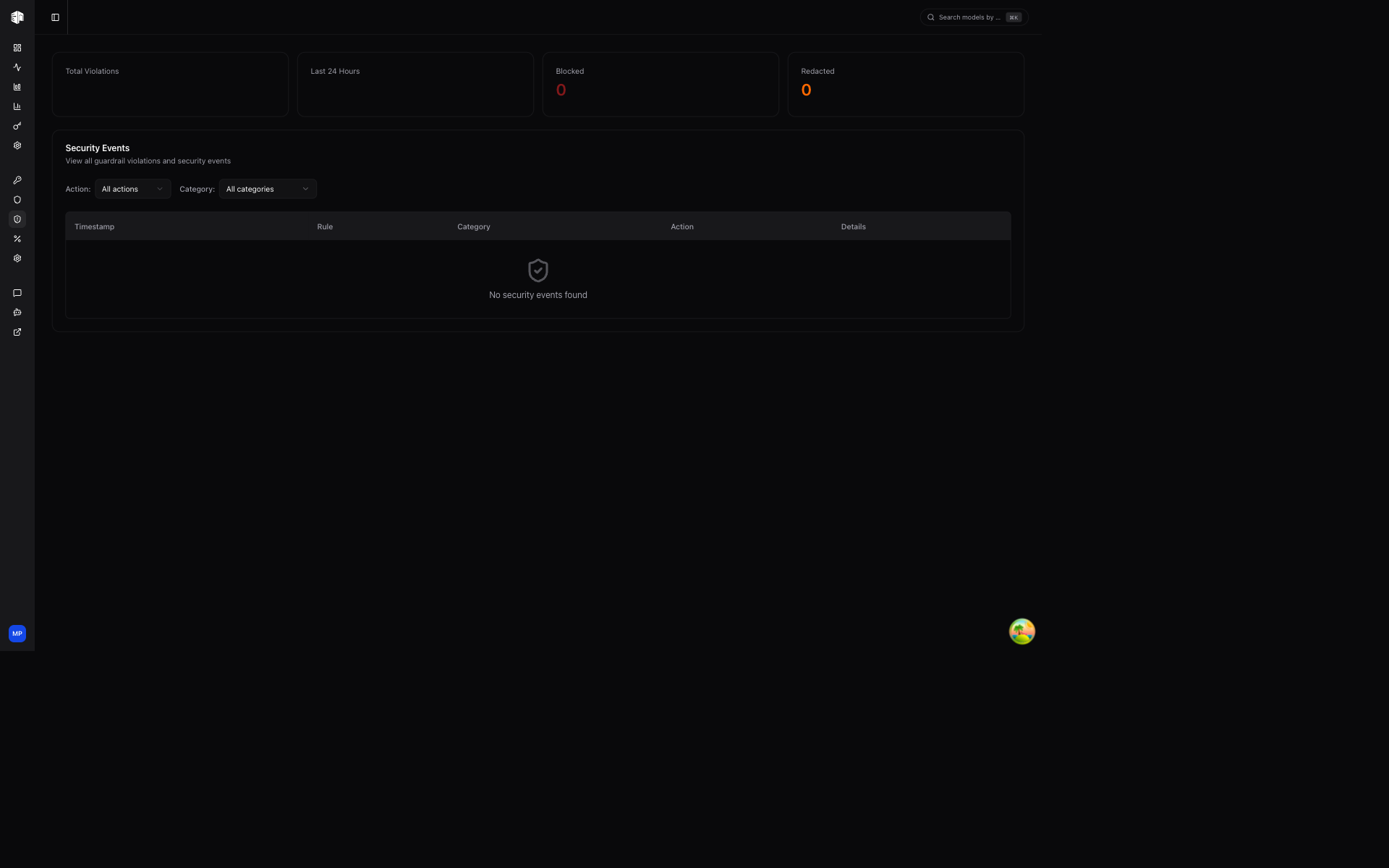
The Security Events page shows all guardrail violations detected across your organization, helping you monitor content safety and policy enforcement. Violations from projects that override the organization guardrails appear here too, so this page stays the single place to review enforcement.
Security Events are available on the Enterprise plan. Owner or Admin role is required.
Stats Cards
Four summary cards at the top:
| Card | Description |
|---|---|
| Total Violations | All-time violation count |
| Last 24 Hours | Violations in the past day |
| Blocked | Number of requests that were blocked |
| Redacted | Number of requests where content was redacted |
Filters
Narrow down the events list:
- Action — Filter by Blocked, Redacted, Warned, or All actions
- Category — Filter by Prompt Injection, Jailbreak, PII Detection, Secrets, Blocked Terms, Custom Regex, or Topic Restriction
Violations List
Each violation entry shows:
| Field | Description |
|---|---|
| Timestamp | When the violation occurred |
| Rule name | Which guardrail rule was triggered |
| Category | The type of violation (shown as a badge) |
| Action | What action was taken (Blocked, Redacted, or Warned) |
| Matched pattern | The content that triggered the rule |
The list supports pagination with a Load More button for viewing older events.
How is this guide?
Last updated on