Knowledge base
Org Preferences
Manage your organization's name, billing email, and billing details
The Org Preferences page contains settings for your organization's identity and billing information.
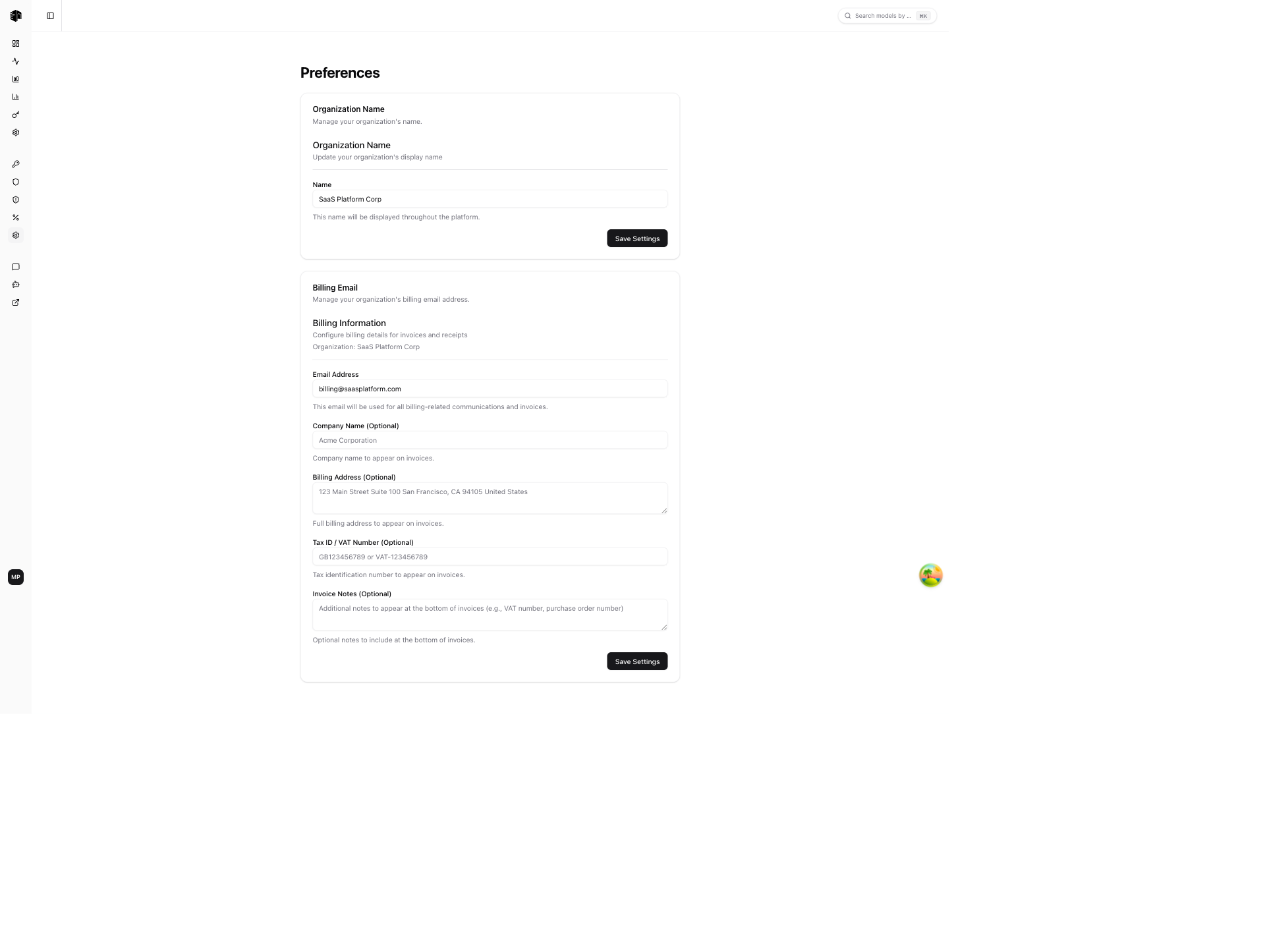
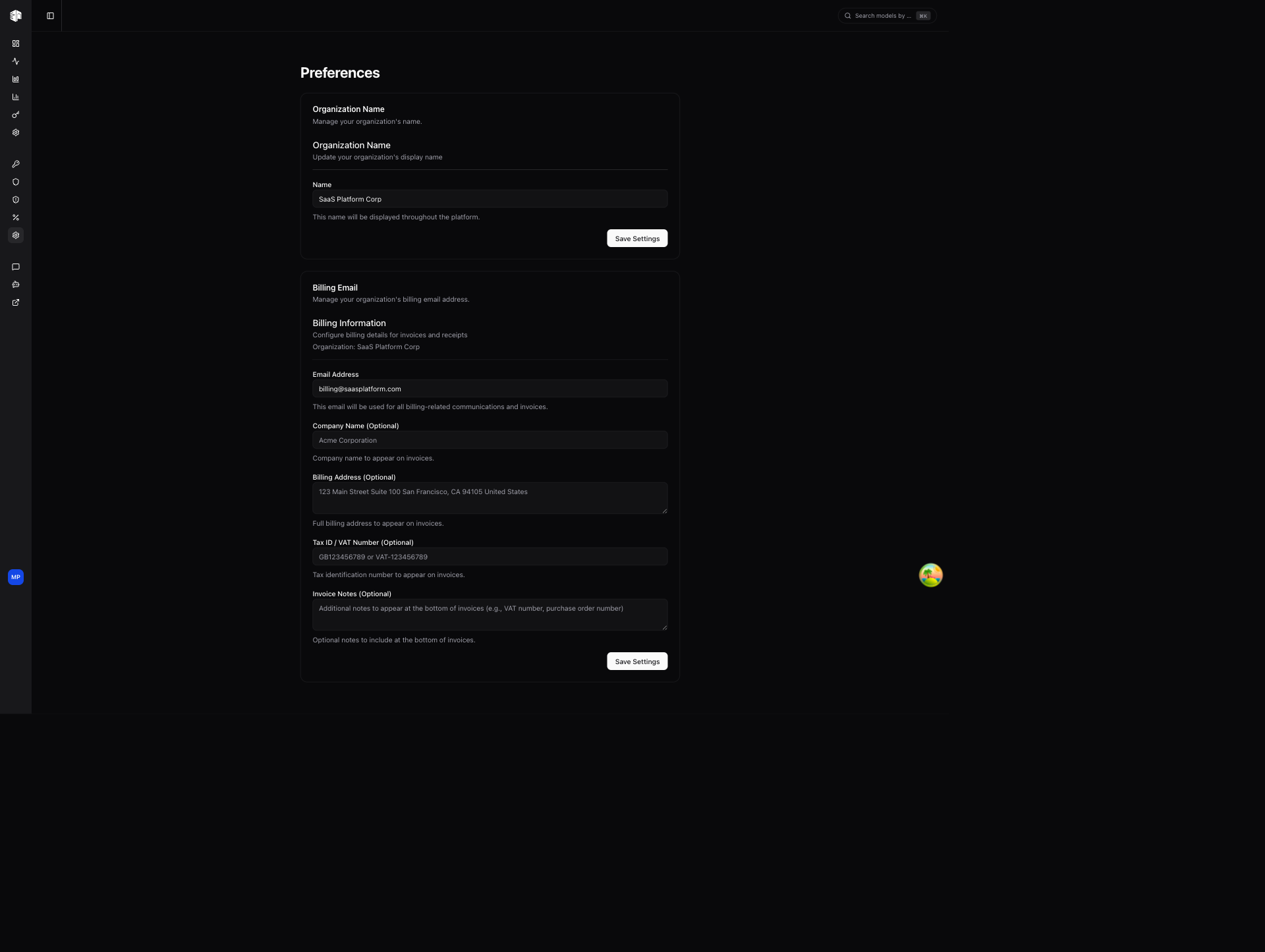
Organization Name
Update your organization's display name. This name appears throughout the dashboard and in billing communications.
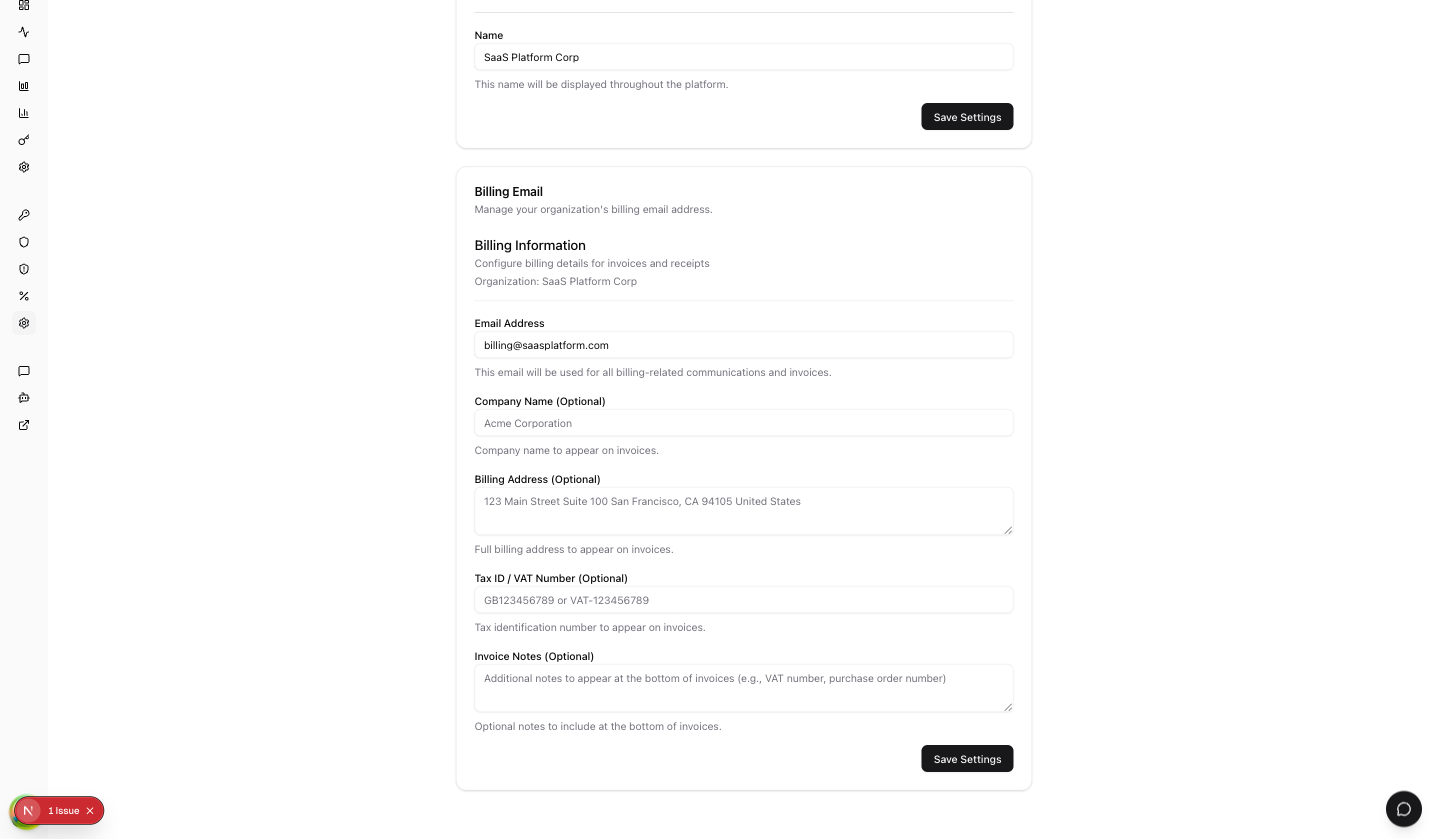
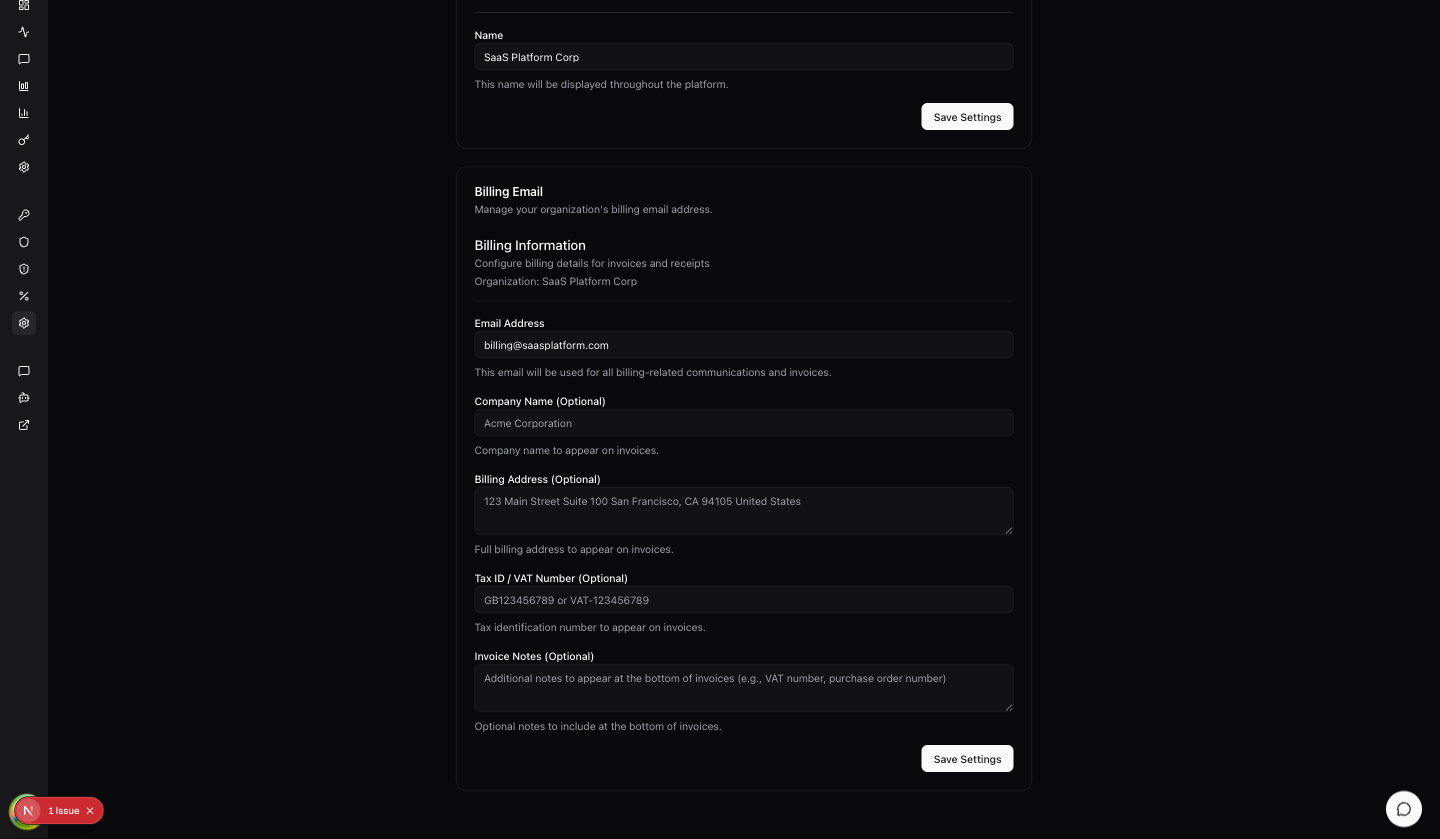
Billing Email
Set or update the email address used for billing-related communications, including receipts, invoices, and payment notifications.
Billing Information
Configure your organization's billing details for invoices:
| Field | Description |
|---|---|
| Email Address | Primary email for billing communications |
| Company Name (optional) | Your company or organization name for invoices |
| Billing Address | Street address, city, state/province, ZIP code, and country |
| Tax ID / VAT Number (optional) | Your tax identification or VAT number for tax-compliant invoices |
| Invoice Notes (optional) | Custom notes to include on invoices (e.g., PO numbers, department codes) |
How is this guide?
Last updated on