Prompts
Create versioned prompt templates and deploy changes without redeploying your app
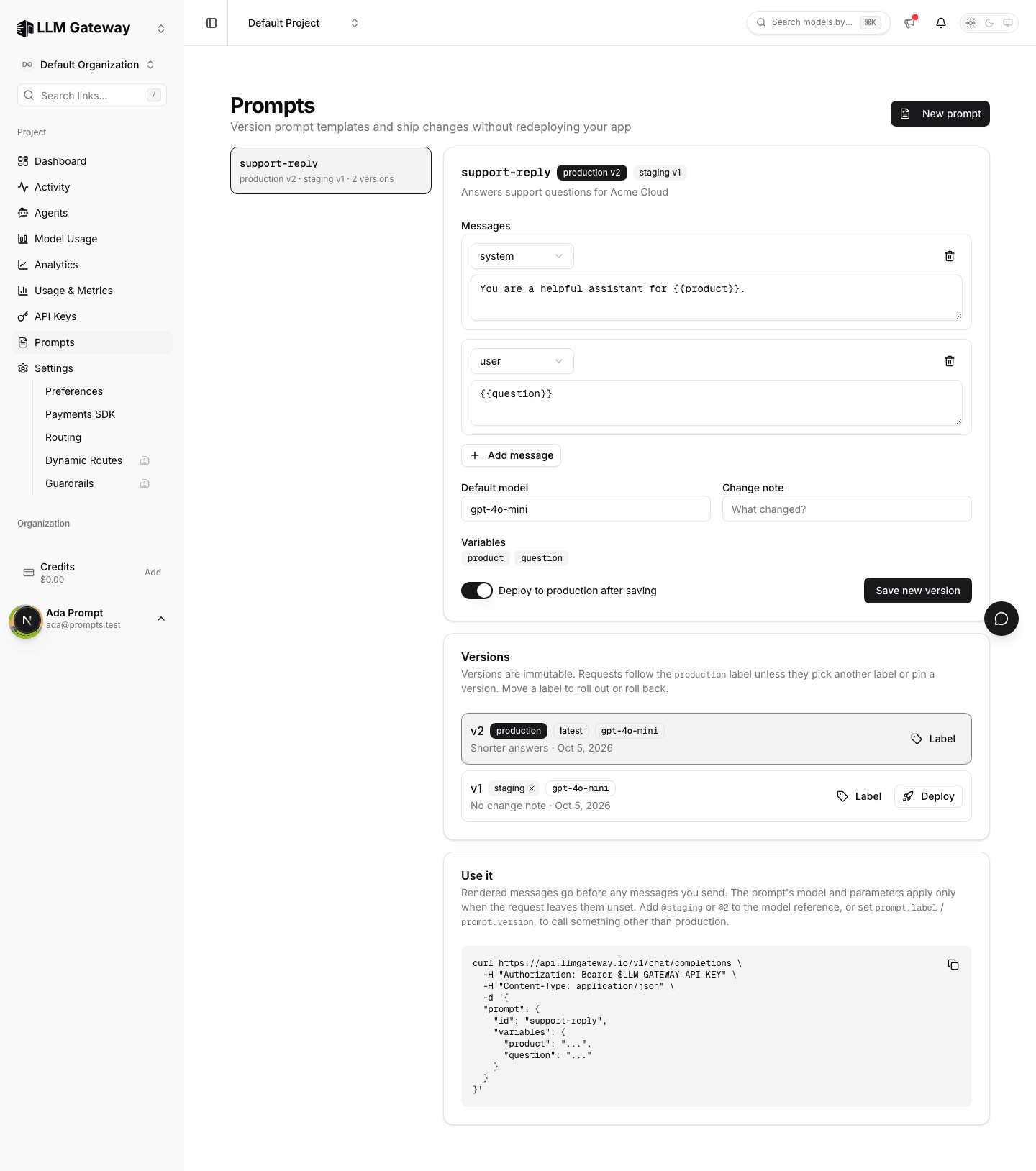
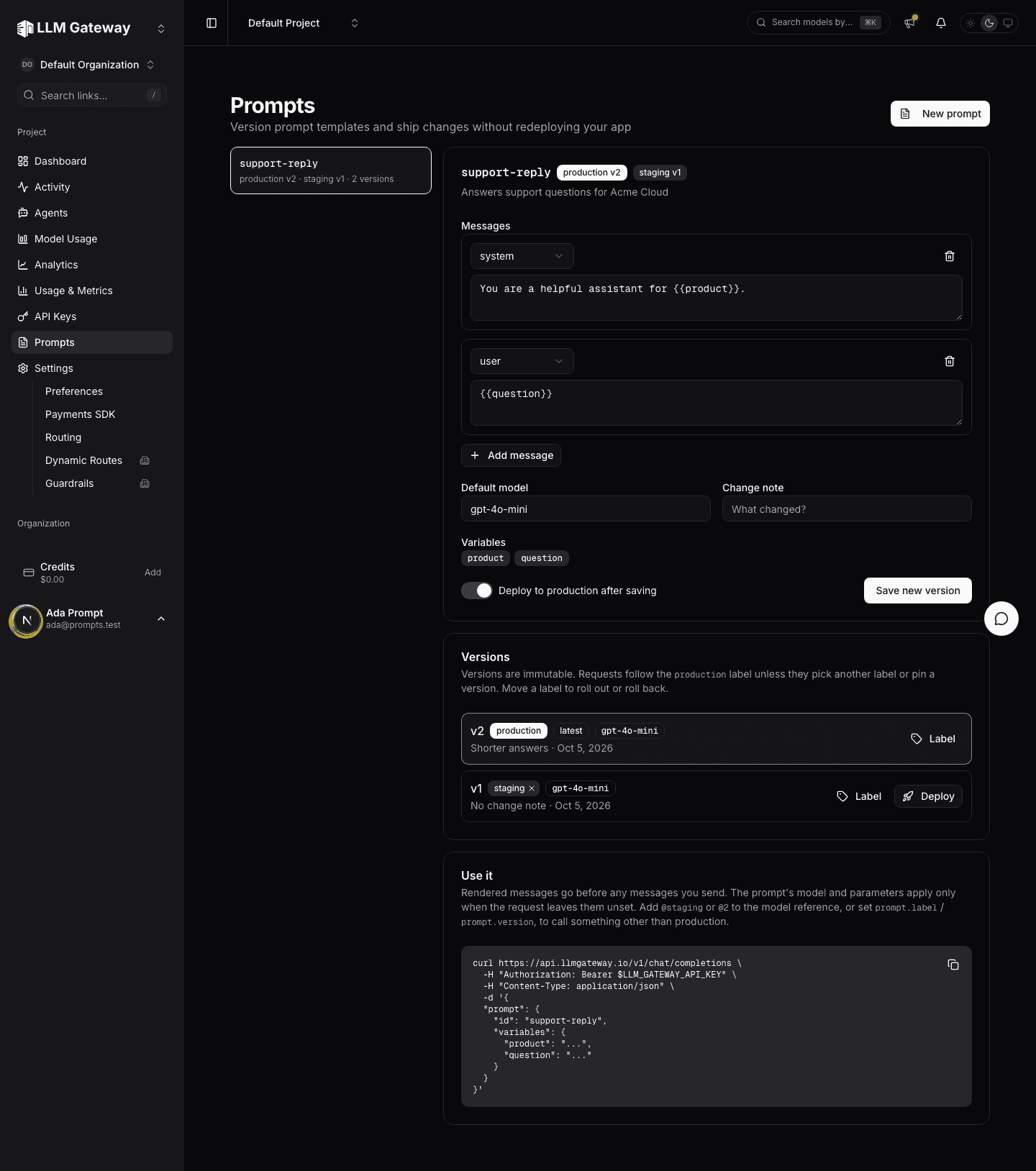
The Prompts page stores your project's prompt templates. Edit a prompt, save it as a new version, and deploy it; requests that follow the production label pick up the change immediately. Other labels, such as staging, let you try a version before it goes live.
Creating a prompt
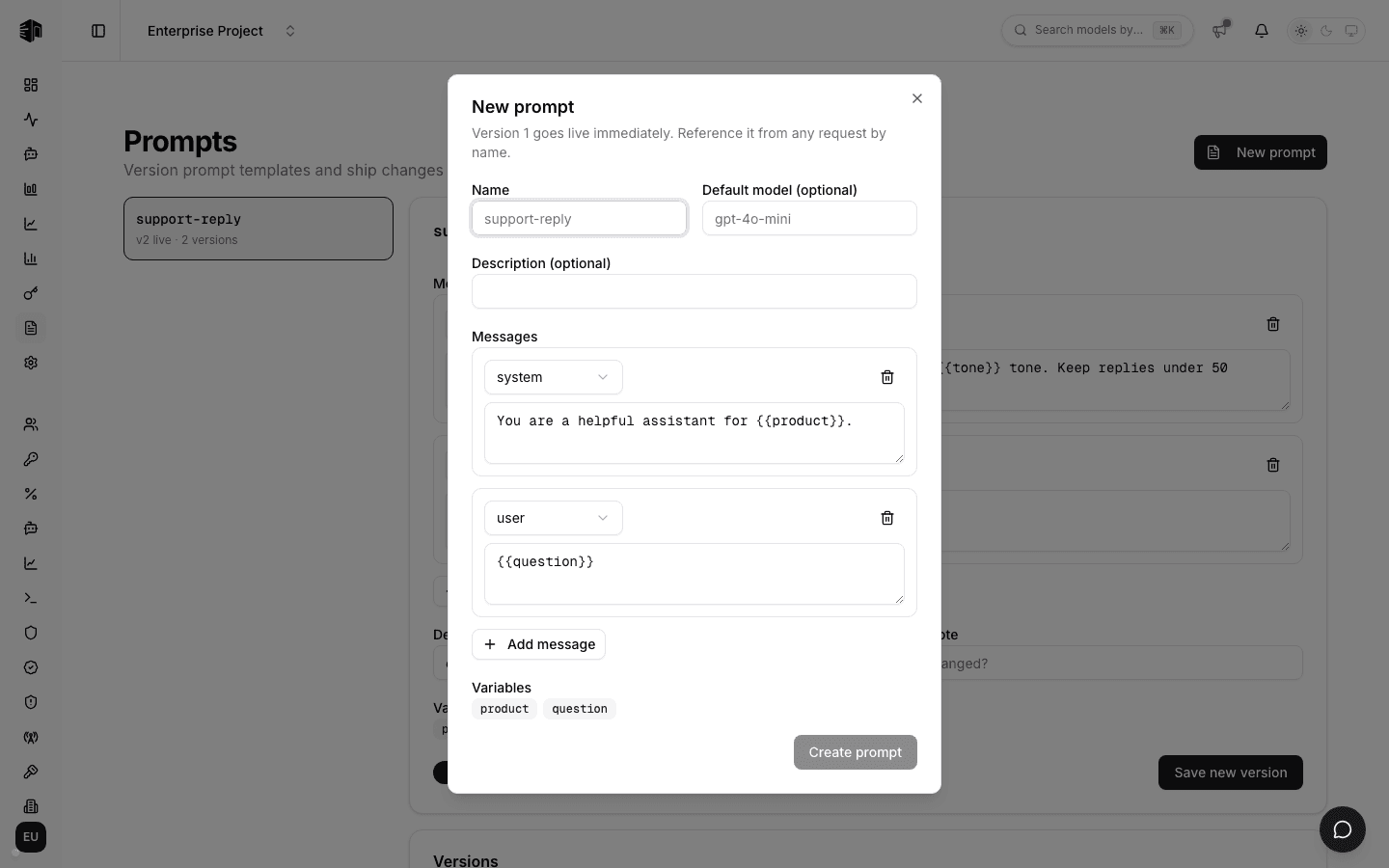
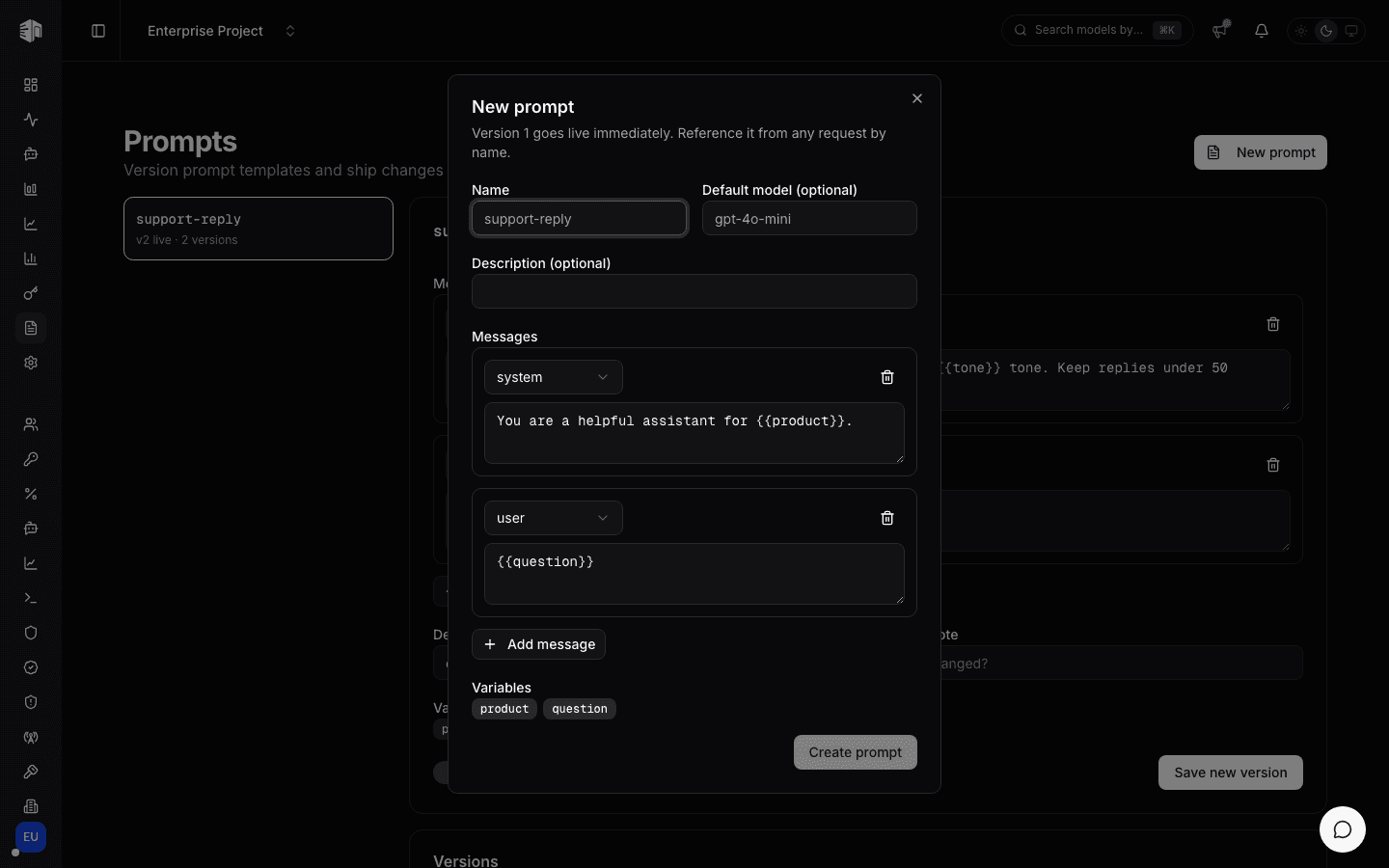
Click New prompt, give it a Name (letters, numbers, dots, dashes, and underscores), an optional Default model and Description, and write its Messages. Use {{variable}} for values each request supplies; they appear under Variables as you type. Click Create prompt. Version 1 gets the production label right away.
Editing and deploying
Select a prompt on the left to open it.
| Section | What it does |
|---|---|
| Messages | The template, prefilled from the production version |
| Default model | Used when a request does not set model, and always when it references the prompt through model |
| Parameters | Temperature, top P, max tokens, penalties and reasoning effort, applied when the request leaves them unset |
| Change note | Short description stored with the version |
| Deploy to production after saving | When checked, Save new version also points production at it |
| Versions | Every version, newest first, with the labels that point at it. Deploy moves production; Label adds or moves any other label |
| Use it | A copyable request that calls the prompt |
The header lists every label with the version it points at. The newest version is always latest. Remove a label with the × on its badge; production can only be moved. Each request's log card shows the prompt, version and label that served it.
Versions never change after they are saved. Roll back by deploying an earlier version.
Project admins can create and change prompts. Reference a prompt from any request with "model": "@prompt/<name>" (add @staging or @2 to pick a label or version) or, when it has variables, "prompt": { "id": "<name>", "variables": { ... } }; see Prompt management for the request format and errors.
How is this guide?
Last updated on