Video Studio
Generate videos using AI models
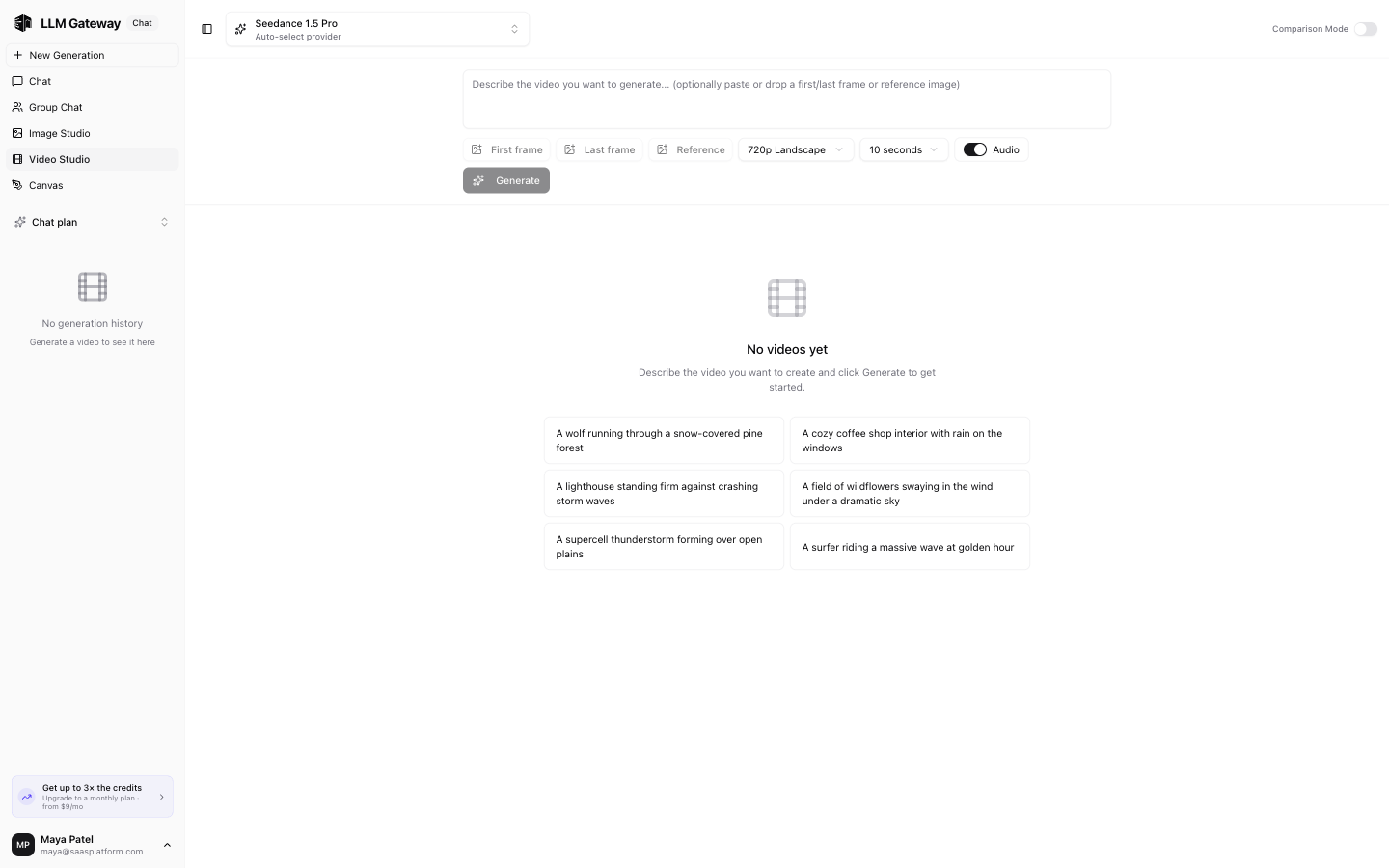
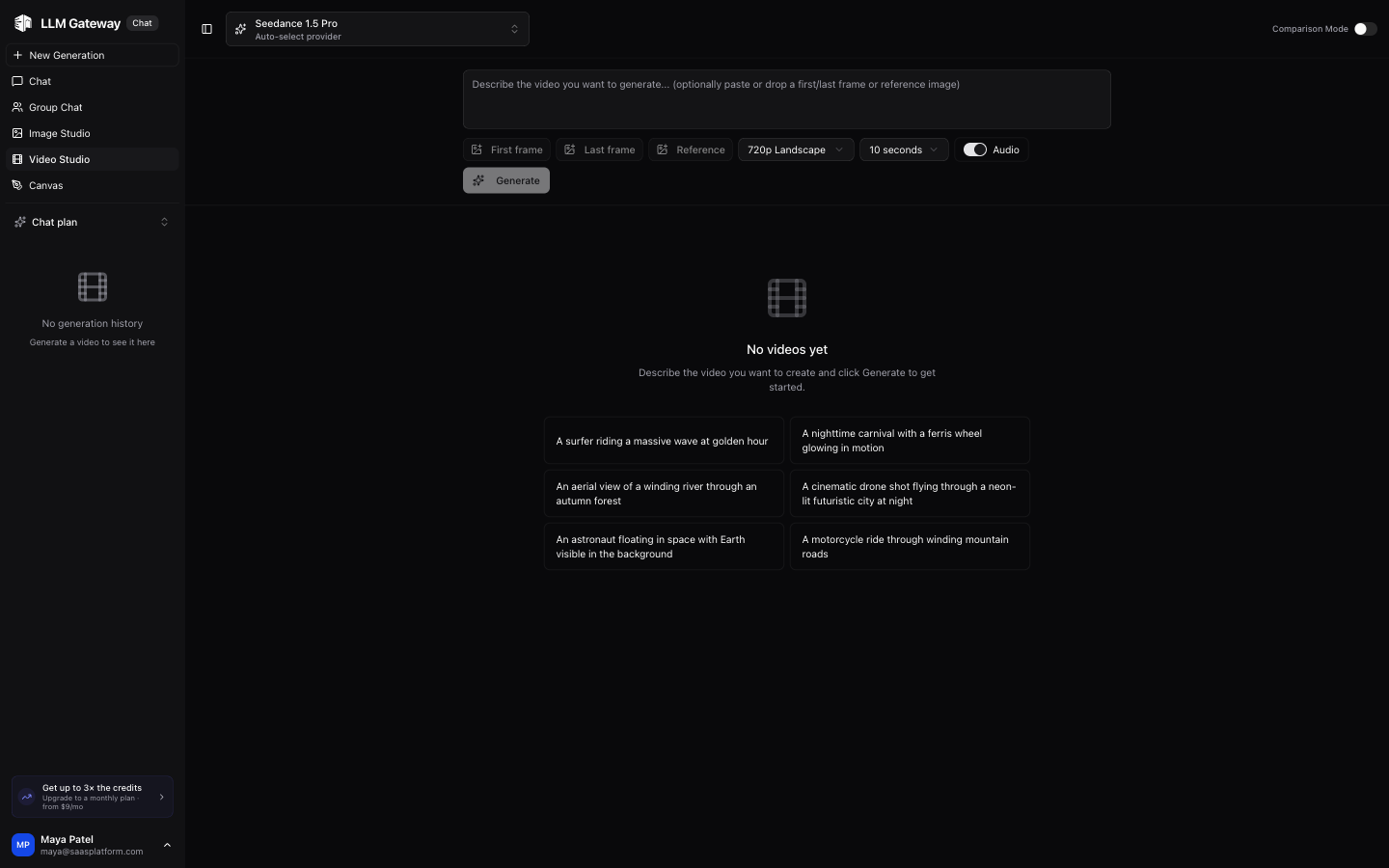
The Video Studio lets you generate videos using AI models. Select a model, describe what you want, and get video results.
Model Selection
Choose from supported video generation models in the dropdown. Each model has different capabilities, resolutions, and pricing.
Generating Videos
- Select a video generation model
- Type a description of the video you want
- Click send to generate
- Generated videos appear in the conversation
Resolution Options
Available resolutions depend on the selected model.
iOS client
The iOS client under development includes Video Studio. Compare up to three models, choose supported size and duration settings, and add starting/ending frames or reference media where supported. Provider and region selections determine the available options.
Jobs continue in the background. Reopen a saved job from video history to check its status, play the result, or save/share the video through iOS. If saving a job to history fails, retry saving before starting another generation. Video availability depends on the provider's retention window.
How is this guide?
Last updated on