Airside Fleet
Manage your carrier's model listings and price filings in the Airside provider console
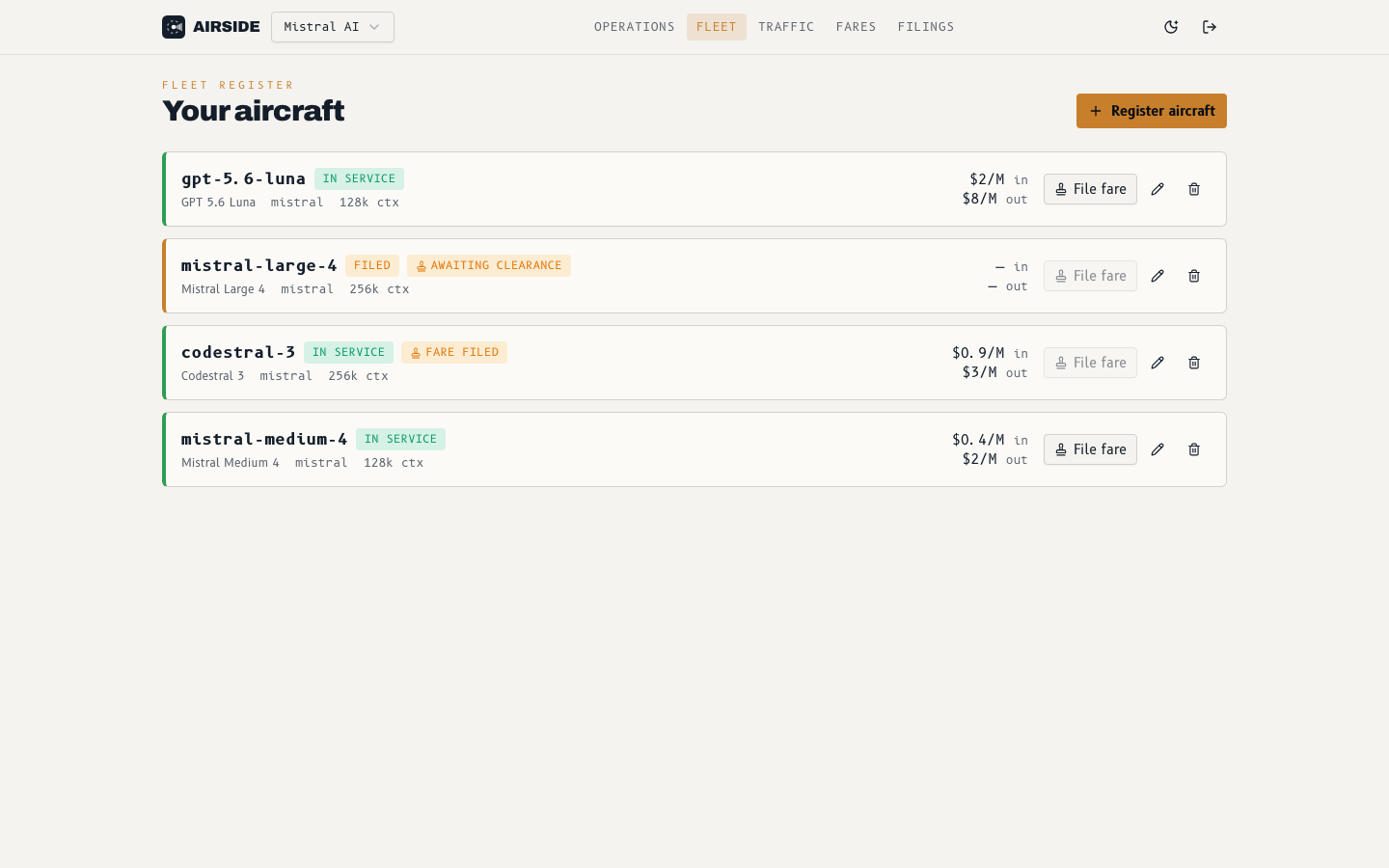
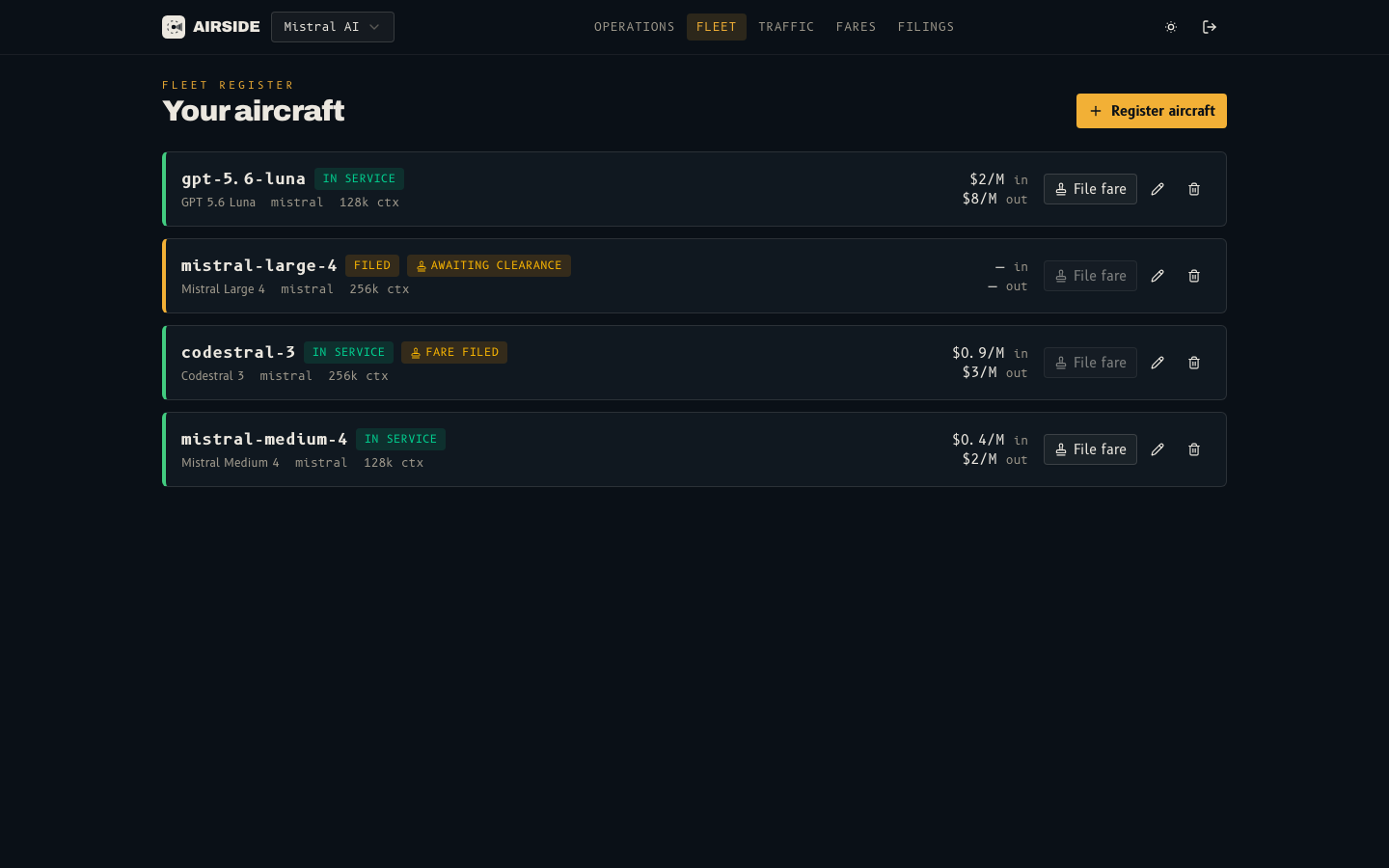
The Fleet page is where a claimed carrier manages its model listings on Airside, the self-serve provider console. Each listing is a "flight strip" showing its status, its currently approved pricing, and any tariff filing still awaiting review.
Listing statuses
| Status | Meaning |
|---|---|
| Filed | Drafted — waiting for the initial price filing to be approved |
| In service | Approved and routable as <provider>/<model>; billed at the filed prices |
| Paused | In service but taken out of routing by you until resumed |
| Rejected | The initial filing was rejected; fix the price and file again |
| Delisted | Out of service — kept in history; request a relist to route traffic again |
| Awaiting clearance / Fare filed | A filing (initial or price update) is pending review |
Registering an aircraft
Click Register aircraft, pick the carrier (when your company holds more
than one), and fill in the model id, display name, family, context size, capabilities,
accepted tool_choice modes, optional quantization, and the initial tariff.
For a model already in the catalogue, Use catalog price copies another
provider's flat prices as a starting point. Token prices are entered in dollars
per million tokens — 2 means $2 per million tokens.
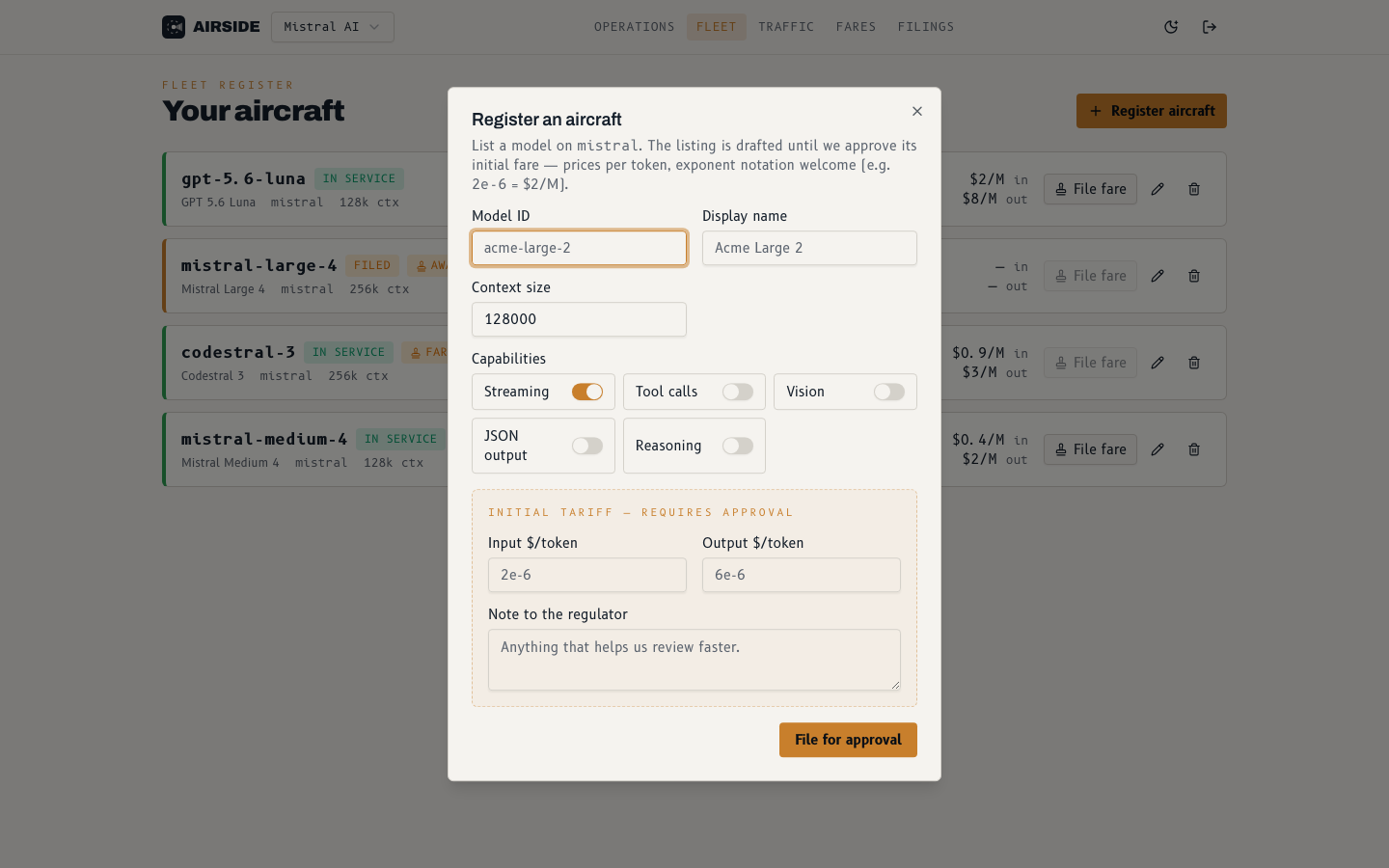
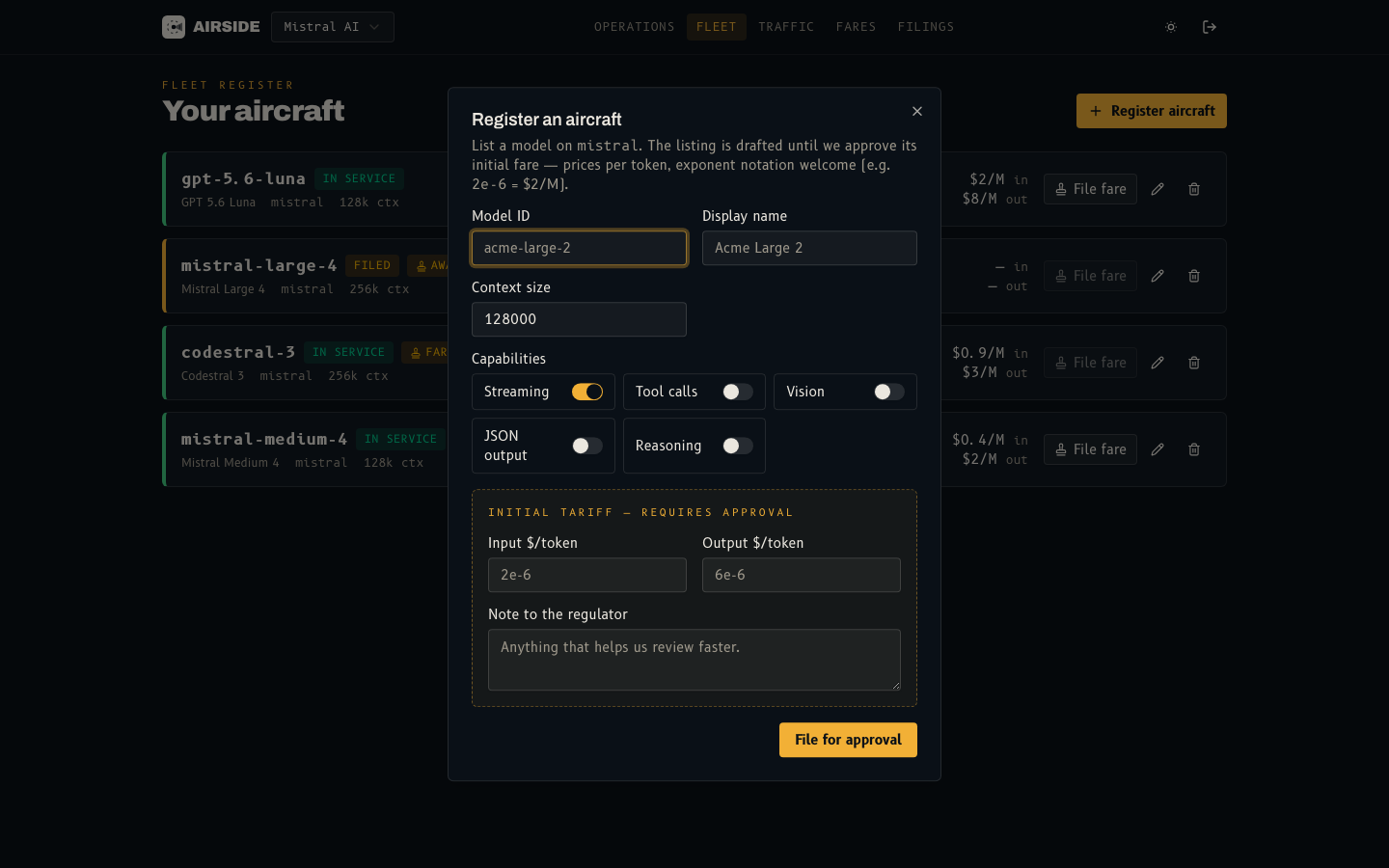
New listings and every later price change are reviewed by the LLM Gateway team before taking effect. Drafts save immediately; on a live listing, metadata changes such as description, context size, capabilities, or quantization are filed for review too.
Every new listing must pass preflight before it is filed. So must an edit that adds a capability, raises the context size or output limit, or adds accepted modes or reasoning tiers: run Run preflight in the edit dialog and save once it passes. Narrowing a capability or editing descriptive fields needs no new run.
Changing a price
Pricing is never edited in place. File fare opens a tariff filing with the new input/output prices; the model keeps serving at its current approved pricing until the filing is approved. Only one filing per model can be pending at a time, and every filing — with its review outcome and notes — is listed in the console's filings history.
Pausing a model
Pause takes an in-service model out of routing without review: it stops receiving new requests within about a minute and keeps its approved pricing, pending filings, and history. Resume puts it back in service the same way. Filings approved while paused apply without resuming the model.
A paused model is hidden from the public model pages and /v1/models until
you resume it. This also holds for a model imported from the built-in
catalogue: requests do not fall back to the catalogue entry.
Removing a model
Deleting a drafted or rejected listing removes it outright. An in-service model is delisted instead: it stops routing immediately and leaves the public model pages, but stays in your history and analytics. A model imported from the built-in catalogue is delisted the same way, without falling back to its catalogue entry.
Delisting takes effect within about a minute — in-flight requests finish, but new requests for the model are rejected.
Relisting a model
A delisted row shows who took it out of service and when: Delisted by your crew, Delisted · claim revoked, or Delisted by LLM Gateway when a listing no longer meets the listing rules, such as a context size more than 10% below the model's window. Run Verify first, then Request relist: the request needs a preflight that passed after the model was delisted and is reviewed by LLM Gateway. The row shows Relist requested while it waits, and Withdraw request cancels it. Once approved, the model is back in service at its last approved fare. A rejected request shows Relist declined with the reviewer's note; fix the issue and request again. Relisting also needs an active claim on the carrier, and fails while another listing uses the same model id. Filings that were pending at delisting stay rejected, and model-level dispatch settings restart from the carrier default.
How is this guide?
Last updated on