Airside
The self-serve console for model providers. Claim your listing, register models, file prices, and watch your traffic on LLM Gateway.
Airside is where the companies behind the models run their listing on LLM Gateway. It uses an airport metaphor: LLM Gateway is the airport, developers are passengers, and providers are carriers. As a carrier you claim your provider, register your fleet of models, file your fares, and see the traffic that reaches you.
Quick start
Sign up with your company email
Create an account at airside.llmgateway.io. The domain of your verified email must match your provider's API endpoint or website to claim it.
Claim or register your carrier
Claim an existing catalogue provider, or register a new one. The LLM Gateway team reviews every claim before the carrier goes live.
Register your fleet and file fares
Add each model with its context size and capabilities, and file its per-token prices. Every model must pass preflight, which runs on the carrier's saved provider key, managed by the carrier or LLM Gateway. A newly registered carrier files this single key with its first preflight; the same key serves live traffic once the model is approved. Replacements under Settings are smoke-tested and reviewed by the LLM Gateway team. Once a filing is approved, the model is routable as <provider>/<model>.
No separate test key is required. Previously saved test keys are ignored; you do not need to remove them or resubmit your provider key. Airside test usage is included in provider-side usage and gateway accounting.
Watch your traffic
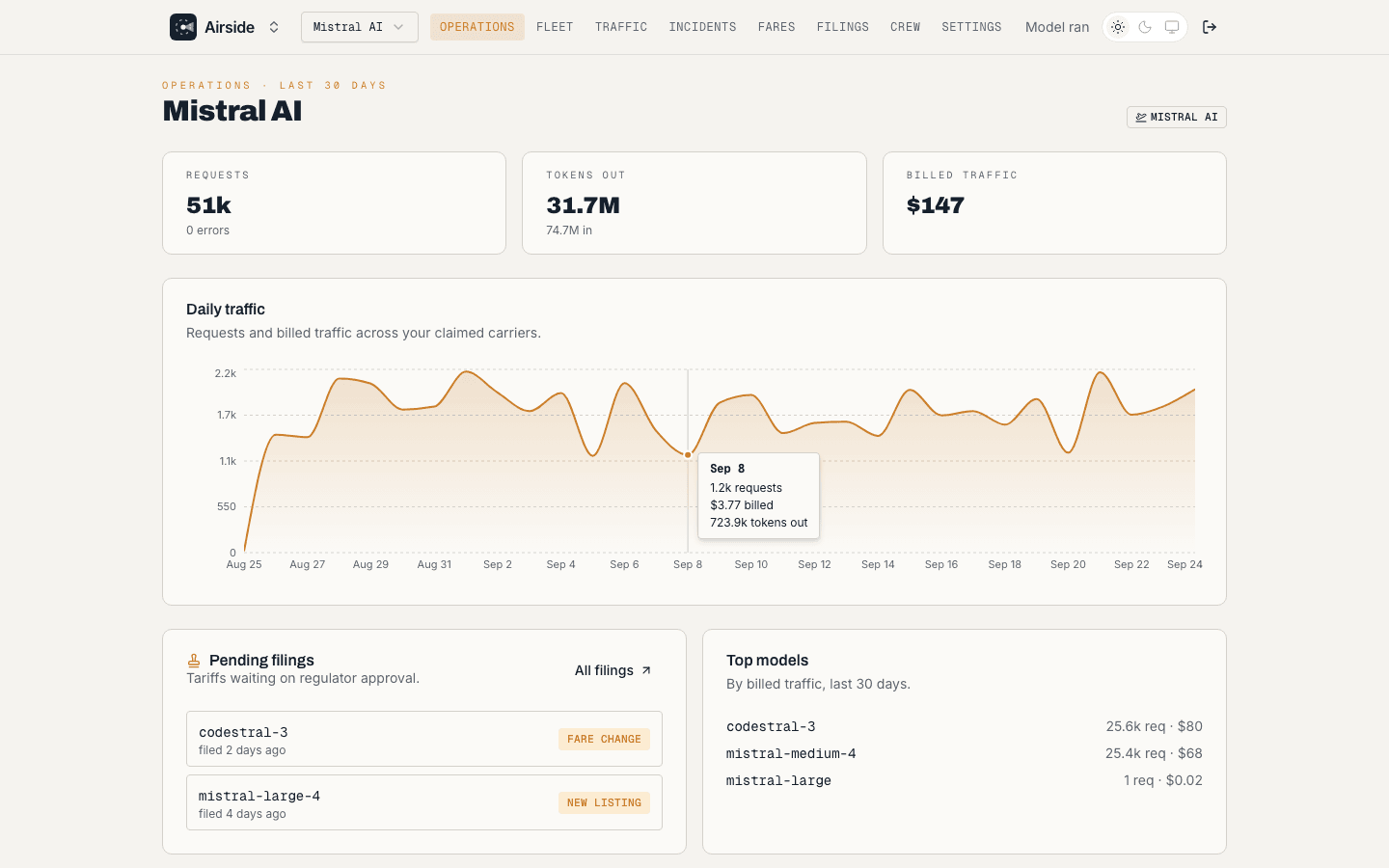
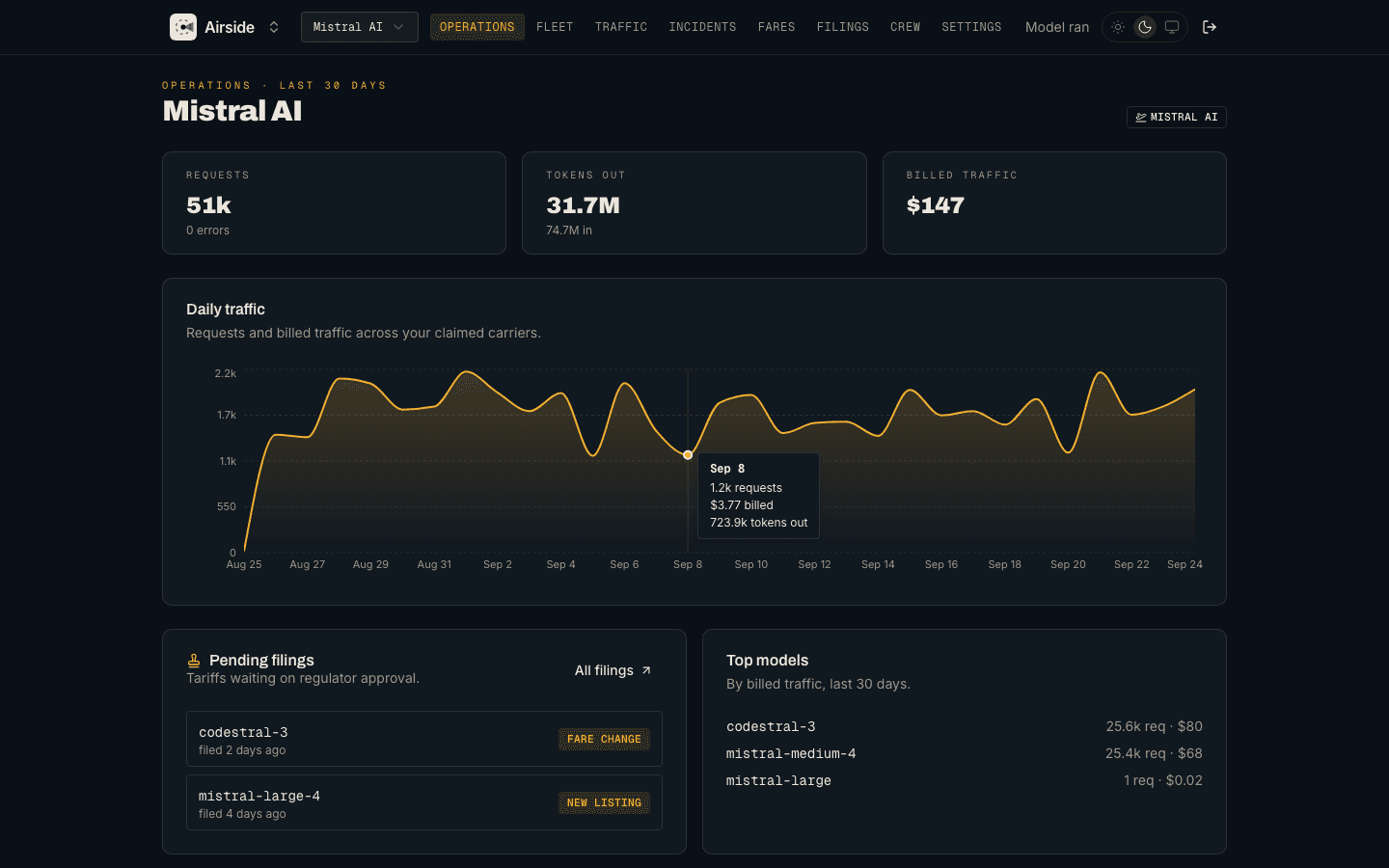
The Traffic page shows requests, errors, tokens, and billed traffic per model. Invite teammates under Crew so your whole team can manage the listing.
Take the tour
Explore Airside
Other products
How is this guide?
Last updated on