DevPass
Flat monthly plans for AI coding. One key for Claude Code, Cursor, OpenCode, and every other coding agent you use.
DevPass is a monthly subscription for developers who code with AI agents. Instead of topping up credits per request, you pay one flat price and get a monthly allowance that covers the models your tools call. Your DevPass key works anywhere an OpenAI- or Anthropic-compatible key does, so you keep the tools you already use.
Quick start
Pick a plan
Choose a plan on the DevPass pricing page. Plans come in three tiers, Lite, Pro, and Max. Higher tiers raise the monthly allowance and the weekly cap on premium models.
Copy your key
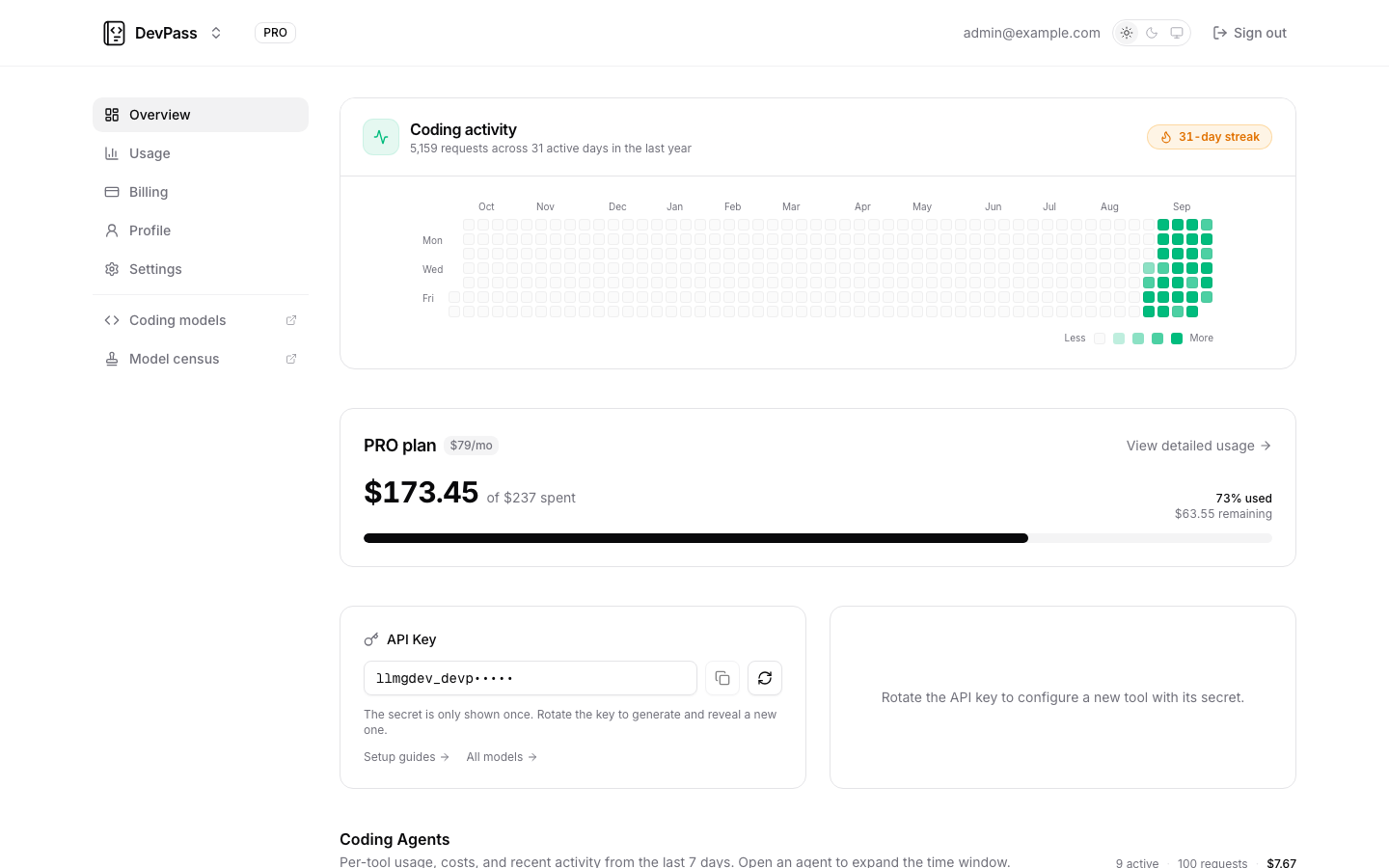
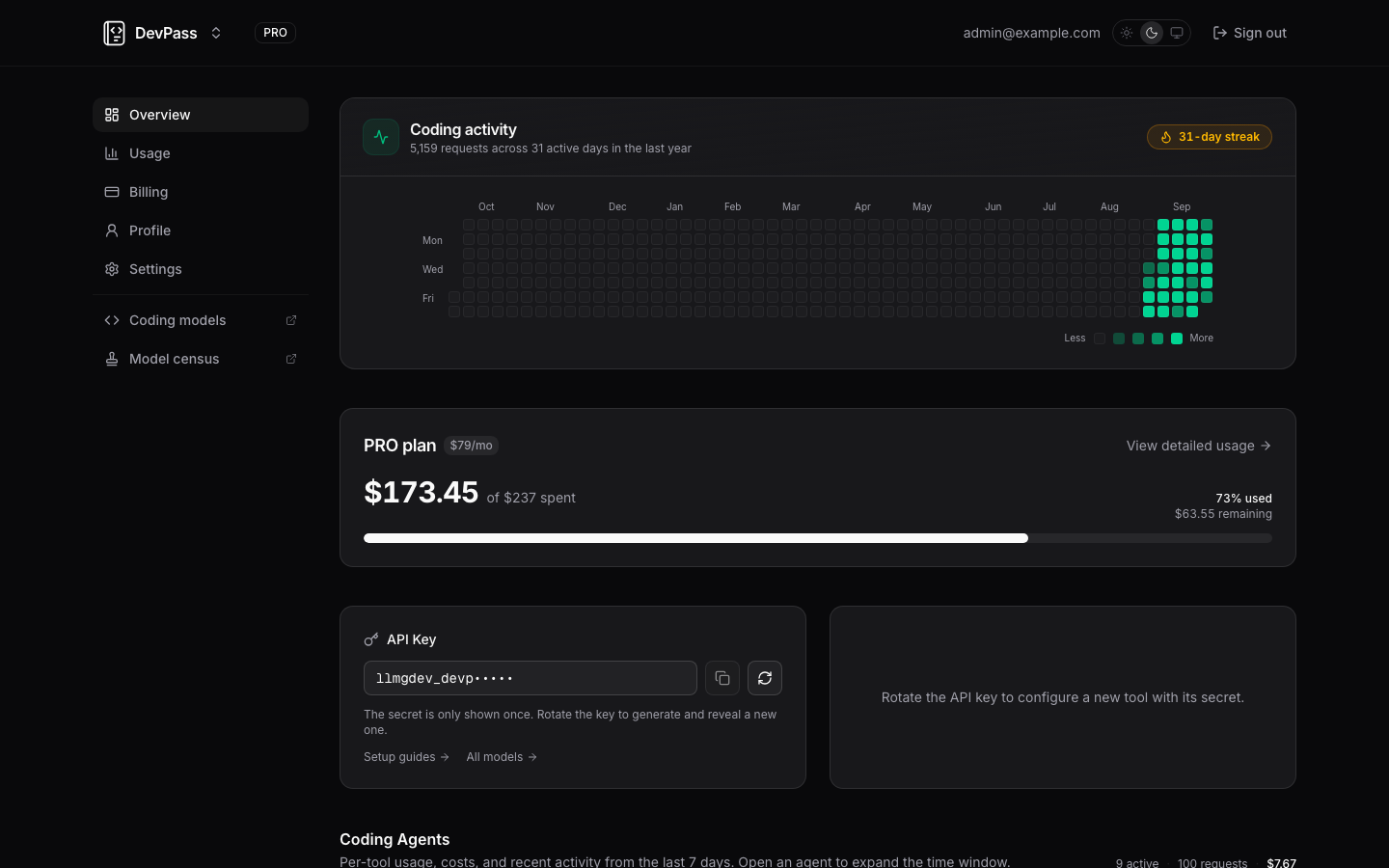
Open the DevPass dashboard. Rotate the key under API Key to reveal it once. The Quick start panel next to it then shows the exact setup for each supported tool.
Point your tool at DevPass
For Claude Code, set two environment variables and run claude as usual:
export ANTHROPIC_BASE_URL=https://api.llmgateway.io
export ANTHROPIC_AUTH_TOKEN=your_devpass_key
claude
OpenAI-compatible tools use OPENAI_BASE_URL=https://api.llmgateway.io/v1 and OPENAI_API_KEY instead. Every other tool has its own setup guide.
Watch your usage
Requests appear in Coding Agents, broken down by tool. Allowance meters on the dashboard show what is left this month and this week.
Take the tour
Explore DevPass
Other products
How is this guide?
Last updated on