Reasonix Integration
Configure Reasonix with LLM Gateway and verify a coding task.
Reasonix is an open-source coding agent with a terminal interface, desktop app, and editor integration. Its current release supports OpenAI-compatible endpoints, so you can connect it directly to LLM Gateway.
This walkthrough was verified with Reasonix 1.38.1: the agent read a TypeScript project, edited a function, and ran its tests through the gateway.
Video walkthrough
Install
Install the current native CLI:
pnpm add -g reasonix
reasonix --version
See the official installation instructions for other platforms and installation methods. These instructions apply to Reasonix 1.x; the older 0.x release uses a different configuration format.
Connect to LLM Gateway
Run the provider setup:
reasonix setupAdd an OpenAI-compatible provider with these values:
| Setting | Value |
|---|---|
| Provider name | llmgateway |
| Base URL | https://api.llmgateway.io/v1 |
| API key | Your LLM Gateway API key |
| Model | A text model with tool support from the models page |
Choose Save and exit, then select this provider as your default.
Reasonix stores provider definitions in ~/.reasonix/config.toml on macOS and Linux, or %AppData%\reasonix\config.toml on Windows. A minimal configuration looks like this:
default_model = "llmgateway"

[[providers]]
name = "llmgateway"
kind = "openai"
base_url = "https://api.llmgateway.io/v1"
model = "deepseek-v4-flash"
api_key_env = "LLMGATEWAY_API_KEY"
headers = { x-source = "reasonix" }
The model above is the example used for this walkthrough. Copy your preferred model ID from the live catalogue.
Save the key through reasonix setup. The api_key_env field names the entry in Reasonix's own .env file. Current Reasonix reads provider secrets from that file inside its configuration directory; exporting a shell variable alone does not configure the key.
Using DevPass? Use a canonical model ID without an upstream provider prefix. The gateway selects the serving provider for coding plans.
Try a coding task
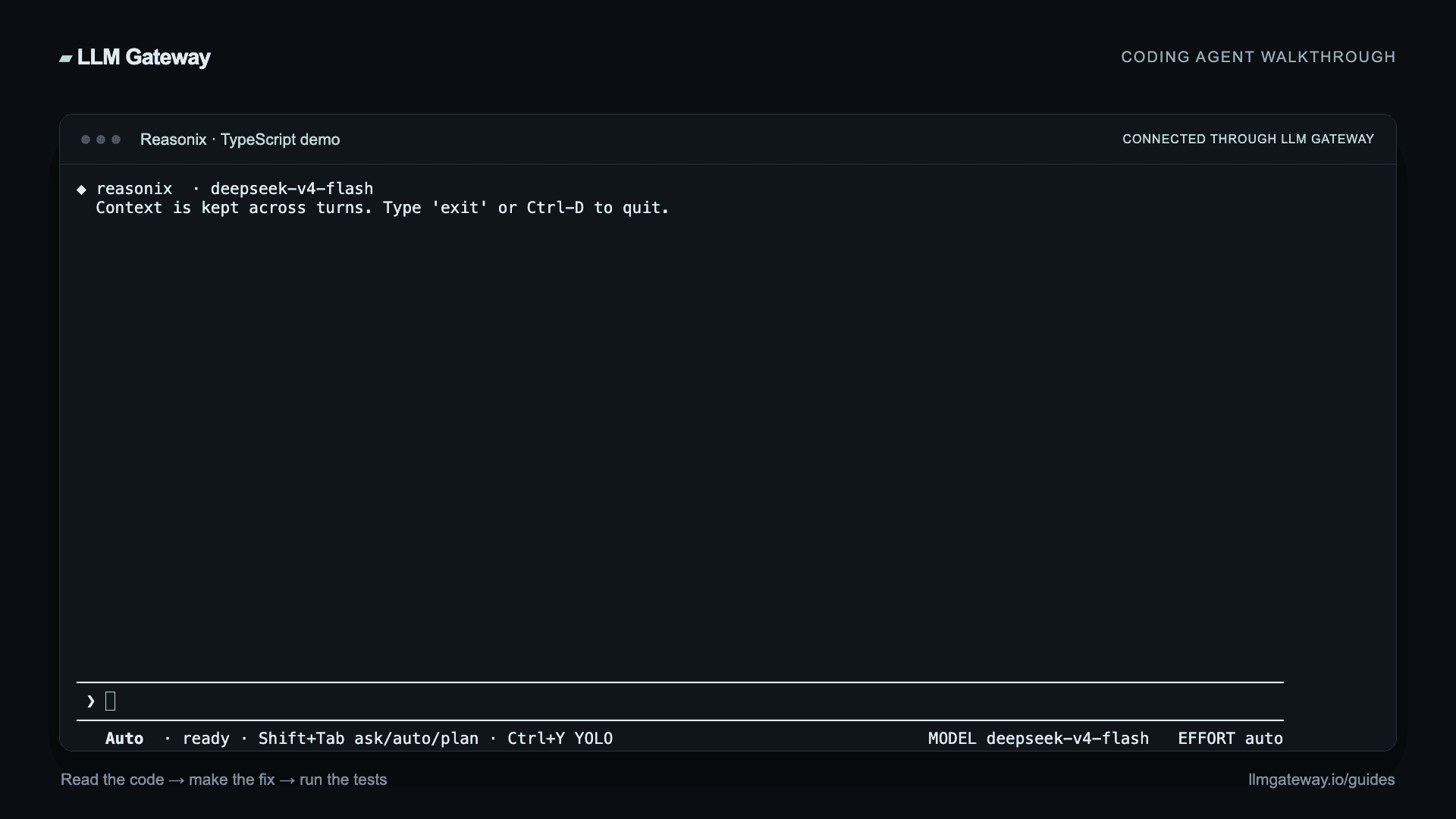
Start Reasonix from your project directory:
cd your-project
reasonix
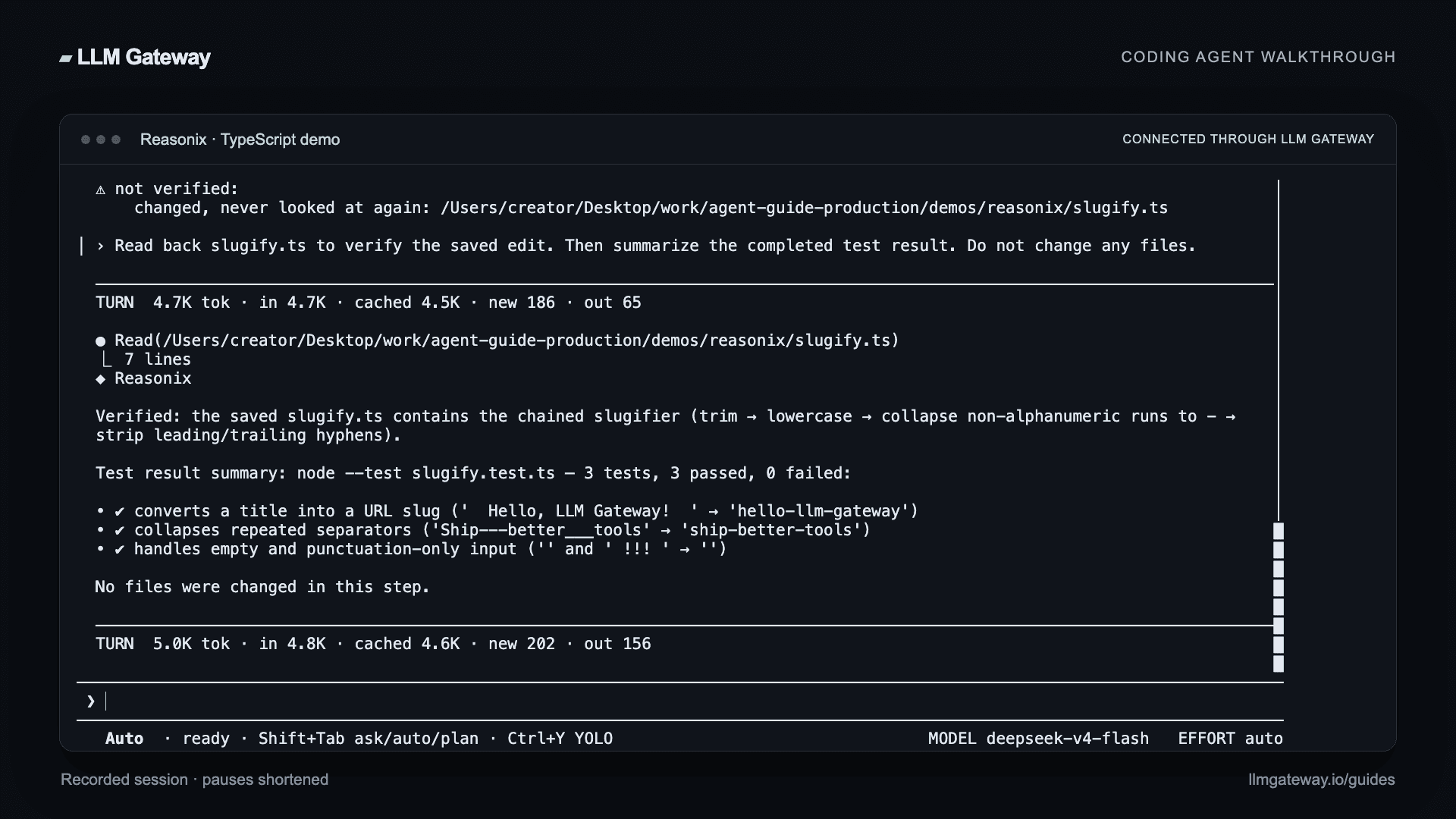
Ask it to fix a specific problem and verify the result:
Fix slugify.ts so all tests pass. Read the files, make the smallest fix,
run node --test slugify.test.ts, and summarize. Do not edit the tests.
Reasonix can read files, propose edits, and execute tests. Review any permission prompts before allowing commands. For a one-shot task, use reasonix run "your task".
Check the request's model, tokens, and cost in your LLM Gateway dashboard.
Troubleshooting
Missing key or authentication error
Open reasonix setup and save your LLM Gateway key for the configured provider. Check that api_key_env matches the entry in Reasonix's own .env file. Keep that file out of your project repository.
Model not found
Copy the exact ID from the models page. In Reasonix, --model llmgateway selects the configured provider; the provider's model field selects the gateway model.
Requests go to another provider
Set default_model = "llmgateway", or launch with reasonix --model llmgateway. Check for a project-level reasonix.toml, which can override your user configuration.
Connection errors
Use kind = "openai" and include /v1 in the base URL. For configuration and diagnostic commands, see the Reasonix guide.
How is this guide?
Last updated on