Autopilot
Ask the dashboard where something is, or have it done for you, by text or voice
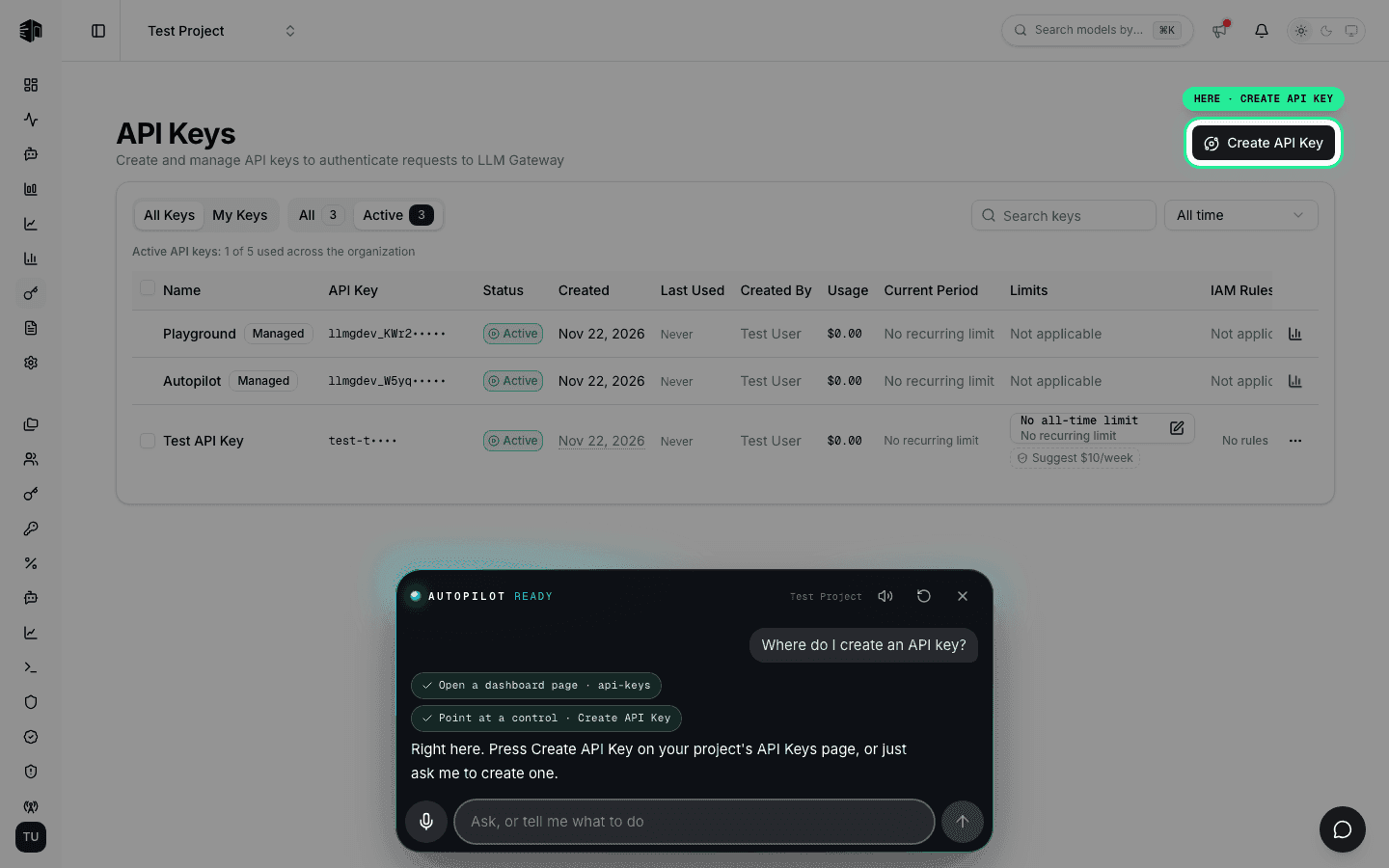
Autopilot is an assistant docked at the bottom of the dashboard. Ask it where something lives and it opens the page and points at the control; ask it to do something and it does it for you, after you approve.
Autopilot appears for owners and admins of organizations with a credit balance. Its model and transcription requests are billed to those credits like any other gateway request, through a managed Autopilot API key in the current project.
Opening Autopilot
Select the Autopilot pill at the bottom of any dashboard page, or press ⌘J (Ctrl+J on Windows and Linux). Press Esc while the dock has focus, or select Close, to collapse it; the conversation stays until you select Start over, switch organization, or reload the page.
Asking by text or voice
Type a request and press Enter, or select the microphone and speak. Recording stops on its own when you stop talking, and you can select the button again to stop it earlier. Replies to spoken requests are read aloud; the speaker button mutes them.
The glow around the dock shows what Autopilot is doing:
| Status | Meaning |
|---|---|
| Ready | Waiting for a request |
| Listening | Recording your voice |
| Transcribing | Turning your recording into text |
| Thinking | Deciding what to do |
| Working | Opening a page or running an action |
| Needs approval | Waiting for you to approve or deny a write |
Showing where things are
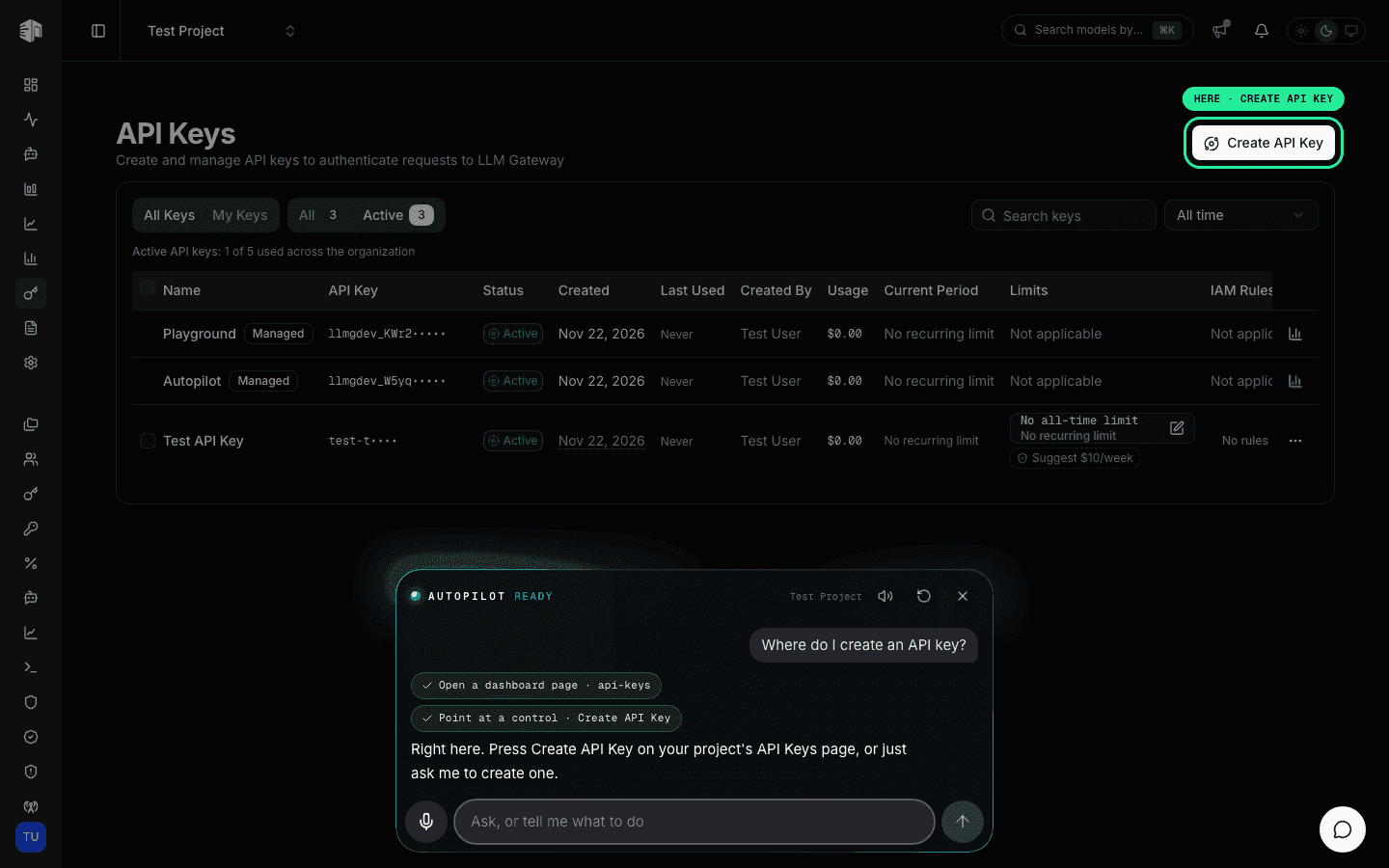
Ask "Where do I create an API key?" or "Show me where I add credits". Autopilot opens the page and rings the control. The ring clears after a few seconds, or as soon as you click or type.
Doing things for you
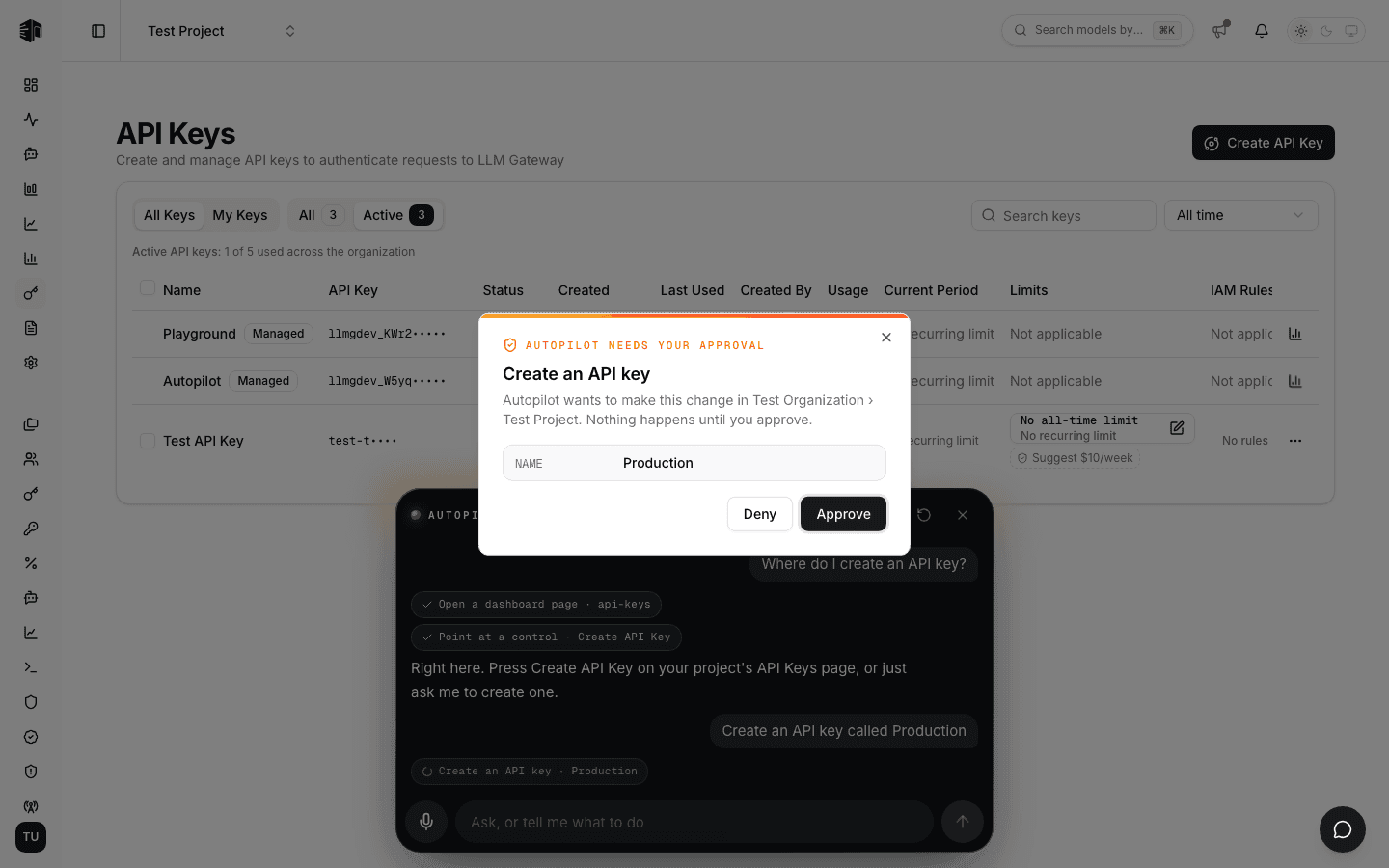
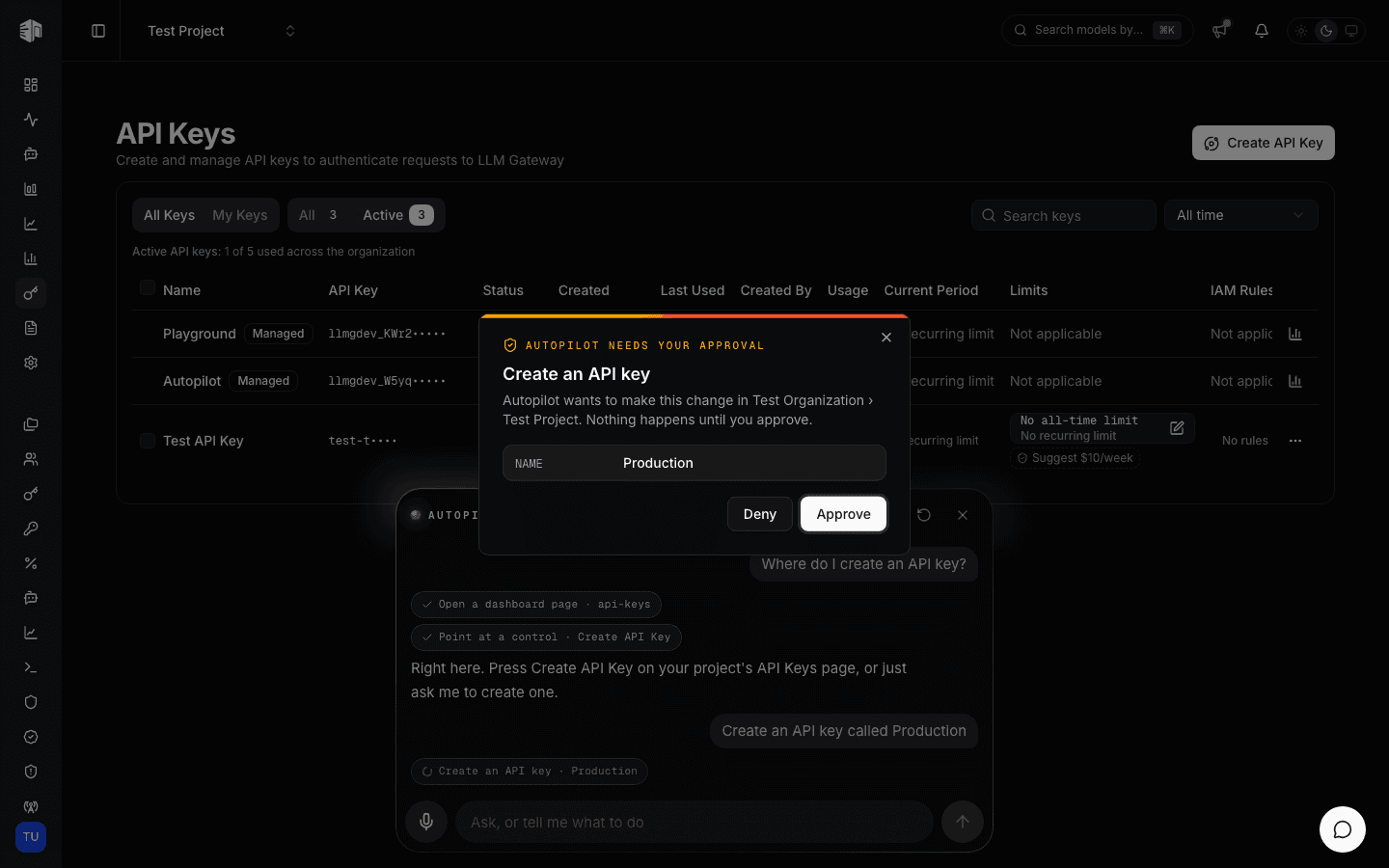
Ask "Create an API key called Production" and Autopilot opens the page that offers the action, then stops at an approval dialog showing exactly what it is about to change. Nothing is written until you select Approve; Deny leaves everything as it was.
Reading and navigating never ask for approval. Autopilot acts with your own session, so it can only do what your role allows.
A new API key's secret is shown once, in the dock, for you to copy. It is never sent to the model.
How it works
Each dashboard page describes what it can do as WebMCP tools on document.modelContext, and Autopilot can only use the tools of the page that is open. A tool that changes data is not marked read-only, which is what triggers the approval dialog. Browser agents that support WebMCP see the same tools.
How is this guide?
Last updated on